CHAPTER 5 — FRONT PANEL DISPLAYS
In this chapter you will find instructions on how to obtain the
readings that the
ElNet GR/PQ
Electrical Measurements
& Power Quality
provides, e.g., Current, Voltage Power, Power
Factor, Energy, and Power quality.
5.1 Current for 3 Phases
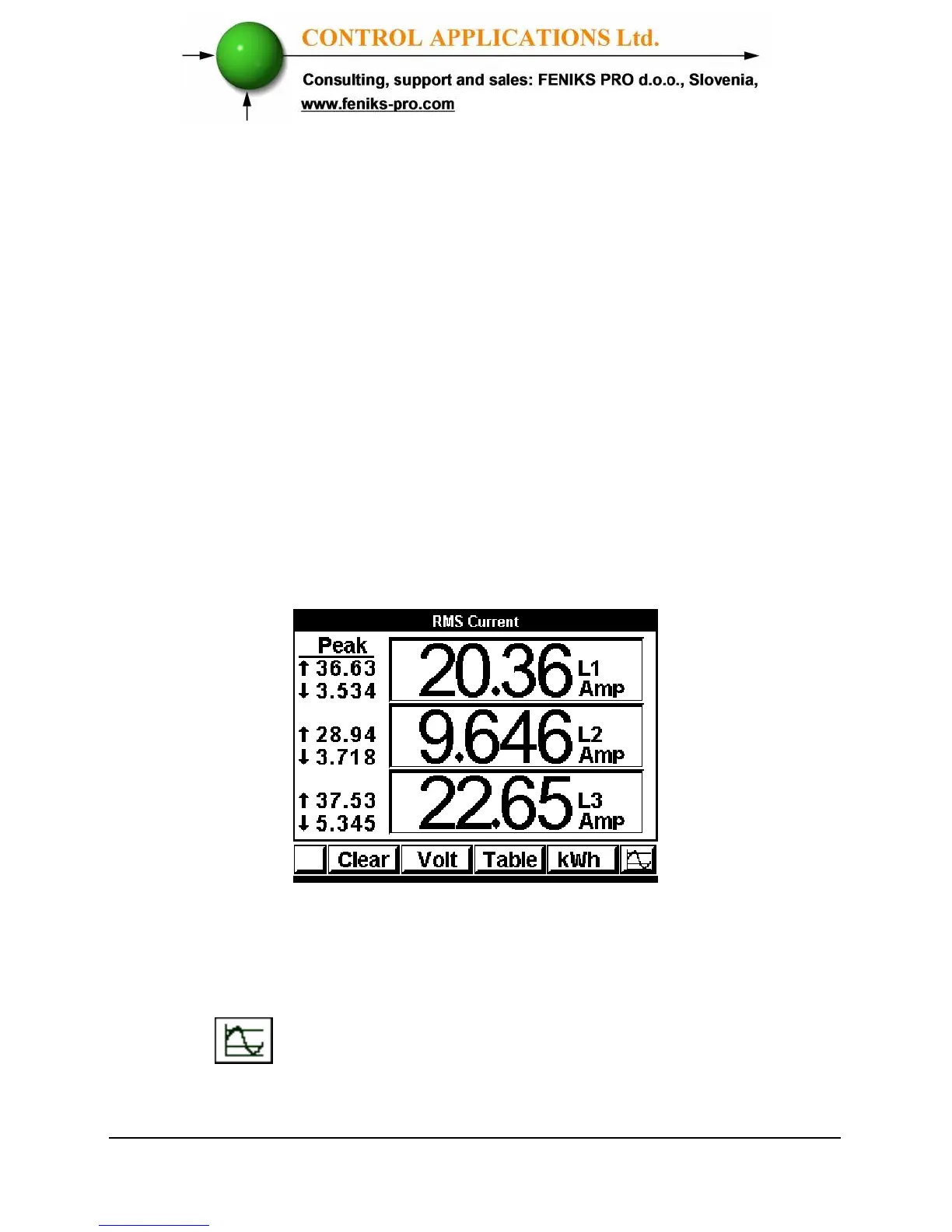
To display Current for all 3 Phases
1 From Main Menu scroll to Current & Voltage.
2 Click
“Enter”
The RMS Current screen appears.
Figure 5.1. Current Display
3 Read the Current for Line1, Line2 and Line3.
4 In order to view the readings in online graphical
mode press on the "Enter" button.



 To Next Page