59
5.11.2 Harmonics Bar Graphs
To display Harmonics Bar Graphs
1 From Main Menu scroll to Power Quality Display.
2 Click
“
Enter
”,
the Power Quality screens appears
(Figure 5.14).
3 Scroll to Harmonic (Graphs).
4 Click
“
Enter
”,
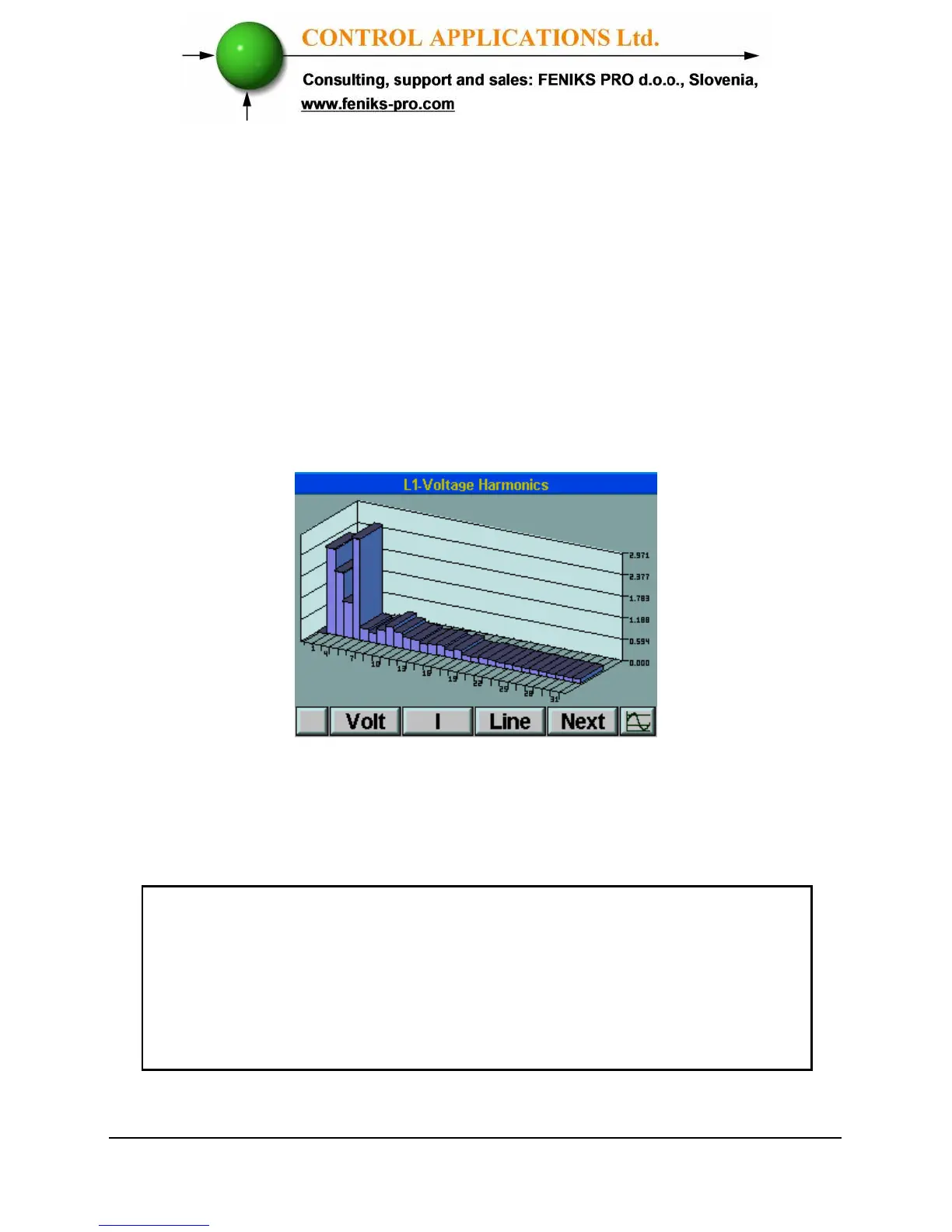
the Harmonics Volt Bar Graph
screens appears.
Figure 5.16. Harmonics Bar Graph
5 Press “F3” to change Harmonics Volts Bar Graph
to Line 1, Line 2, Line 3 and Lines 1,2,3 together.
1
st
Harmonics is normally 100%. If shown together with
the other Harmonics, distortion to the rest of the
Harmonic Bar Graph will occur. By toggling
“F4”
, the
ElNet
Energy & Powermeter is able to separate
1
st
Harmonics to prevent this distortion.



 To Next Page