73
6.2. Display Alarms Report
Two alarm reports can be generated:
Historical alarm report – includes all the information about fixed
alarms (return to normal status).
Current alarm report - includes all the information about existing
alarms.
1 In order to generate an alarm report, from the Main
Menu scroll to
“Alarm report
“ and press “Enter”.
2 Scroll to
“Historical Repot”
or
“Current report“
and
select one of them by using “F3” or “F4” and press
“Enter”. A list of alarms appear.
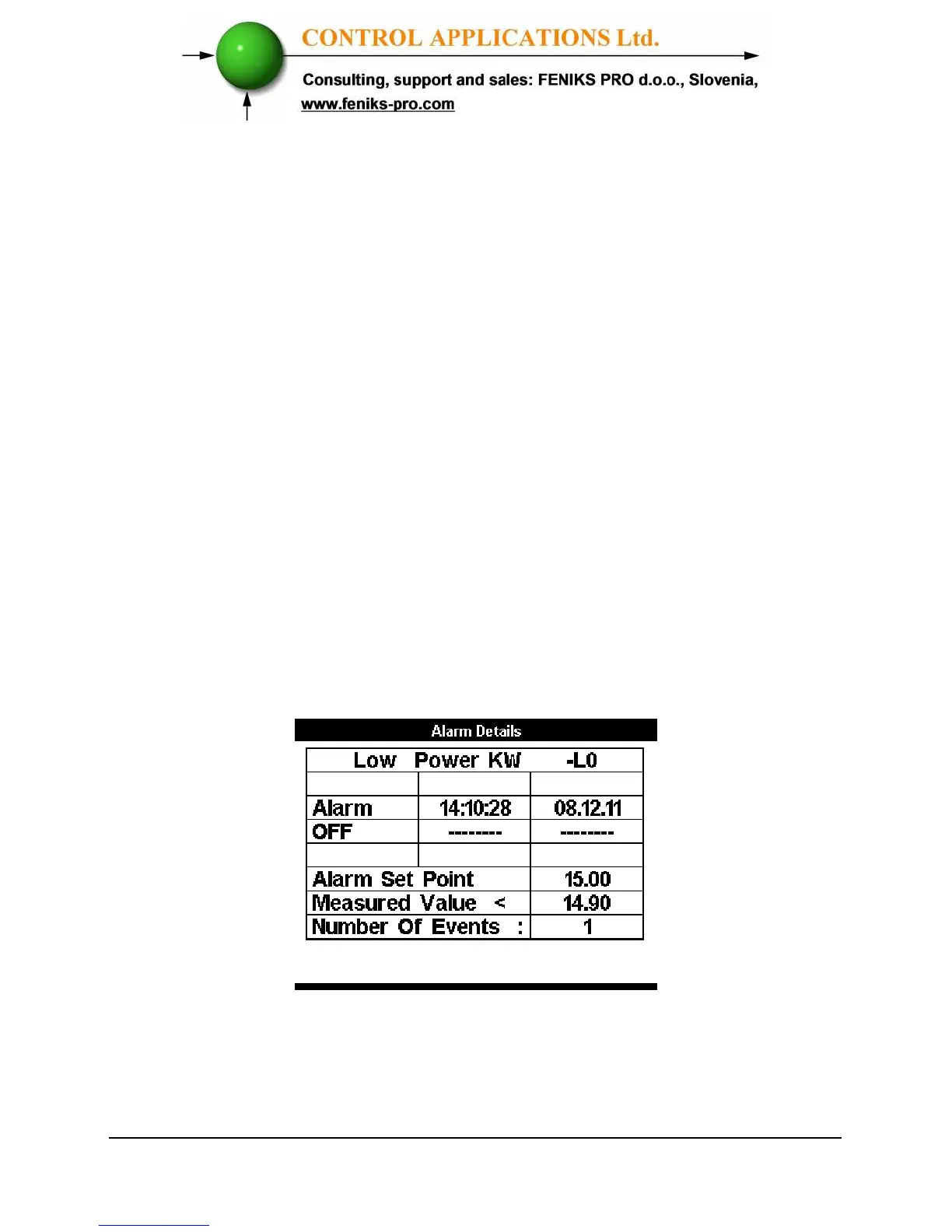
3 Press “INFO” (F1) in order to get detailed
information. The following screen appears.
Figure 6.4. Alarm Details



 To Next Page