CHAPTER 3 — USING THE ElNet Meter
In this chapter you will find descriptions and functions of the
front panel and the control buttons and how to use them.
3.1 Front Panel
To operate the front panel
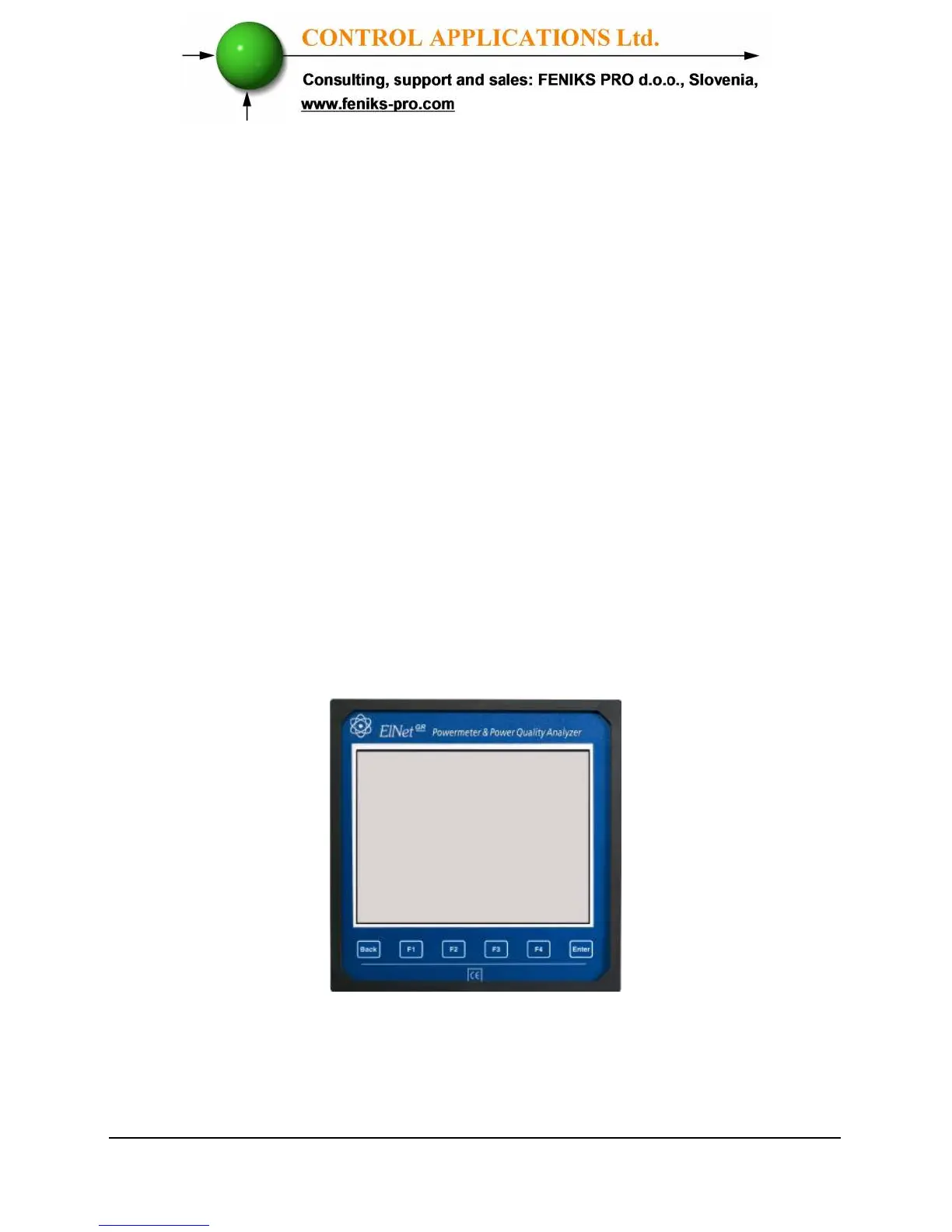
The Front Panel has a graphic screen and 6 operating buttons.
All the readings are shown on a state of the art 160 X 128
resolution graphic screen and are explained in detail in Chapter 5.
The Control Buttons and their functions are fully explained in
Section 3.2.
Figure 3.1. Front Panel



 To Next Page