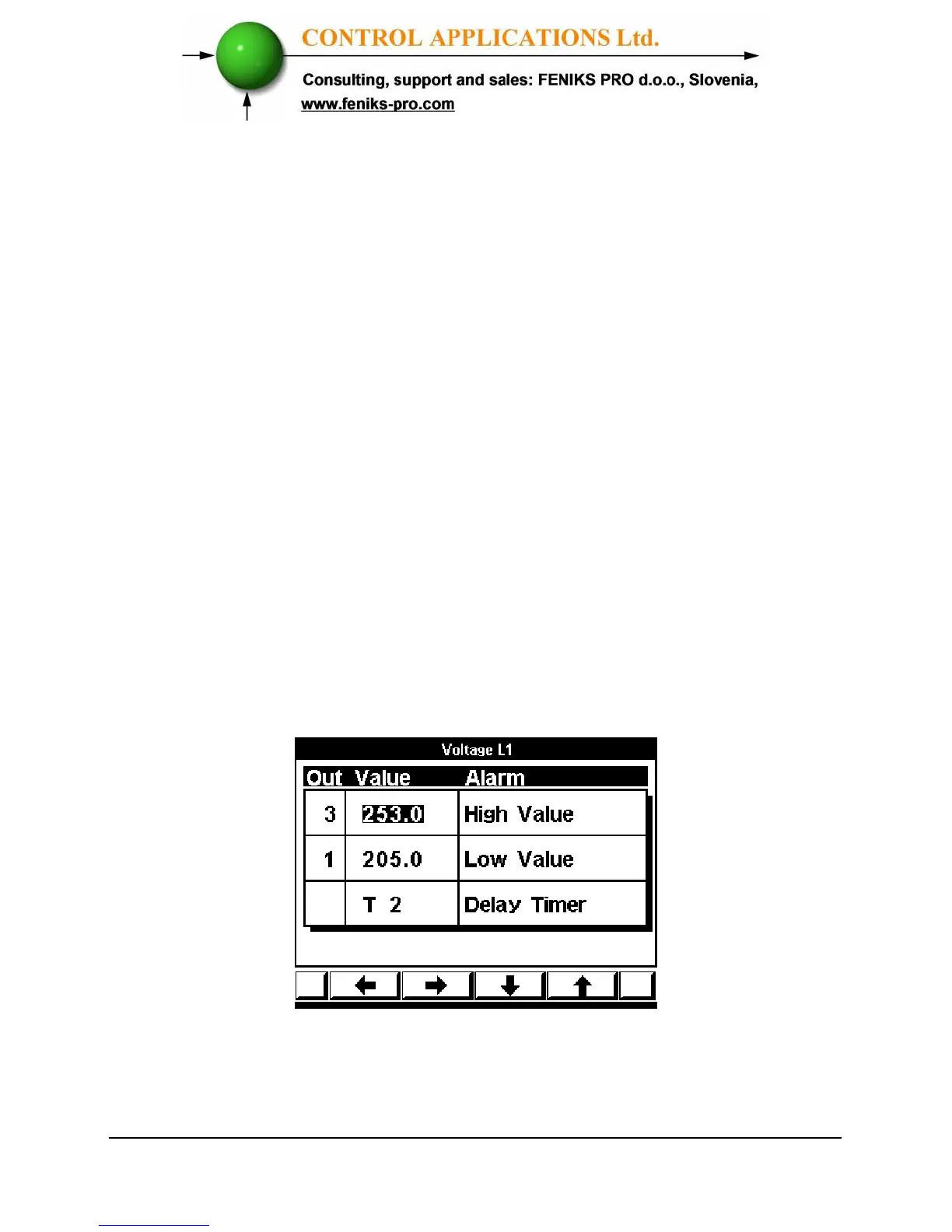
The user can select one of sixteen different timers in order to delay each one
of the alarms.
6.1. Alarm setting
See chapter No. 4.1 how to get in the Technical Menu from the main
screen.
From the Technical Menu select “Alarm setting” and press Enter. The
Alarm Setting Screens appear. (See figure 6.1).
From this screen you will be able to set alarms for Voltages, Currents,
Active Power, Power Factor, Harmonics alarms and to set the values
for 16 delay timers that can be linked to each one of the alarms.
For each alarm the user can define:
High alarm – The set point above which the alarm will be generated.
Low alarm – The set point below which the alarm will be generated.
Delay timer
– One of sixteen timers that define the time duration that
the alarm should be “ON” in order to be written in the memory.
Figure 6.2. Alarm user defines



 To Next Page