5.10 Active/ Reactive/ Apparent Energy
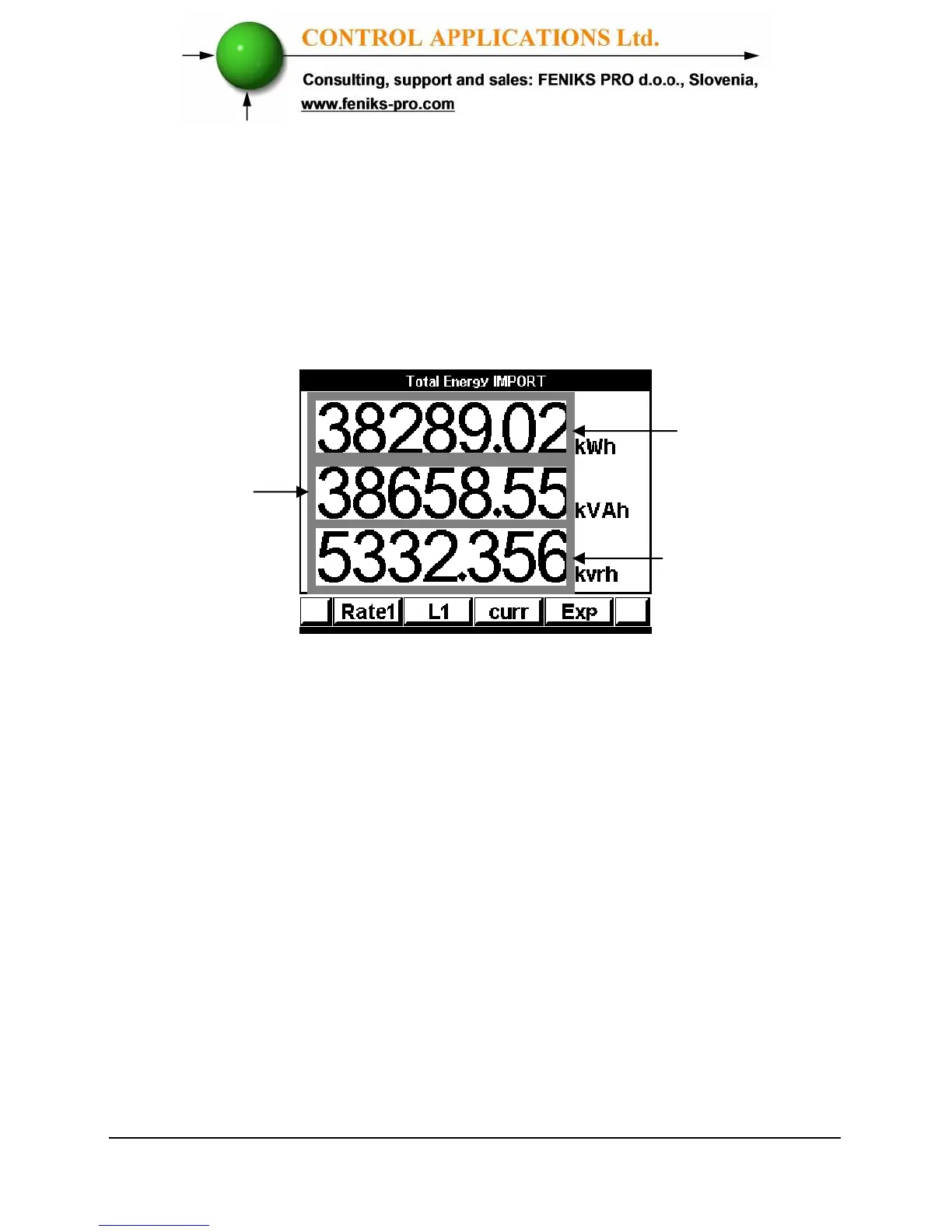
To display Overall Active/Reactive/Apparent Energy
1 From Main Menu scroll to Energy Display.
2 Click “Enter”, the Energy Meter screen appears.
Figure 5.12. Energy Meter
3 Click “F1” to read Energy in each Rate at Rate1,
Rate 2 and Rate3.
4 Click “F2” to read Energy at Phase at Line1, Line2
and Line 3.
5 Click “F4” to read Export/Import Energy.
6 To return to Main Menu click “Back”.
Active



 To Next Page