43
4.7 Setting digital out
The digital output (chapter 2.5) can be used as an alarm, pulse,
time table or trip (PQ only) output, in order to set the digital
output - See section 4.1 for instructions to arrive at the Technical
Menu.
From Technical Menu:
1 Scroll to Next and click “ENTER”
2 Scroll to Digital Out Setup and click
“ENTER”
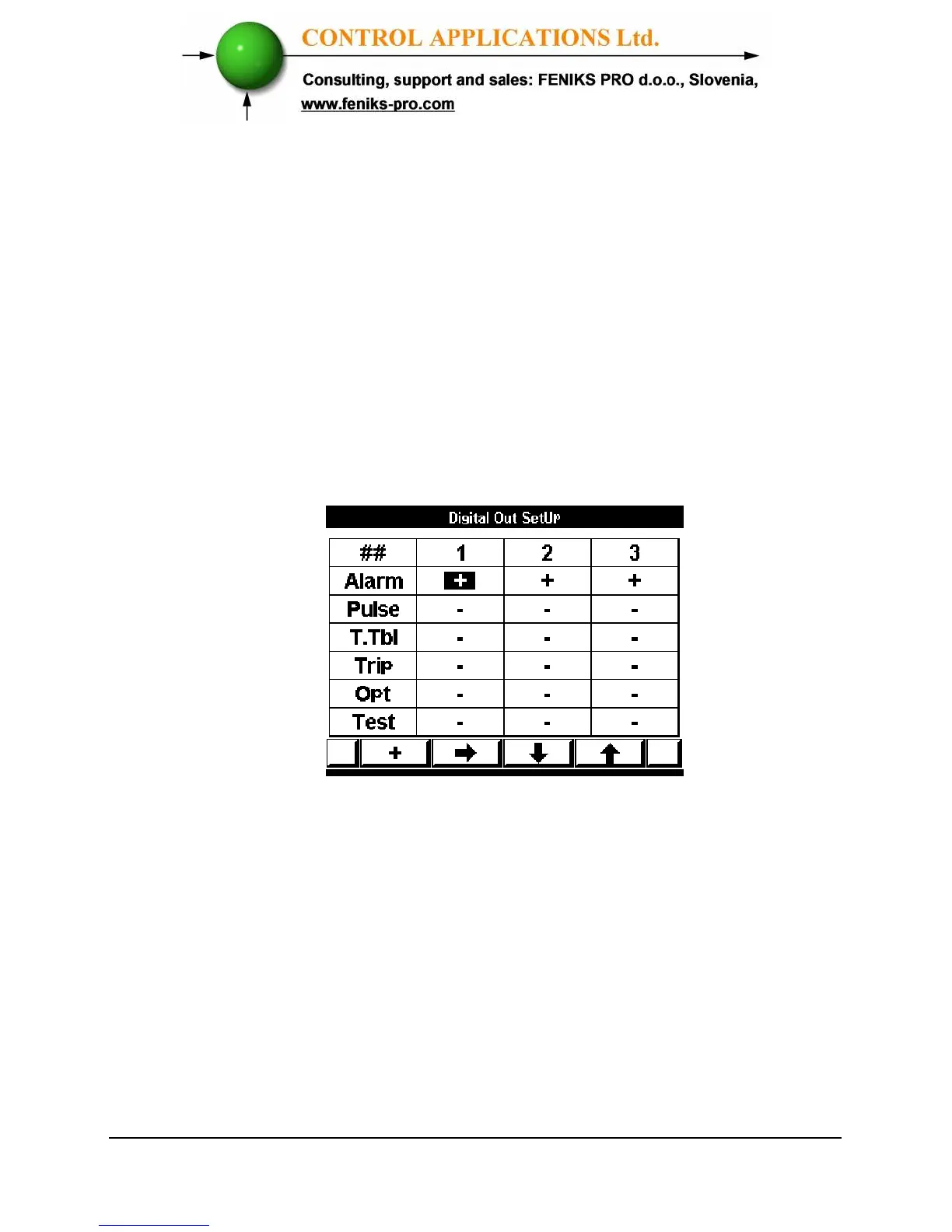
3 The Digital Out Setup screen appears.
Figure 4.12. Set Digital Out
4 Use “F2”,”F3” or “F4” to scroll to the
relevant mode and digital out number.
5 Use “F1” for set the mode.



 To Next Page