29
3.2 Control Buttons
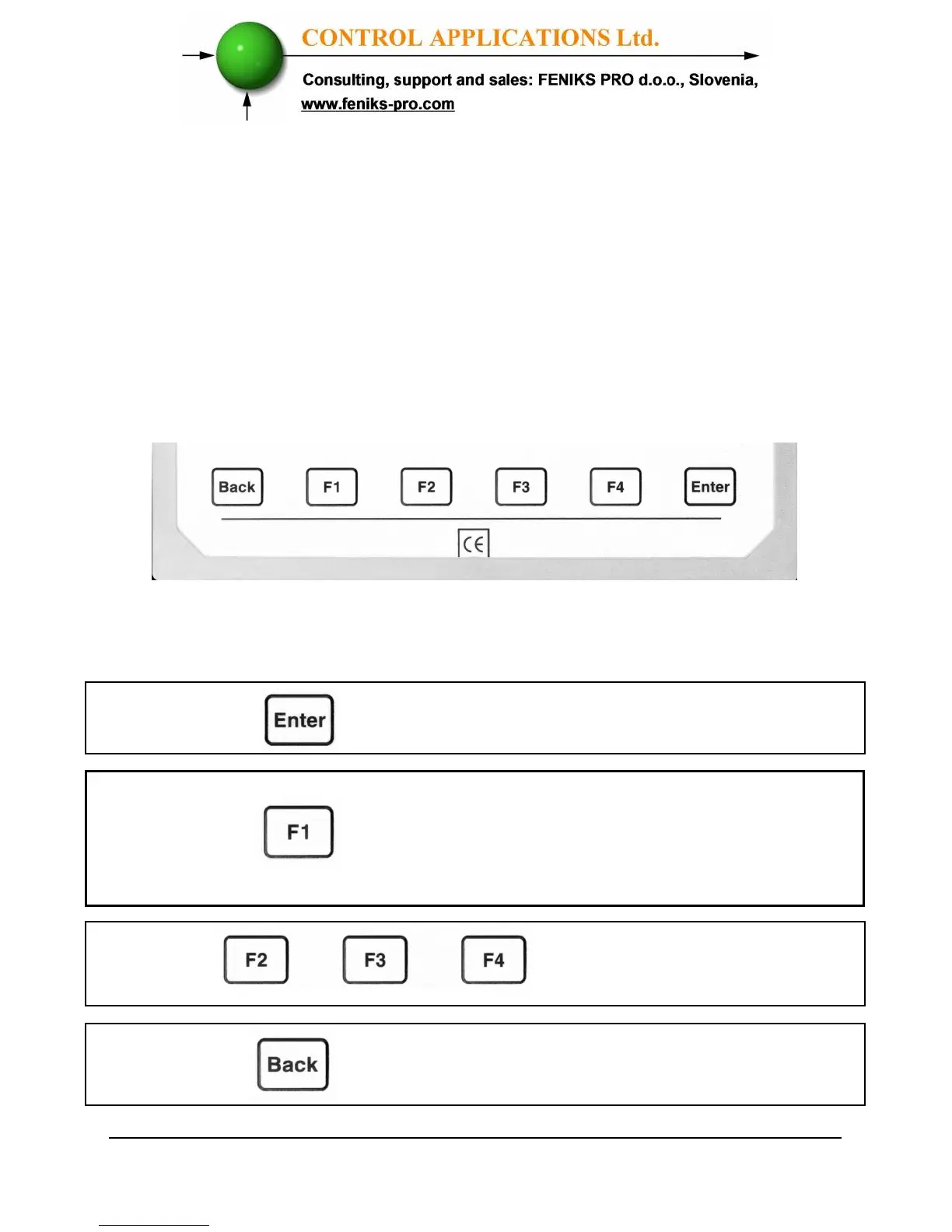
To operate the Control Buttons on Front Panel
The
ElNet
Energy & Powermeter has six
Control Buttons.
With these buttons the user can achieve all the functions
necessary.
The Control Buttons are arranged on a keypad below the display
screen and require slight finger pressure to click.
Figure 3.2. Control Buttons
performs the function that the arrow
above is pointing to (e.g. move the
curser), or selects the prompt that
the arrow is pointing to.
Button
Buttons
performs exactly same
actions as button F1.
Button
returns to the previous step or to the
Main Menu.
Button
accepts the choice and executes the
commands.



 To Next Page