53
5.7 Apparent Power for all 3 Phases (S)
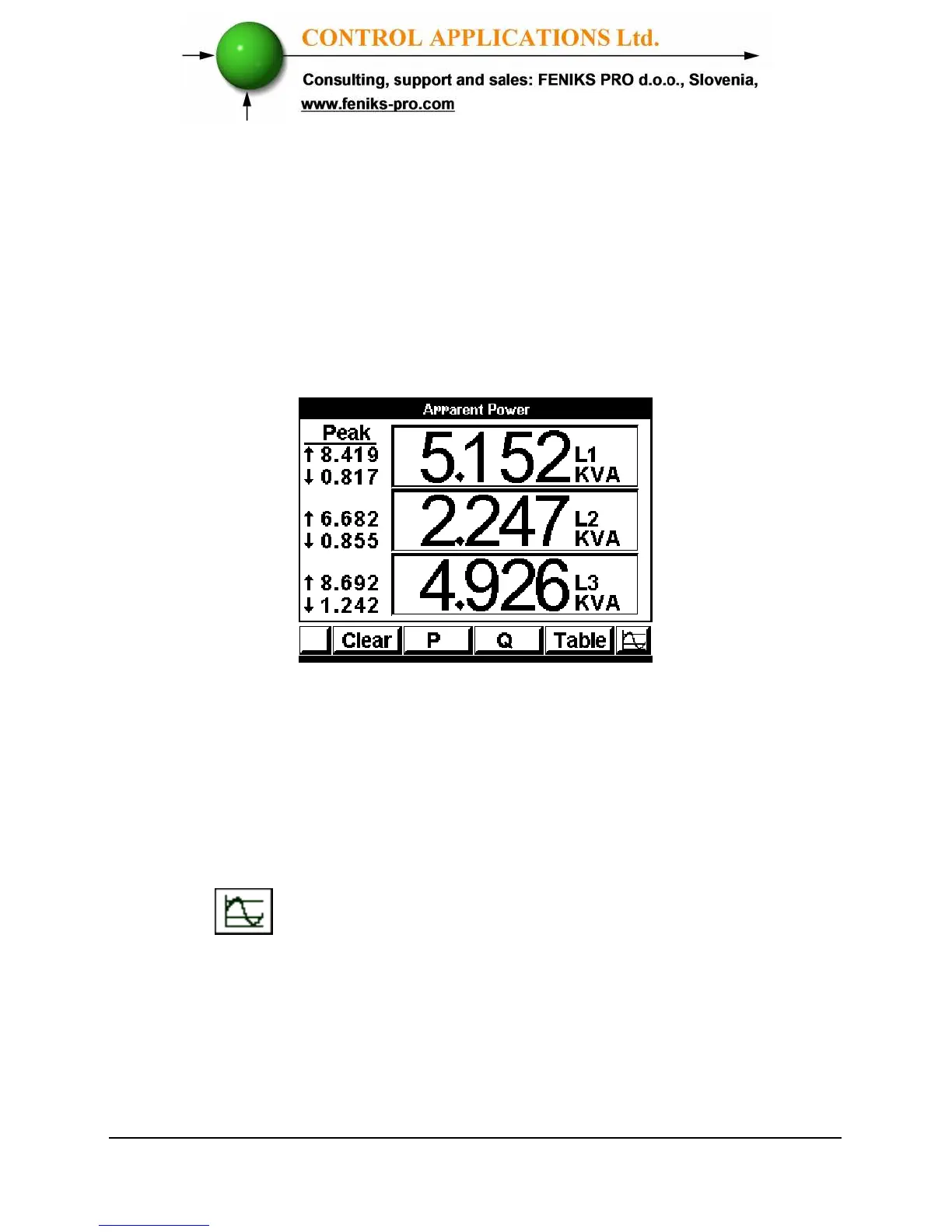
To display Apparent Power for all 3 phases
1 From Main Menu scroll to Power Display.
2 Click “Enter”, the Active Power screen appears
(Figure 5.5).
3 Click “F2” The Apparent Power screen appears.
Figure 5.8. Apparent Power
Refer to section 5.4 for description of peaks.
The “CLEAR” button resets the Peak values.
4 In order to view the readings in online graphical
mode press on "Enter" button.



 To Next Page