72
Set Delay Timers:
Up to sixteen delay timers can be defined in the
ElNet
Meter,
user
can
link for each one of the timers one or more alarms, the delay timer
will check that the alarm is stable and will not write the alarm in the
memory of the
ElNet
unless the alarm is in “ON” position for the
time duration as set.
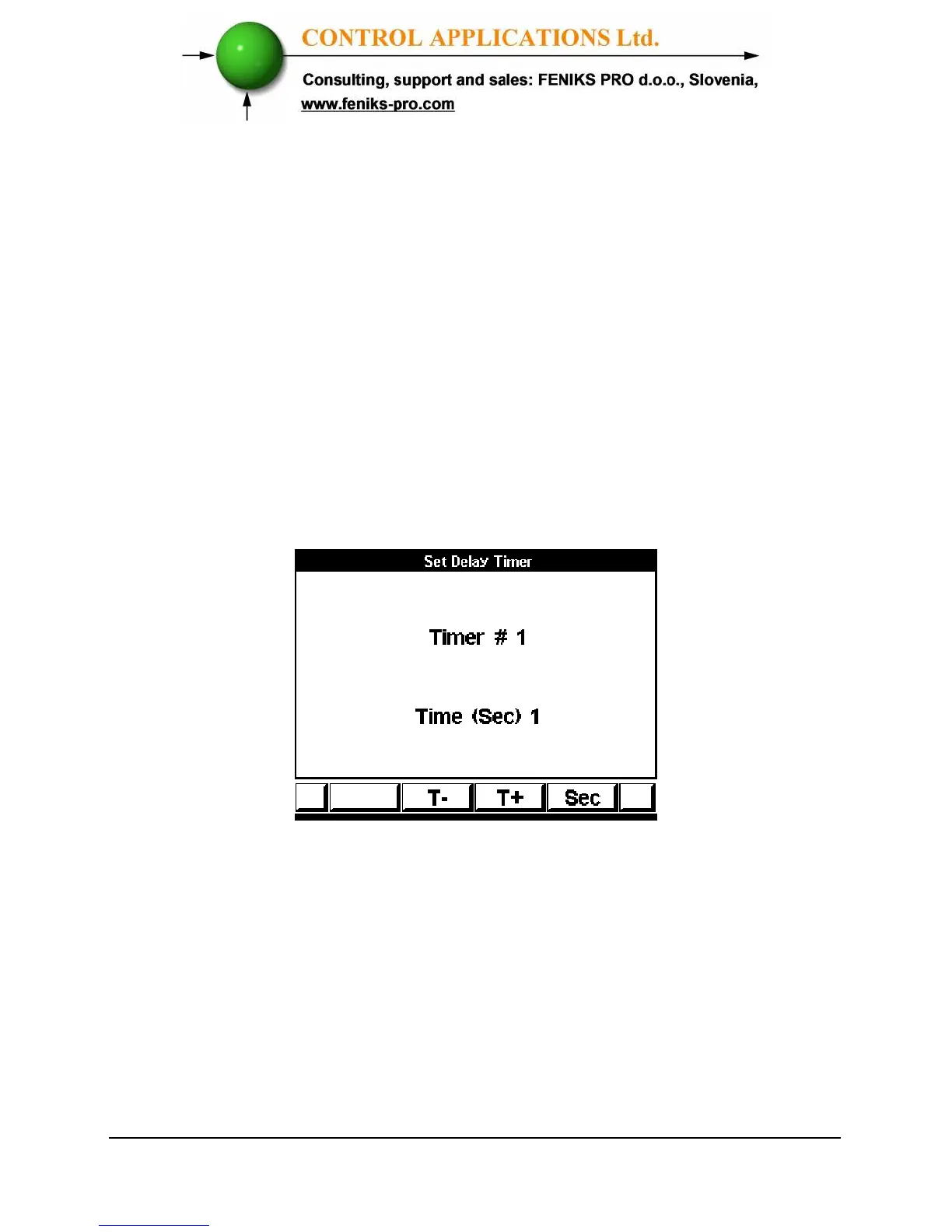
In order to set the time duration for the sixteen timers select “Set Delay
Timer” form the screen described in Figure 6.1. Alarm Setting
Screens the following screen appears.
Figure 6.3. Timer Delay
By using
“T- / T+ “(F2 / F3)
the timer number can be changed.
By using
“SEC “(F4)
the time delay value can be changed
.



 To Next Page