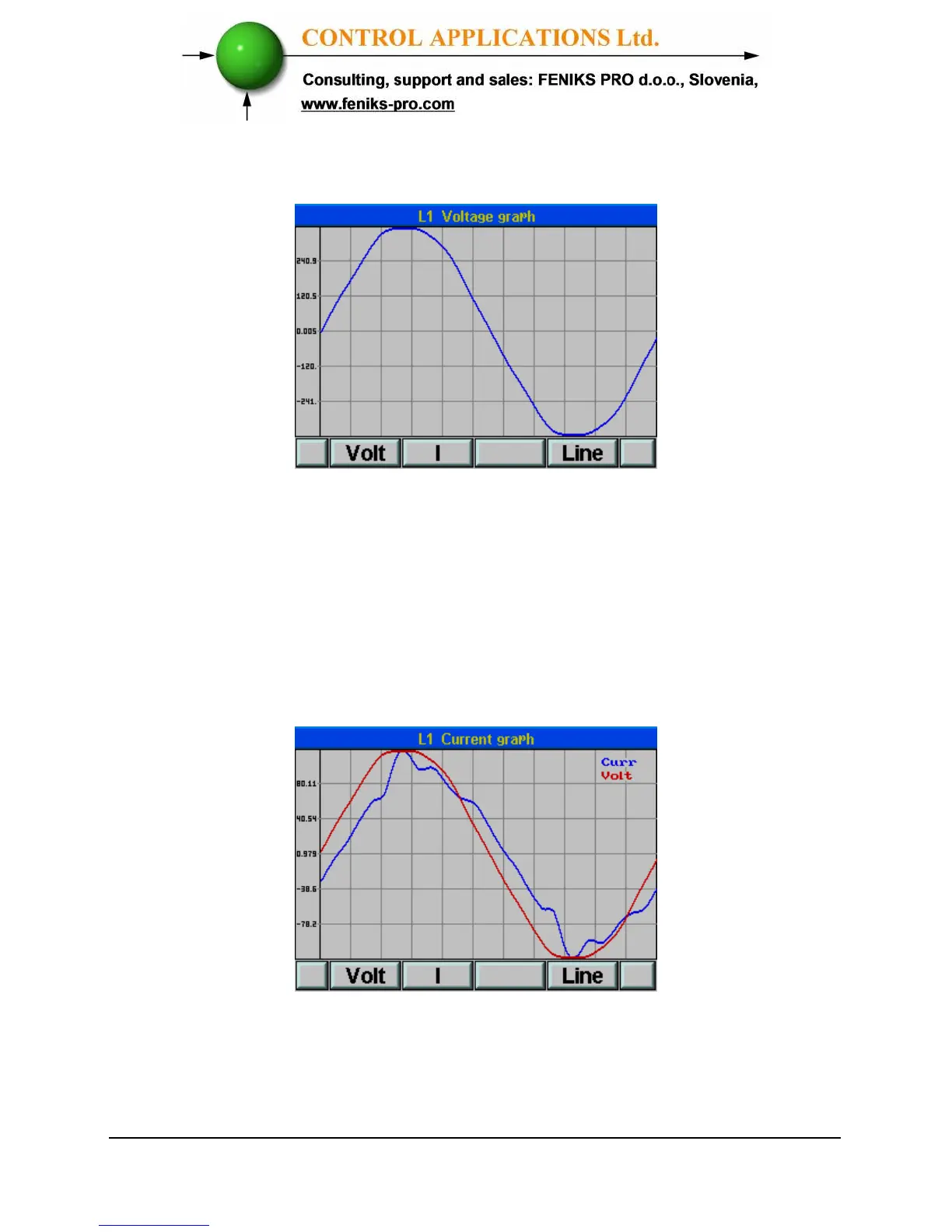
4 Click “Enter”, the Wave Form Graphs screens
appear.
Figure 5.14. Voltage Graph
5 Press “F4” to switch between Voltage Graph Line 1,
Line 2 and Line 3.
To display Current Wave Form Graphs
1 Click
“F2”,
the Current Graph screens appears.
Figure 5.15. Current Graph
2 Press “F4” to change between the Current Graph
Line 1, Line 2 and Line 3.



 To Next Page