31
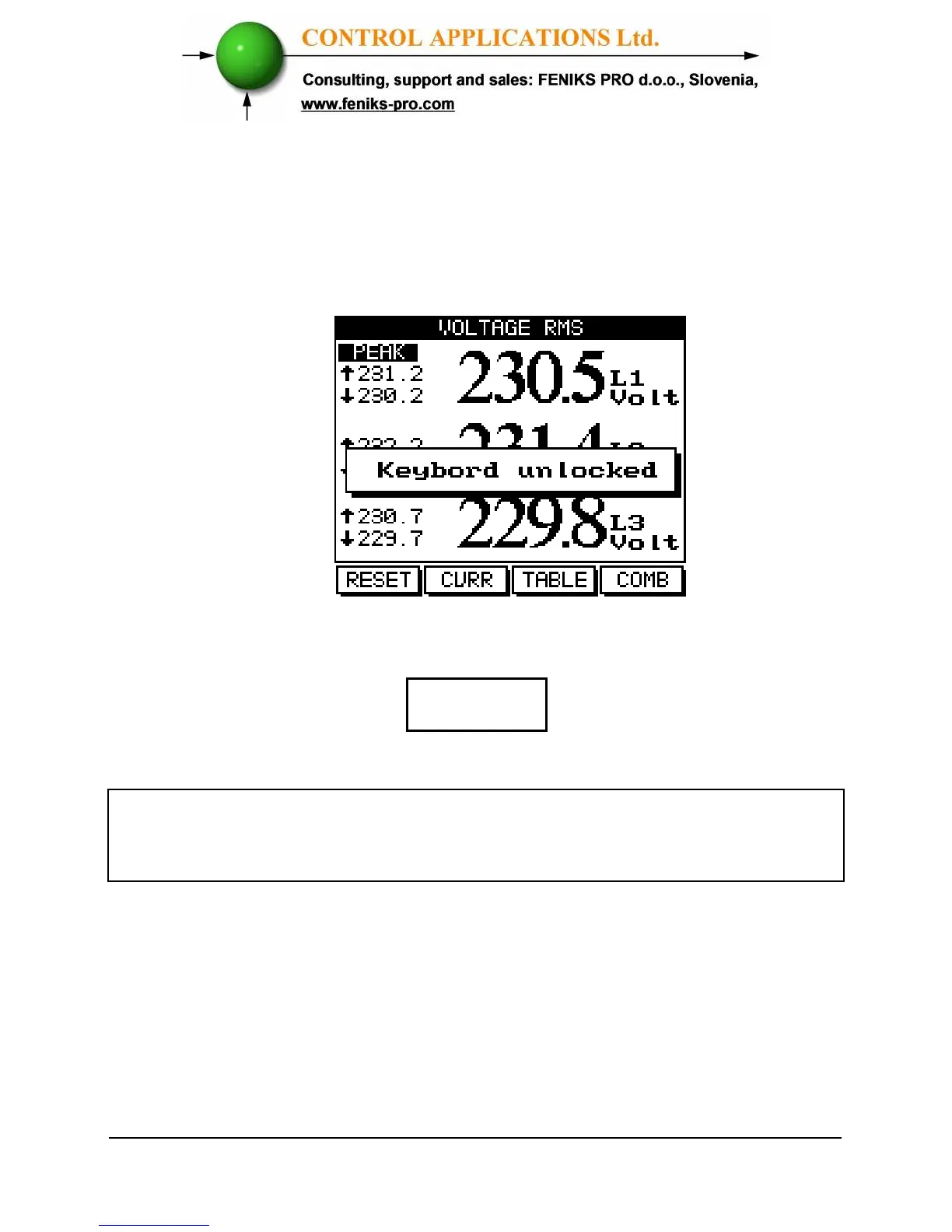
To Unlock simply press “Enter” for six (6) seconds.
A “Keyboard Unlocked!” message appears on the screen and
normal functions can resume.
Figure 3.4. Keyboard Unlocked
In the event of a general power failure, the
ElNet GR
will return to
the screen that was showing before the power failure occurred.



 To Next Page