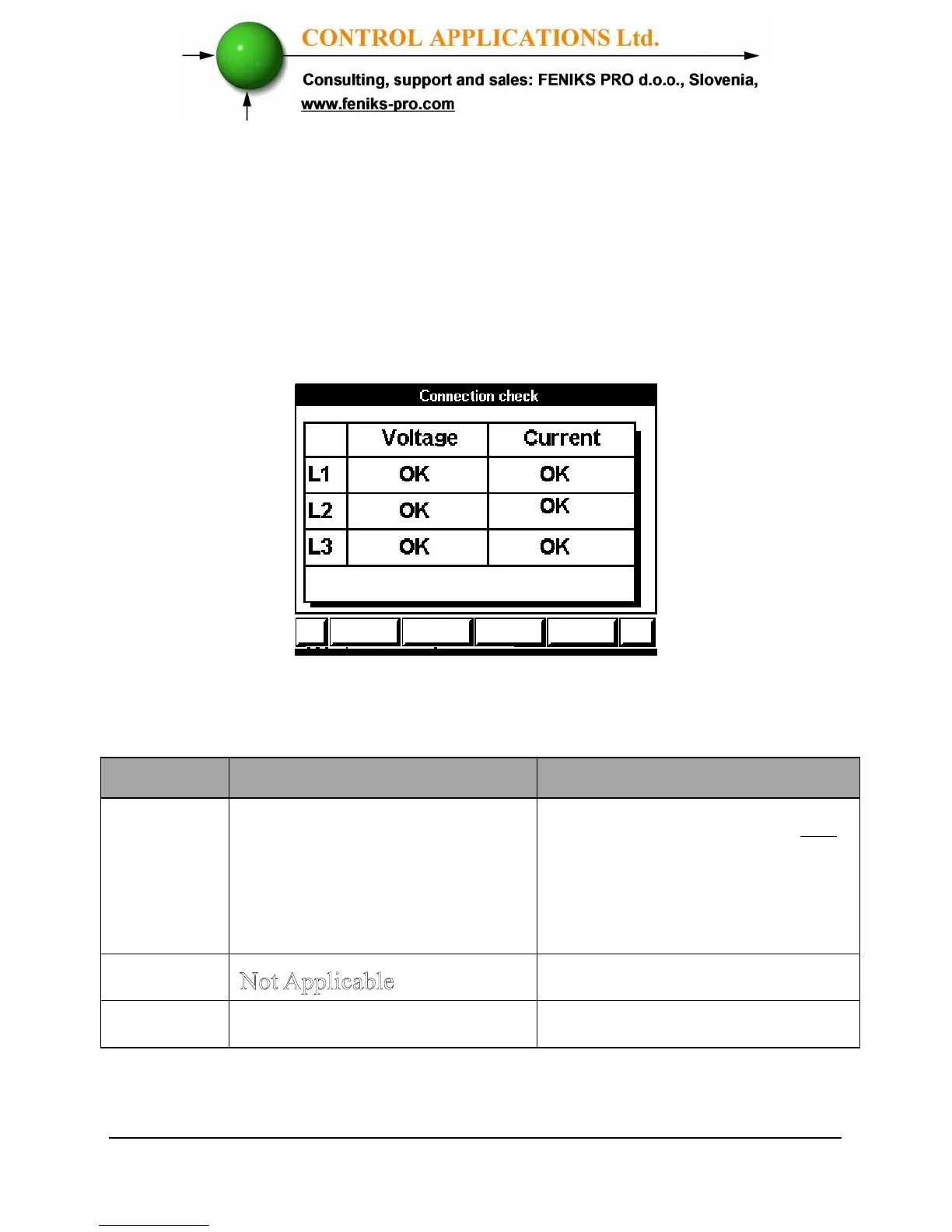
To perform Electrical connection Check
1 Scroll to "Technical menu" and press "Enter".
2 Insert password 11 in the password menu (check
chapter 4.1 for explanation of how to set password).
3 The Connection Check screen appears.
Figure 4.7. Connection Check
Voltage and Current Messages
Message
Voltage Current
OK
Voltage “OK” present on
Lines. If “OK” is not
present on 3 Lines, then its
not connected correctly
Current present in Lines and
synchronized with Voltage
Lines. If “OK” is not present
on 3 Lines, then its not
connected correctly



 To Next Page