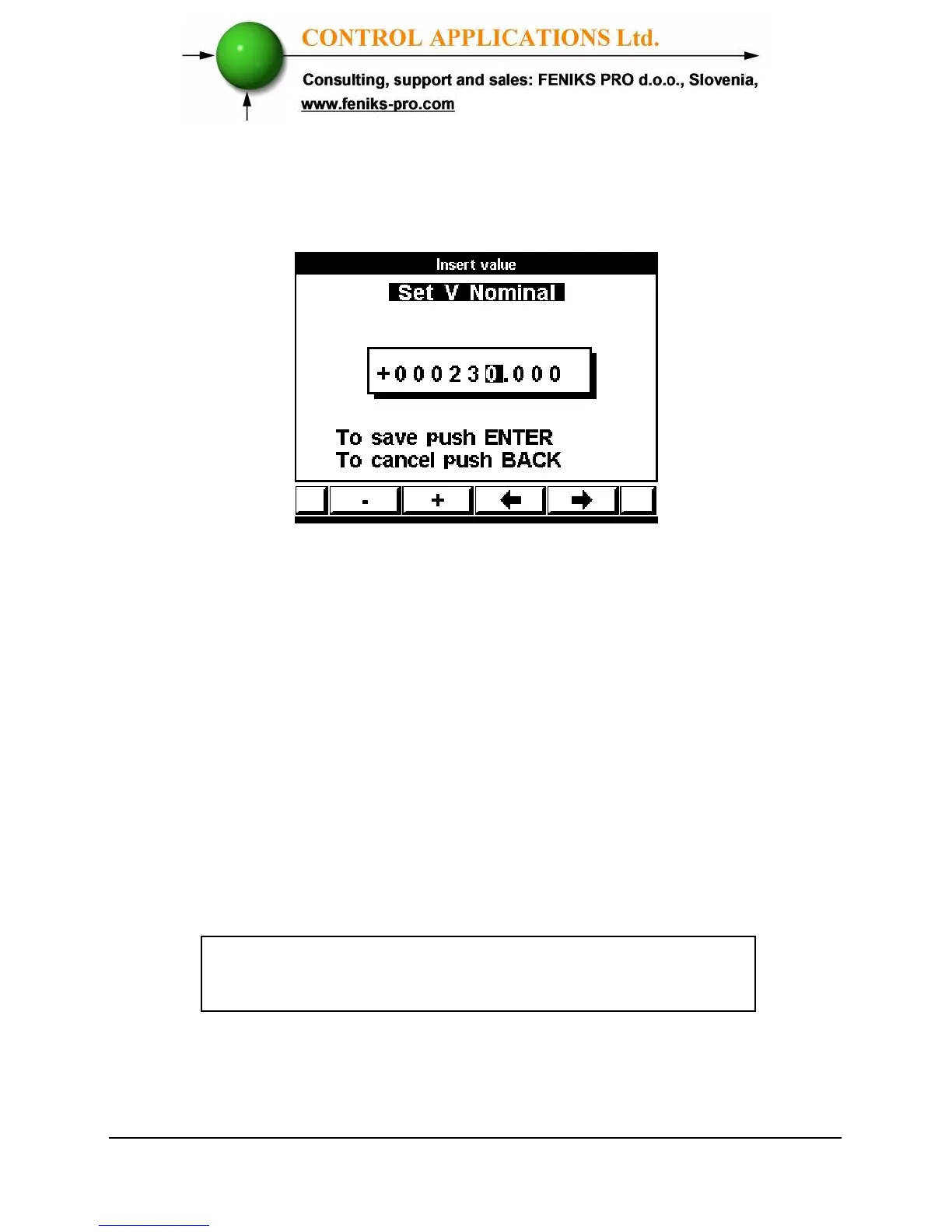
6 Click “Enter”, the Set V Nominal screen appears.
Figure 5.23. Set V Nominal
7 Use button “F3” or “F4” to move the cursor left or
right and Button “F1” or “F2” to decrease or
increase the value + or -.
In order to start the EN50160 mode:
8 To activate the EN50160 mode, scroll to Start
EN50160 and click “Enter”.
9 The line will change to Stop EN50160.
When in the line written STOP EN50160, it means
that EN50160 is Active.



 To Next Page