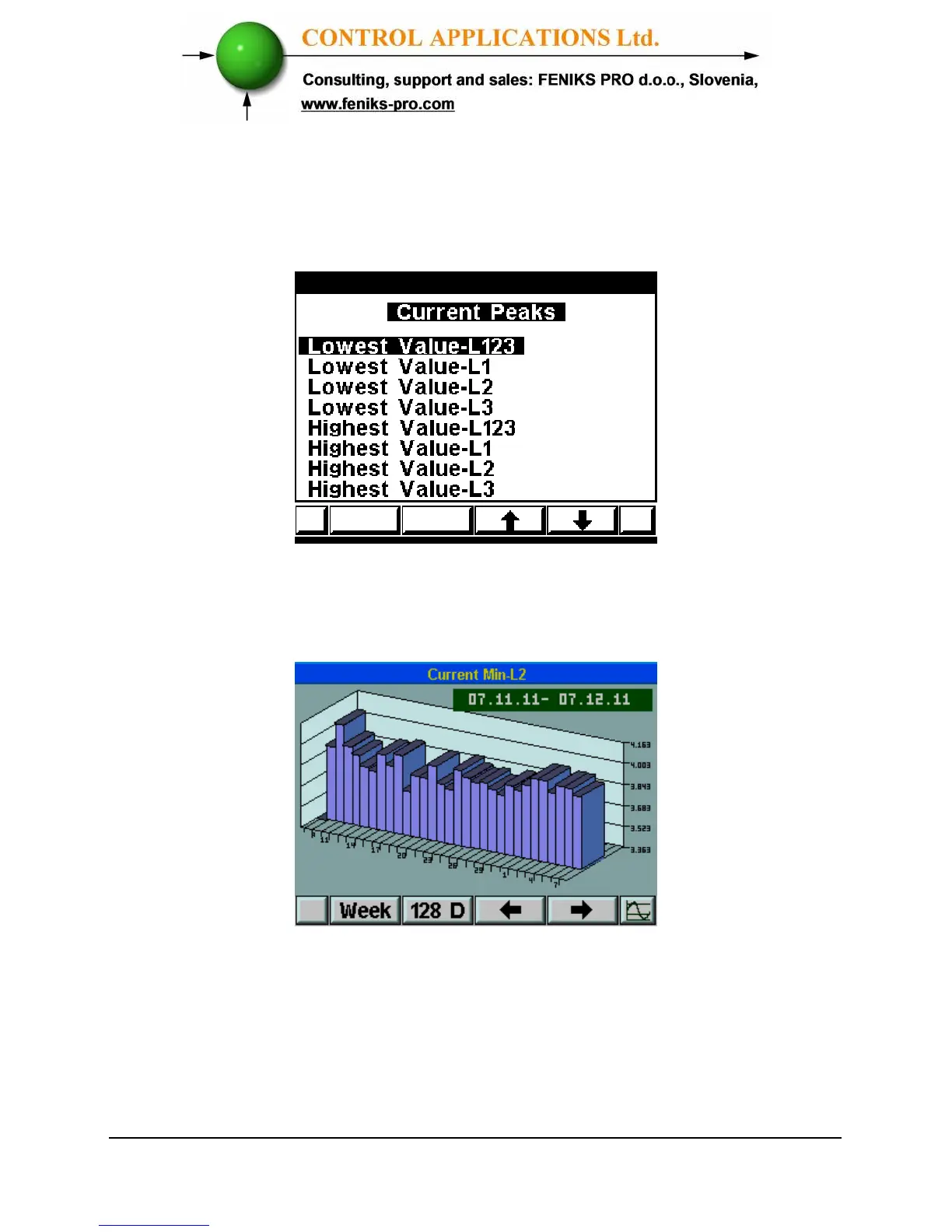
For each one of the above options you will have the ability to get for each
phase the lowest-level value and the highest-level value as specified in the
following screen:
Figure 8.3. Current Peaks
Select one of the above options and press “Enter”, the following screen will
appear:
Figure 8.4. Current Min. L1
F1 / F2 – change the interval - time base between week/month/128 days
F3 / F4 – change the date, each press will increase/decrease the date by
week/month/128 days.



 To Next Page