82
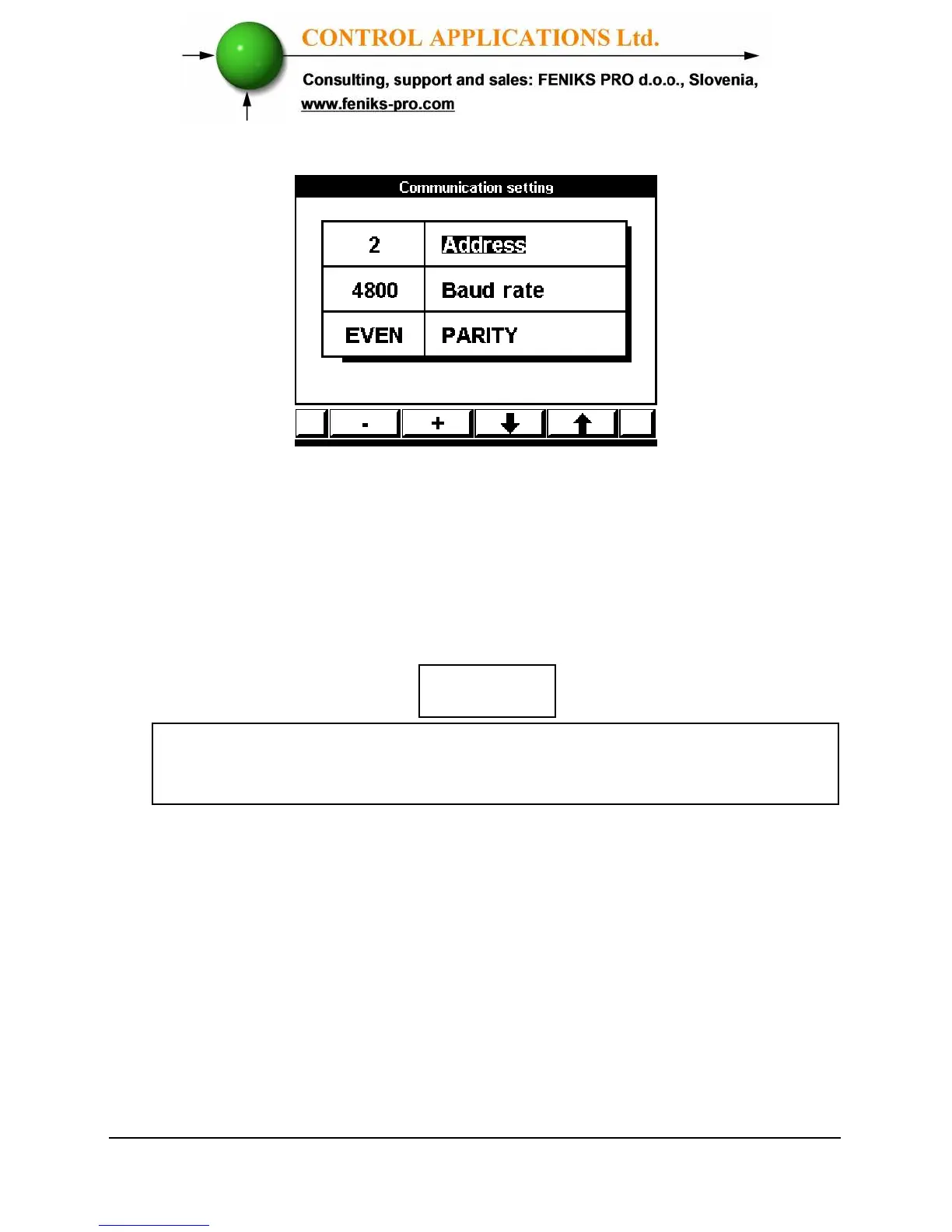
Figure 9.2. Communications Settings
6 Use Button “F1” or “F2” to change value in selected
field.
7 Use Button “F3” or “F4” to select Address, Baud
Rate, Parity.
To set up Ethernet Communications
1 From the Communication Setup Menu scroll to Ethernet
Comm.
2 Click
“Enter”,
the Set IP Address screen appears.
When the selection is made it takes immediate affect
with no further action required.



 To Next Page