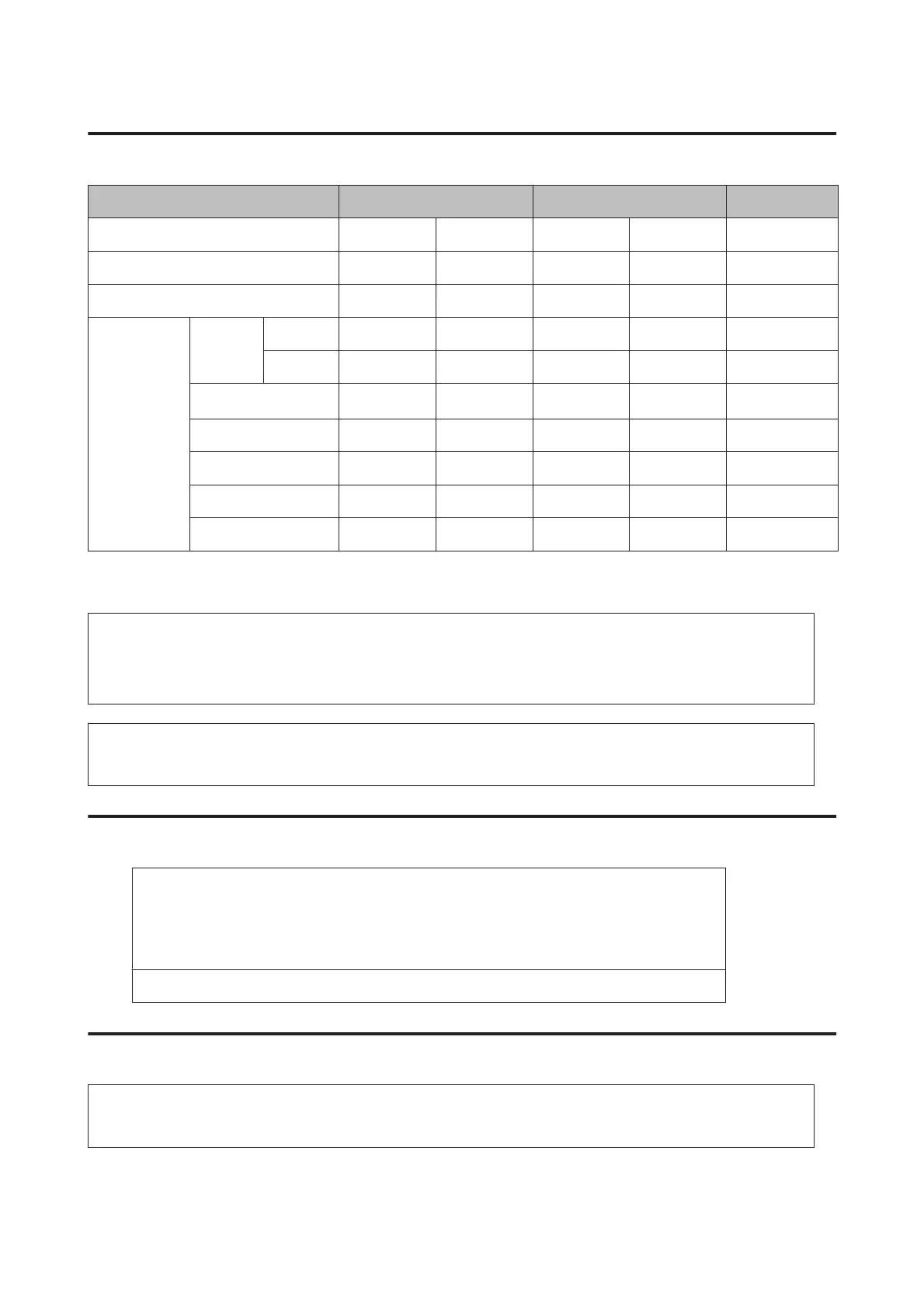
Electrical
AL-M320DN AL-M310DN AL-M220DN
Rated voltage 110 V 220-240 V 110 V 220-240 V 110 V
Rated frequency 50 Hz/60 Hz 50 Hz/60 Hz 50 Hz/60 Hz 50 Hz/60 Hz 50 Hz/60 Hz
Rated current 8.8 A 4.2 A 8.8 A 4.2 A 8.8 A
Power
consumption
During
printing
MAX 930 W 870 W 940 W 880 W 940 W
Average 624 W 609 W 569 W 594 W 517 W
In sleep mode
*
2.78 W 2.36 W 2.78 W 2.33 W 2.48 W
In deep sleep mode 0.87 W 0.87 W 0.86 W 0.87 W 0.92 W
In ready mode7 W7 W7 W7 W7 W
In power off mode 0.05 W 0.05 W 0.05 W 0.05 W 0.05 W
Power off 0.05 W 0.05 W 0.05 W 0.05 W 0.05 W
*
Values represent power consumption while all operations are completely suspended. Power consumption varies depending on
operating conditions.
Note for users in Europe:
See the following Website for details on power consumption.
http://www.epson.eu/energy-consumption/
Note for users in Taiwan:
Rated voltage of this printer in Taiwan is 110 V.
Supported operating systems
Windows 10 (32-bit, 64-bit)/Windows 8.1 (32-bit, 64-bit)/Windows 8 (32-bit, 64-bit)/Windows 7
(32-bit, 64-bit)/Windows Vista (32-bit, 64-bit)/Windows XP SP3 or higher (32-bit), Windows XP
Professional x64 Edition SP2 or higher/Windows Server 2016/Windows Server 2012 R2/Windows
Server 2012/Windows Server 2008 R2/Windows Server 2008/Windows Server 2003 R2/Windows
Server 2003 SP2 or higher
Mac OS X v10.6.8 - v10.11.x, macOS 10.12
Support Mode Settings using the control panel
c
Important:
Remove interface cables before you enter the SUPPORT MODE.
AL-M320DN/AL-M310DN/AL-M220DN User's Guide
Appendix
105













 To Next Page