2 INTRODUCTION
0460 896 274
- 10 -
© ESAB AB 2013
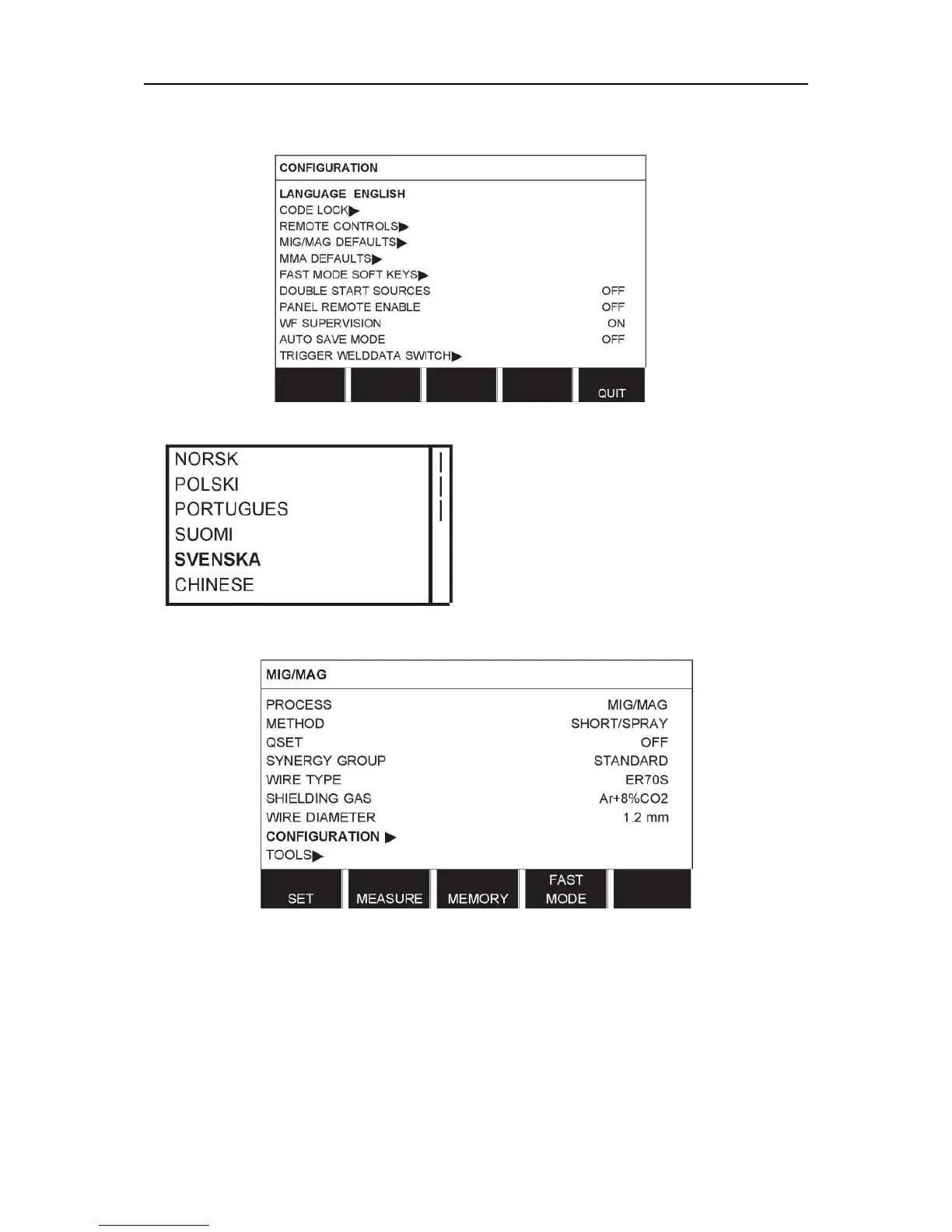
Position the cursor on the LANGUAGE row. Press ENTER to bring up a list of the languages
that are available in the control panel.
Position the cursor on the row for your language and press ENTER.
2.5 Display
The cursor
The control panel's cursor is presented as a shaded field around the text, with the selected
text turning white. The selection is displayed in the instruction manual with bold text.



 To Next Page