9 CONFIGURATION MENU
0460 896 274
- 61 -
© ESAB AB 2013
9.14 Unit of length
Main menu → Configuration menu → Unit of length
The unit of measurement is selected here, metric or inch:
9.15 Measure value frequency
Main menu → Configuration menu → Measure value frequency
The frequency of the measurement value is set here by stepping to a value between 1 and
10 Hz using one of the plus/minus knobs. Measure value frequency affects only measure
data in the calculations of quality data.
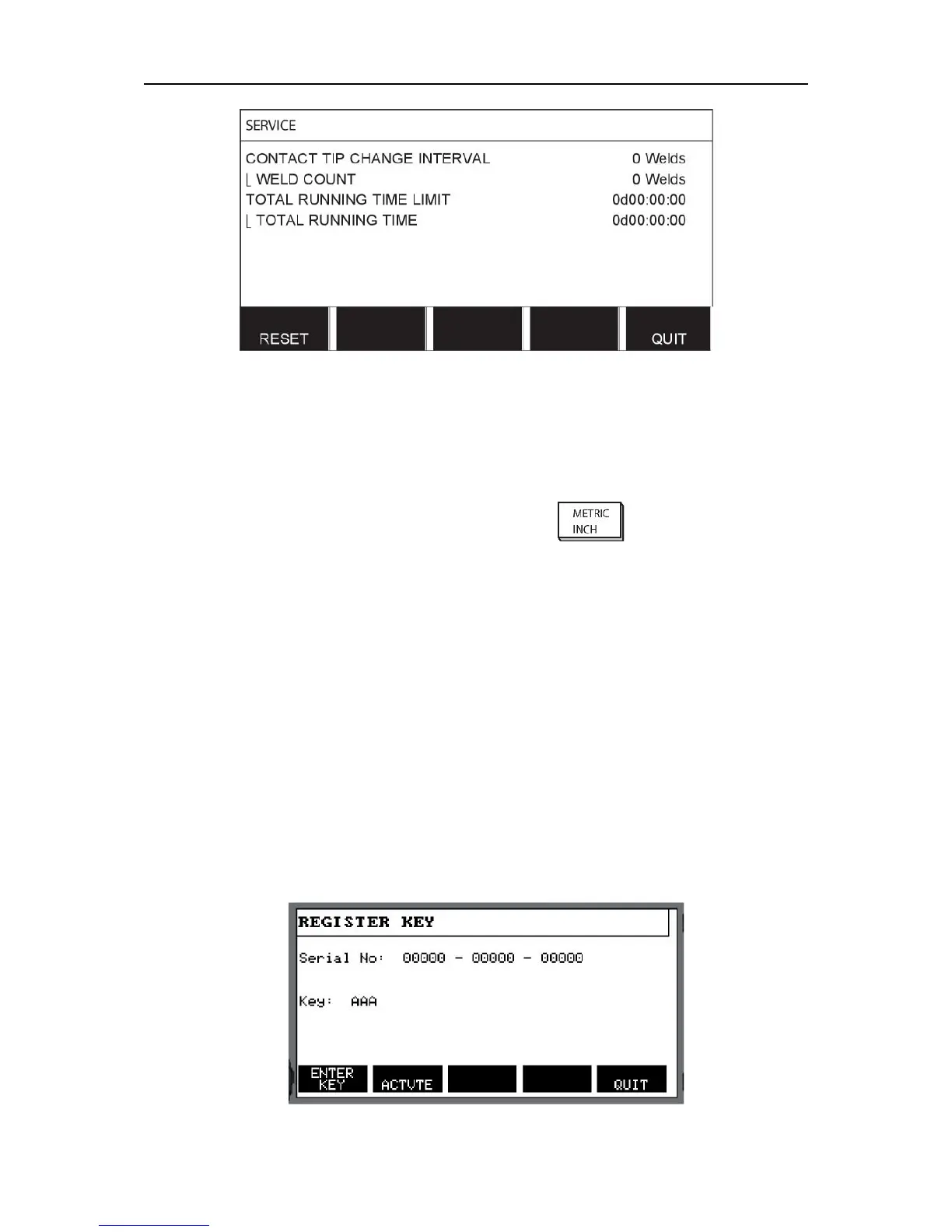
9.16 Register key
Configuration menu → Register key
With the function REGISTER KEY you can unlock certain functions, which are not included in
the basic version of the control panel. For information regarding these functions, see the
"MIG/MAG section in the "MENU STRUCTURE" chapter.
In order to get access to these functions you have to contact ESAB. When you indicate the
serial number of the unit you will get a key code, which is to be entered in the menu
REGISTER KEY.



 To Next Page