8 MEMORY MANAGEMENT
0460 896 274
- 45 -
© ESAB AB 2013
8.4 Delete
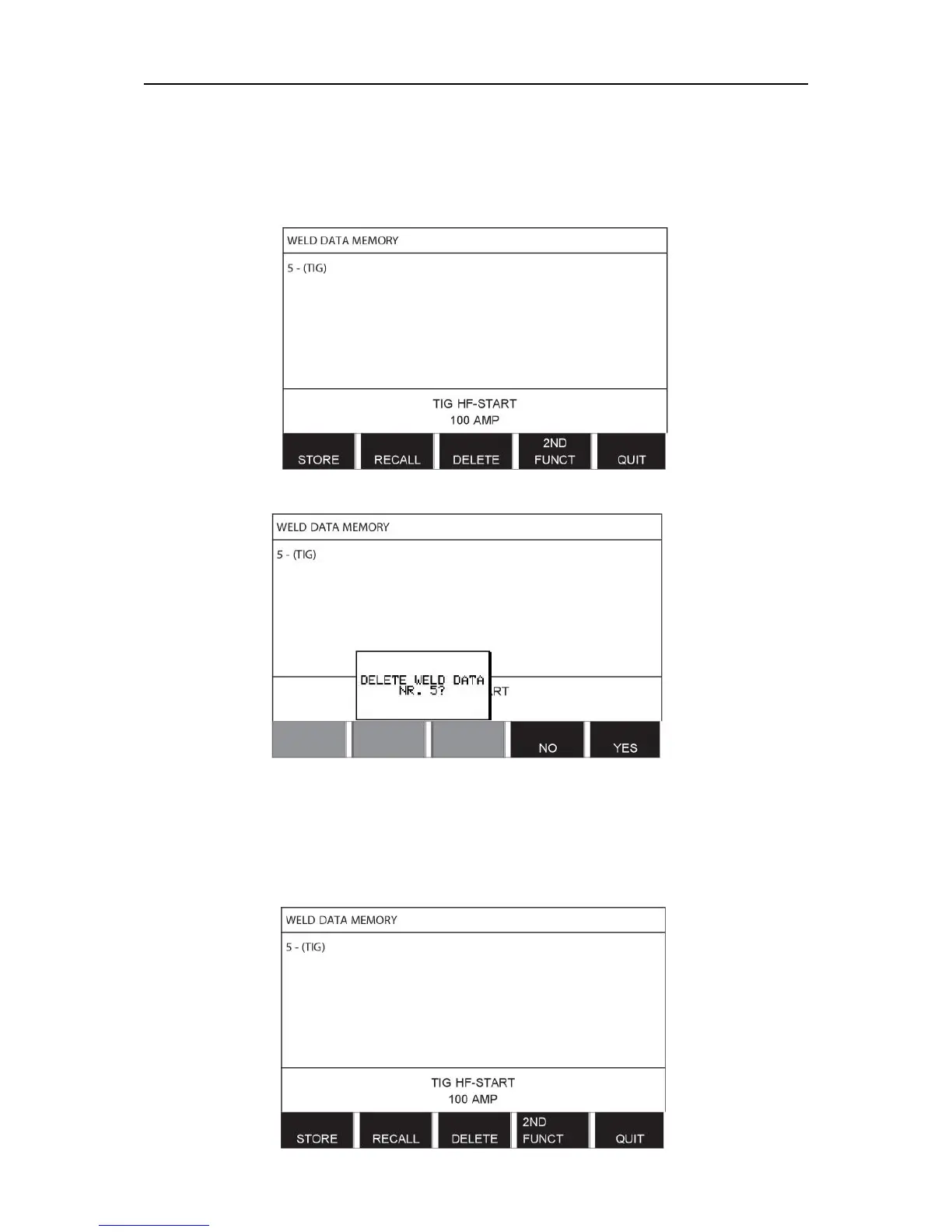
It is possible to delete one or more data sets in the memory menu.
We are going to delete the data set we stored in an earlier example.
Select the data set. Press DELETE.
Press YES to confirm that you want to delete.
Return to the memory menu with the NO key.
8.5 Copy
To copy the content of a weld data set to a new memory position, proceed as follows:
Select the memory position you want to copy and press 2ND FUNCT.



 To Next Page