9 CONFIGURATION MENU
0460 896 274
- 49 -
© ESAB AB 2013
9 CONFIGURATION MENU
Main menu → Configuration menu
This menu contains the following sub-menus:
• Language, see the "First step – choice of language” section in the "INTRODUCTION"
chapter.
• Code lock
• Remote control
• MIG/MAG basic defaults
• MMA basic defaults,
• Fast mode soft buttons
• Fast mode soft buttons
• Panel remote enable
• WF supervision
• Auto save mode
• Trigger weld data switch
• Multiple wire feeders
• Quality functions
• Maintenance
• Unit of length
• Measure value frequency
• Register key
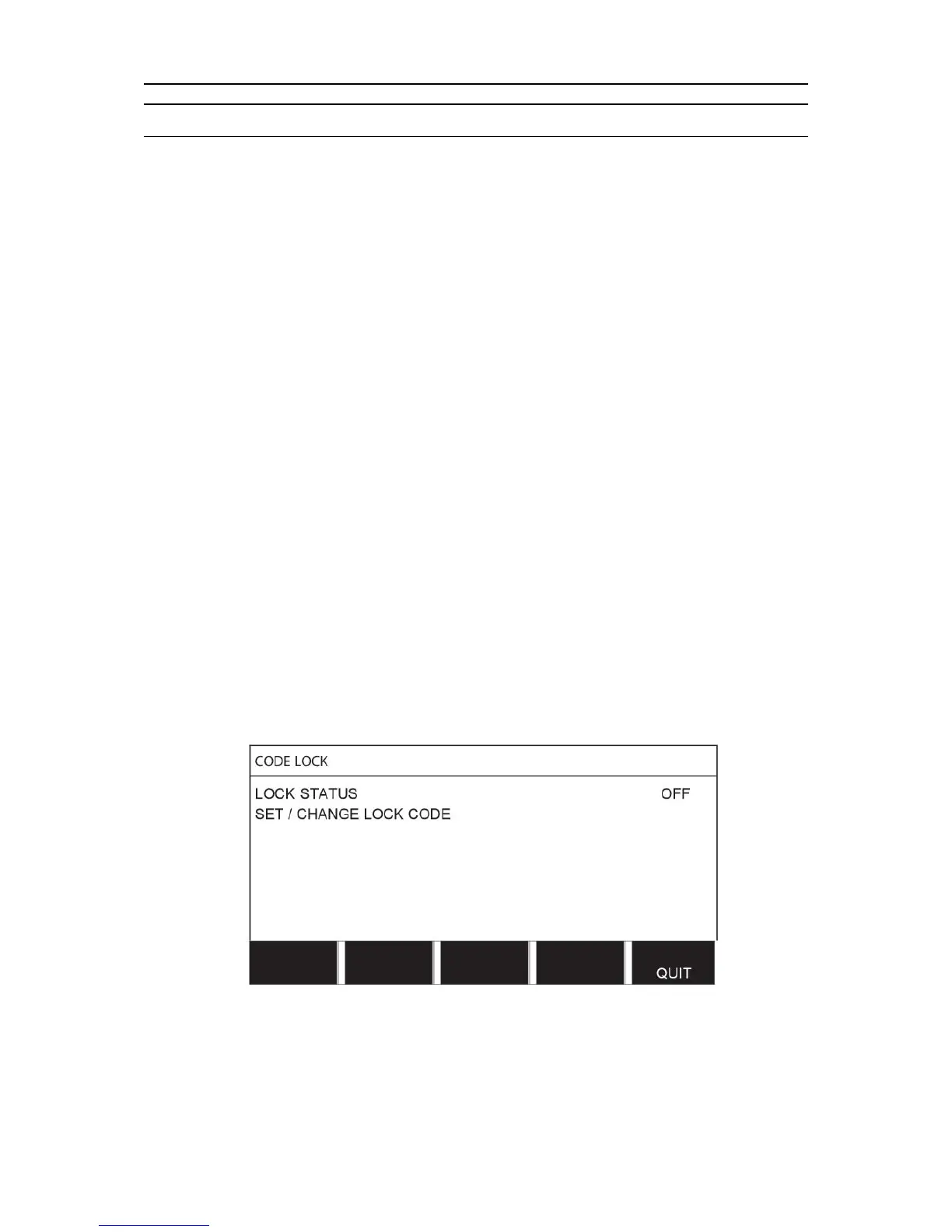
9.1 Code lock
Main menu → Configuration menu → Code lock
When the lock function is activated and you are in the measure screen, remote mode or fast
mode menu, a password (lock code) is required to exit from these menus.
Code lock is activated in the configuration menu.



 To Next Page