3 MENUS
0460 896 274
- 16 -
© ESAB AB 2013
3.1.4 Measure
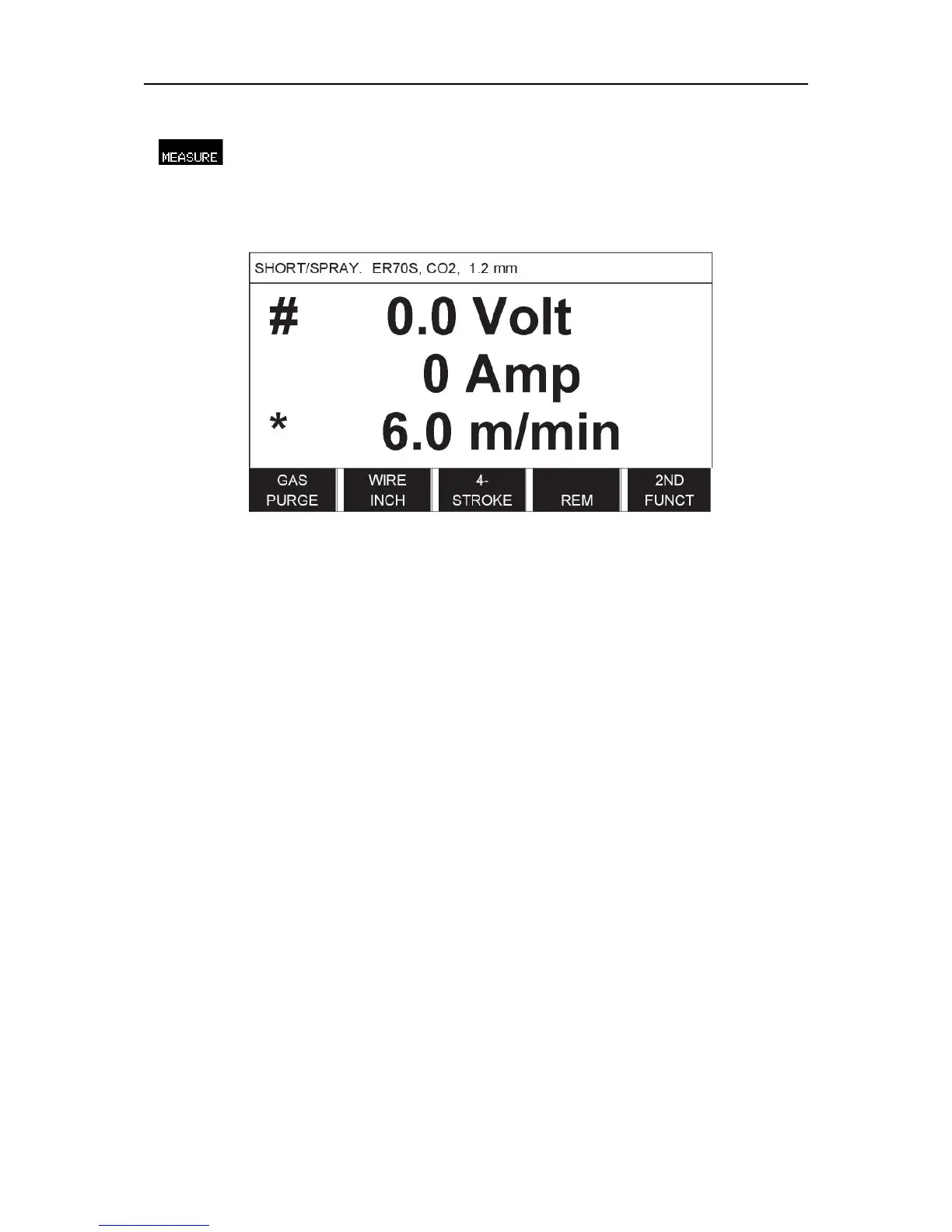
In MEASURE, you can view measured values for various welding parameters while welding
is in progress.
You can change the value of certain parameters in the Measure screen. Which parameters
these are depends on which welding process is set. The parameter values that can be
adjusted are always marked with # or *.
The measured values remain in the display even after welding has been completed. You
can move to different menus without losing the measurement values. If the set value is
altered when welding is not in progress, the measurement value is changed to zero in order
to avoid confusion.
TIP:When pulsing, you can select whether the voltage value is to be displayed as an
average value or a peak value. This setting can be adjusted under MIG/MAG defaults, see
the "MIG/MAG defaults" section.



 To Next Page