8 MEMORY MANAGEMENT
0460 896 274
- 43 -
© ESAB AB 2013
8.2 Store
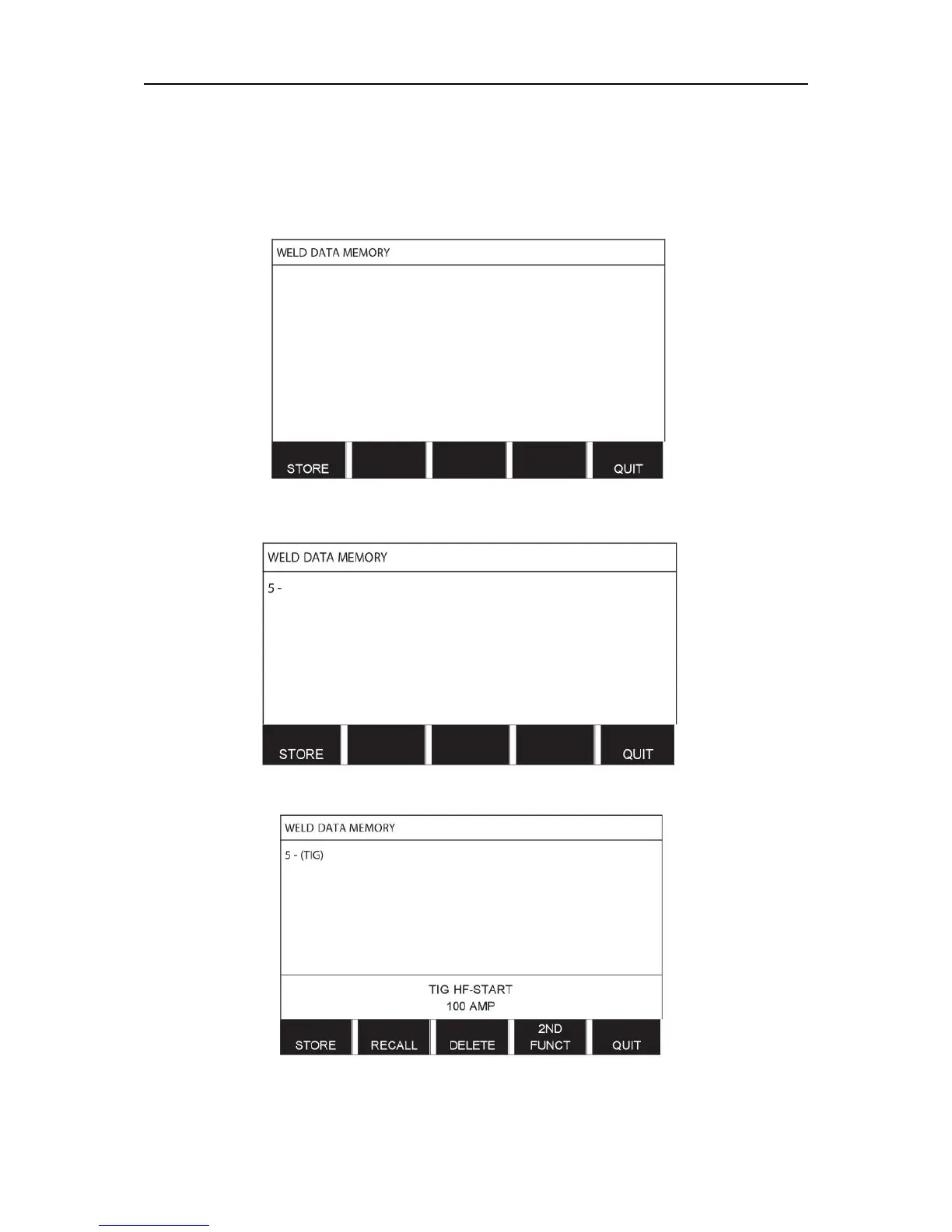
If the weld data memory is empty, the following screen appears in the display.
We are now going to store a set of weld data. It will be given memory position 5. Press
STORE. Position 1 is displayed. Turn one of the settings knobs until you reach position 5.
Press STORE.
Select row five using one of the knobs. Press STORE.
The following screen appears in the display.
Parts of the content of data set number 5 are presented at the bottom of the display.



 To Next Page