3 MENUS
0460 896 274
- 13 -
© ESAB AB 2013
3 MENUS
The control panel uses several different menus. The menus are the Main, Configuration,
Tools, Weld data setting, Measure, Weld data memory and Fast mode menus. The menu
structures are presented in the "MENU STRUCTURE" appendix at the end of this manual.
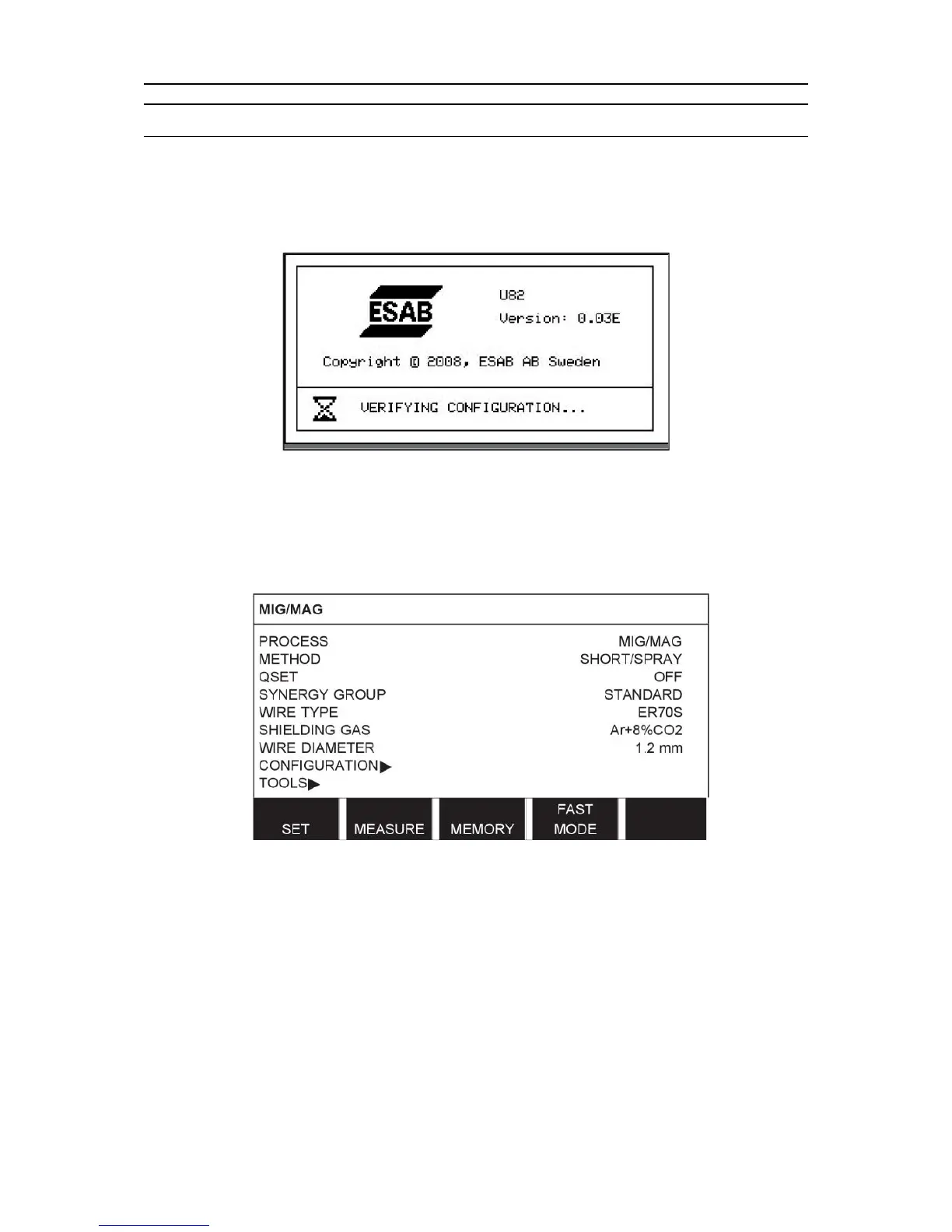
During start-up, a start-up screen containing information about the current program version is
also displayed briefly.
Start-up screen
3.1 Main menu
In the MAIN MENU, you can change welding process, welding method, wire type, etc.
From this menu you can proceed to all other sub-menus.



 To Next Page