2 INTRODUCTION
0460 896 274
- 9 -
© ESAB AB 2013
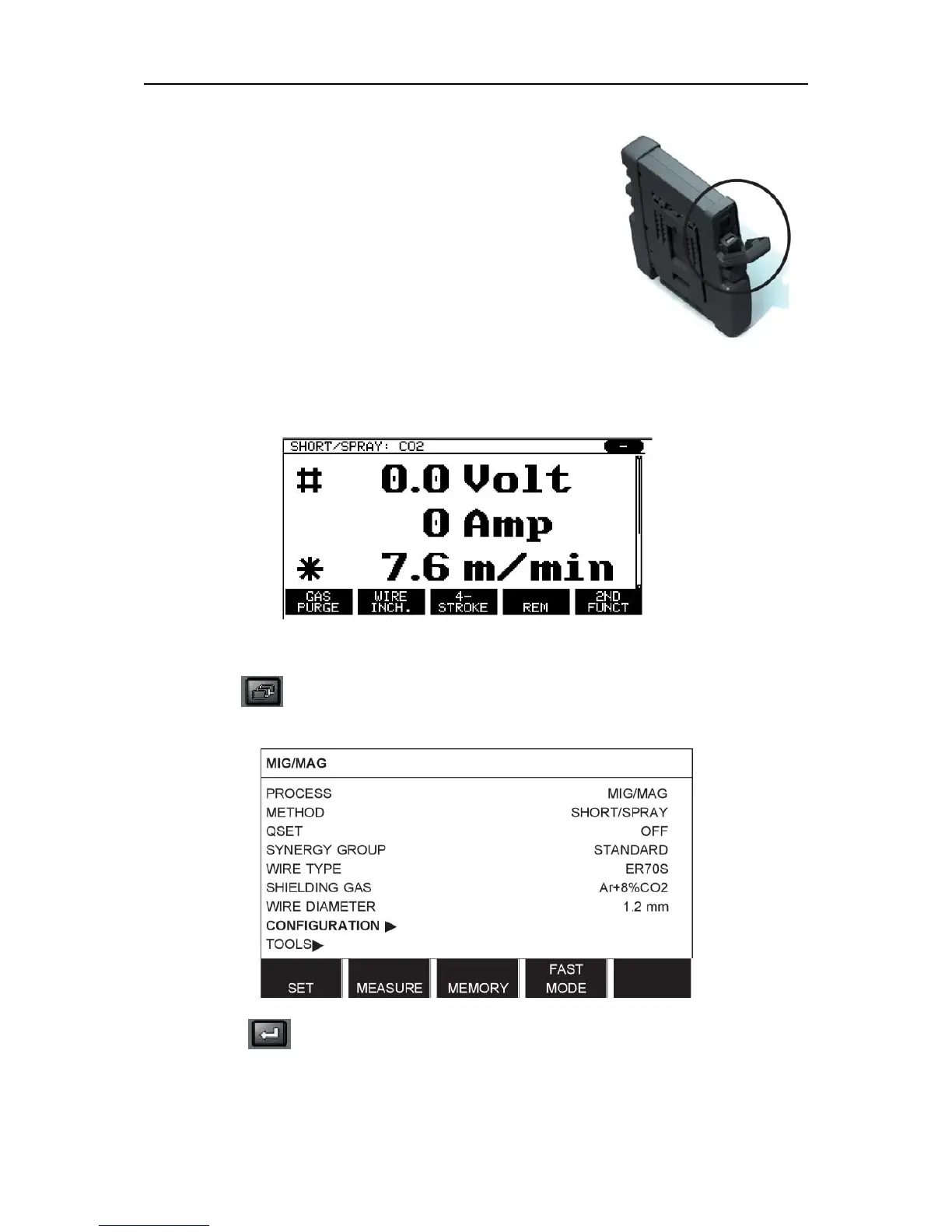
2.3.1 Insert the USB memory
Proceed as follows:
• Turn off the power source's main switch.
• Open the cover on the left-hand end of the control panel.
• Insert the USB memory in the USB connector.
• Close the cover.
• Turn on the power source's main switch.
2.4 First step – choice of language
This menu appears in the display the first time you start up the equipment.
The control panel is set to English on delivery. To select your language, proceed as follows.
Press MENU to come to the main menu.
Using the left-hand knob, position the cursor on the CONFIGURATION row.
Press ENTER



 To Next Page