9 CONFIGURATION MENU
0460 896 274
- 58 -
© ESAB AB 2013
The memory position in which the weld data set is stored is displayed in the top right corner
of the measure screen.
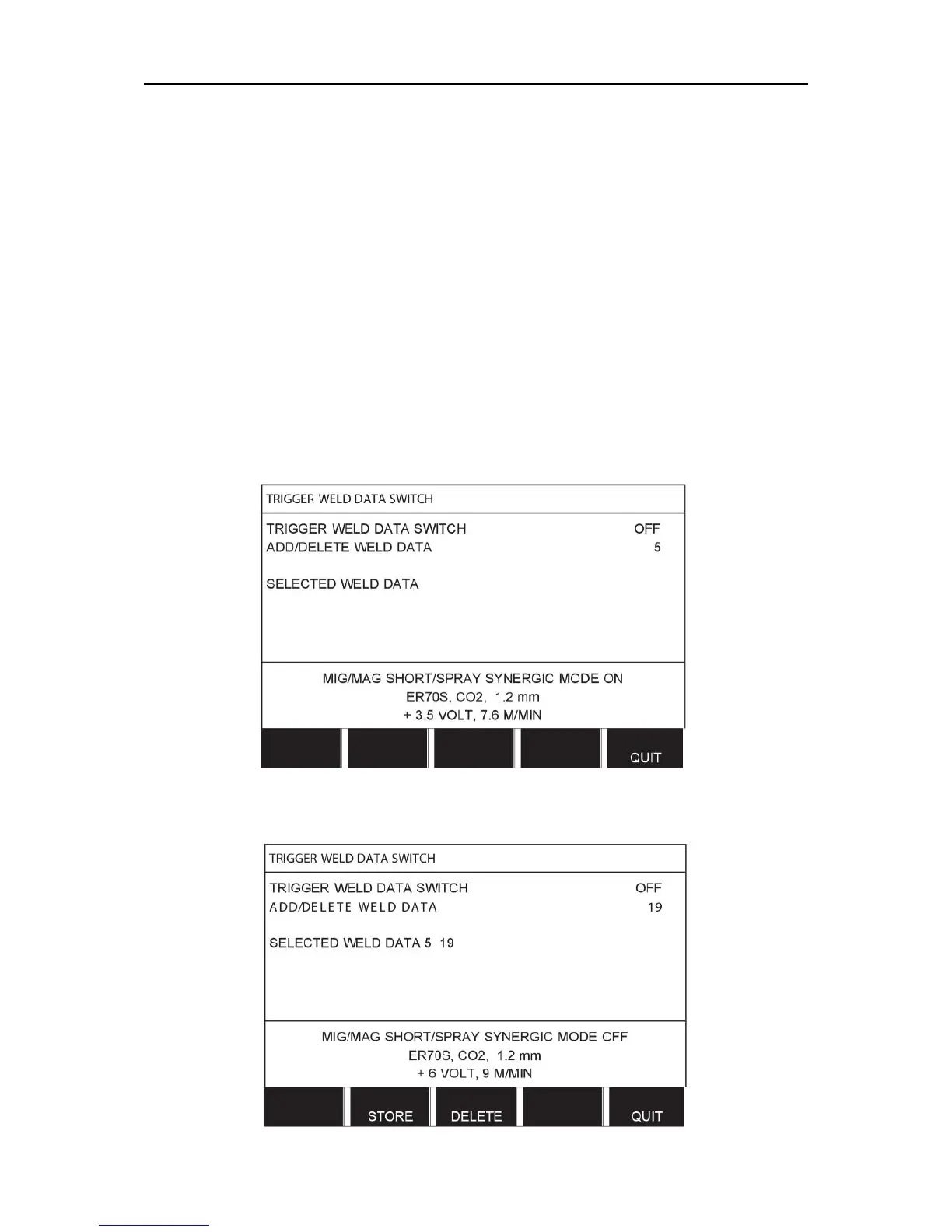
9.10 Trigger weld data switch
Main menu → Configuration menu → Trigger weld data switch
This function permits changing to different preset weld data alternatives by double-clicking
the welding gun's trigger.
It is possible to change between a maximum of 5 selected memory positions, see the
"MEMORY MANAGEMENT” chapter.
OFF - No changeover between weld data.
ARC OFF - The user cannot change between memory positions during welding.
ON - The user can always change between memory positions.
Activating weld data switch
Position the cursor on the TRIGGER WELD DATA SWITCH row and press ENTER. Select
OFF, ARC OFF or ON. Press ENTER.
Choice of weld data from memory
Position the cursor on the ADD/DELETE WELD DATA row.



 To Next Page