8 MEMORY MANAGEMENT
0460 896 274
- 47 -
© ESAB AB 2013
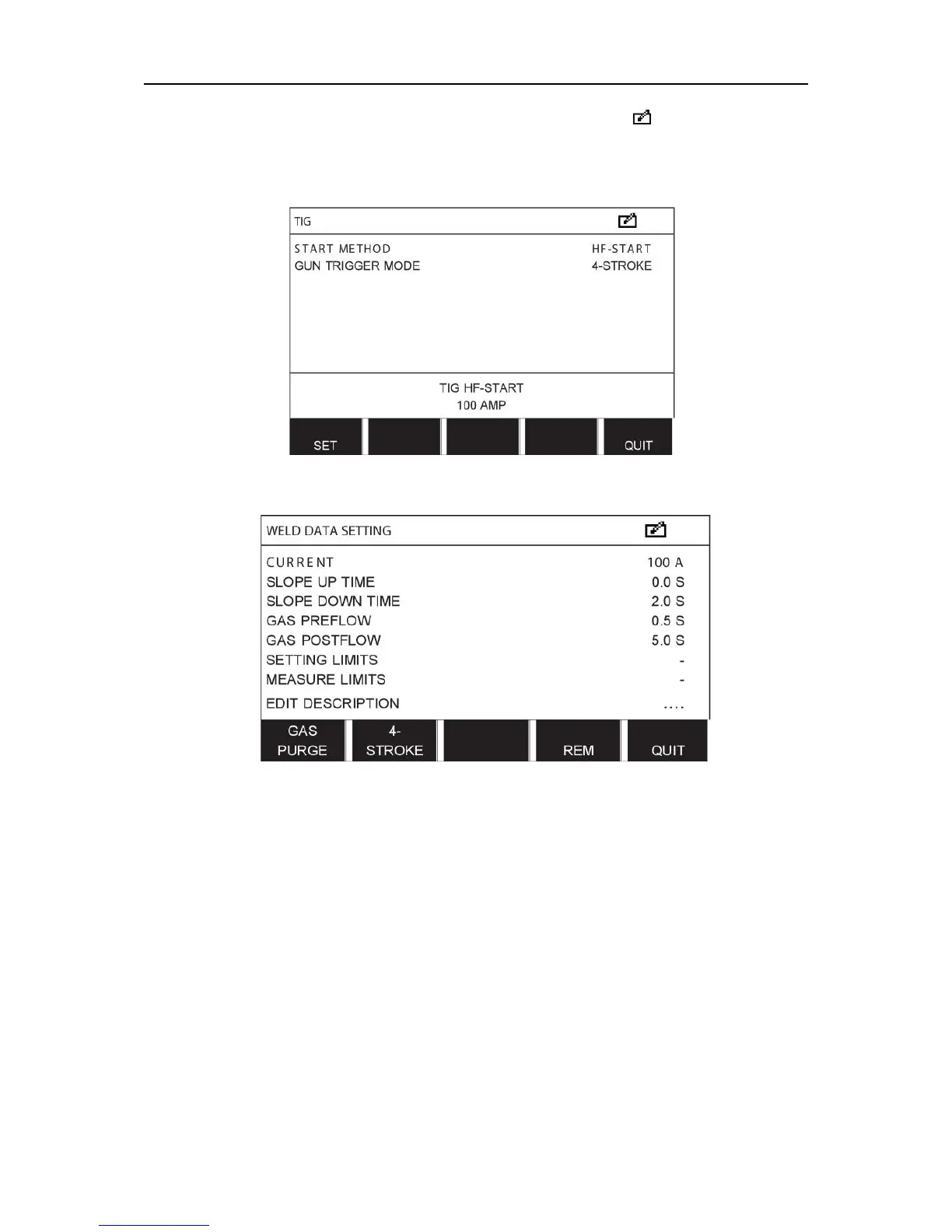
Part of the main menu is displayed and the menu shows the symbol which means that
you are in an editing mode.
Select the setting you want to edit and press ENTER. Select from the list and press ENTER
again.
Press SET to move to WELD DATA SETTING. Select the values you want to edit and adjust
with the plus/minus knobs. End with QUIT.
The setting for weld data number 5 has now been edited and stored.



 To Next Page