IP Server 900 Programming Manual Function 2: CO line programming
E.10
3. Use the scroll keys to select the trunk mode — 2-WAY TRAFFIC, INBOUND ONLY or
OUTBOUND ONLY. Press # to confirm.
Default: 2-WAY TRAFFIC.
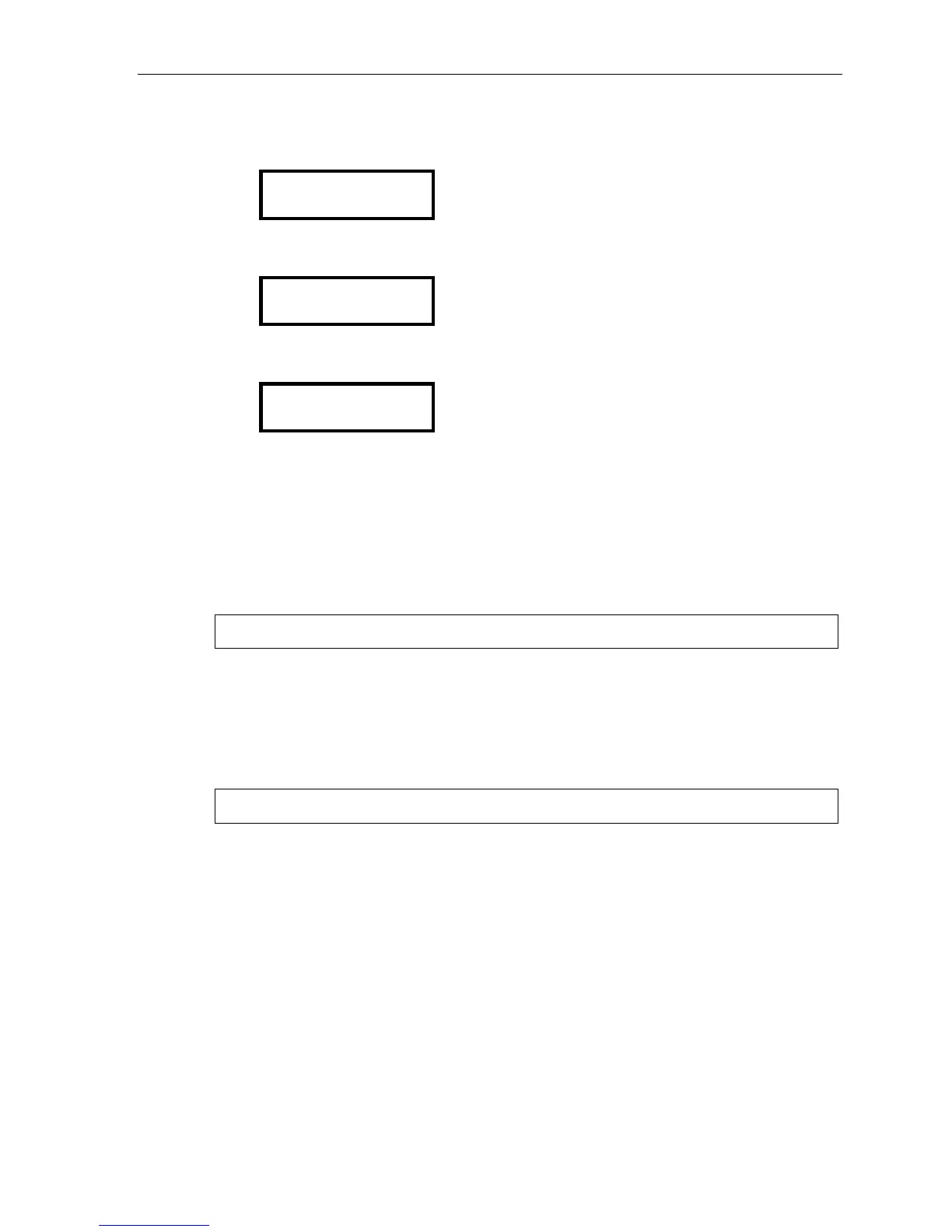
TRUNK MODE
2-WAY TRAFFIC >
4. Use the scroll keys to set dial tone transmit to either OFF or ON. Press # to confirm.
Default: OFF.
DIAL TONE TRANS.
OFF >
5. Use the scroll keys to set ringback transmission to either OFF or ON. Press # to confirm.
Default: OFF.
RINGBACK TRANS.
OFF >
3. Name the CO lines
This is optional; to retain the default values, press #. (See “Optional naming of the CO lines,”
pg. E.4, for more details.)
4. Assign outbound CO line groups
Select the line group — 9, 8, 71, 72, 73, 74, 75, or 76 — and press # to confirm. Outgoing calls will be
assigned from the highest CO to the lowest available. Default is 9. (You can designate a private line by
entering an extension number instead of a line group in this step.)
Note: To assign a CO line for incoming traffic only, don’t enter a CO line group here.
5. Assign distinctive CO ring tone
A distinctive CO ring tone overrides the station ring tone for incoming calls. Select one of the six
available tones to enable the feature, or select NORMAL to disable the feature.
Range: 1–6 and normal (disabled). Default: Normal (disabled).
6. Make answer ring assignments
Note: Ring assignments don’t apply to E&M DID. See Function 224 (pages E.29–E.31) for translation table.
Lines can be programmed with four different ring assignments — Ring 1, Ring 3, Ring 5 and Ring 9.
Each ring count can be programmed for up to 64 extensions, a department, a mailbox, the internal ESI
Fax over e-mail server (ESI FAX), or an auto attendant branch ID. E&M lines must be answered by the
auto attendant under Ring 1.
After all lines are programmed for day mode, the steps are repeated for night mode.



 To Next Page