IP Server 900 Programming Manual Function 3: Station programming
F.4
9. Extension page zone assignment — List the page zones (1–6, 8–9) that are to include this extension.
(All stations are in all-page, and this cannot be edited.)
Default: 0 (all-page).
The overhead paging port (599) can be paged along with other extensions in a zone by including the
desired page zone(s) for 599.
All digital phone extensions are included in (and cannot be removed from) the all-page zone.
Analog extensions cannot be included in page zones.
10. Operator translation — Extension 0 (Operator) programming requires:
• Programming call forwarding for day and night mode (steps 5 and 6).
• Entering the extension, department, mailbox, or branch ID number to which calls are to be
directed when someone dials 0.
Default: First extension in the system.
Notes: If you want more than one extension to ring when someone dials 0, you must build a department in
Function 33 (see page F.28) and enter the department in column 10 on page F.3.
If operator translation is directed to a department or branch ID, and a call to the operator is not
answered, operator call forwarding takes precedence.
Using VIP 7 PC Attendant Console
If you’re using VIP 7 PC Attendant Console, you must first establish an Attendant department in Function 33
(page F.28). Here in Function 31, set extension 0 to ring the Attendant department. This will let calls appear in
VIP 7 PC Attendant Console’s Incoming Calls and Holding Calls views.
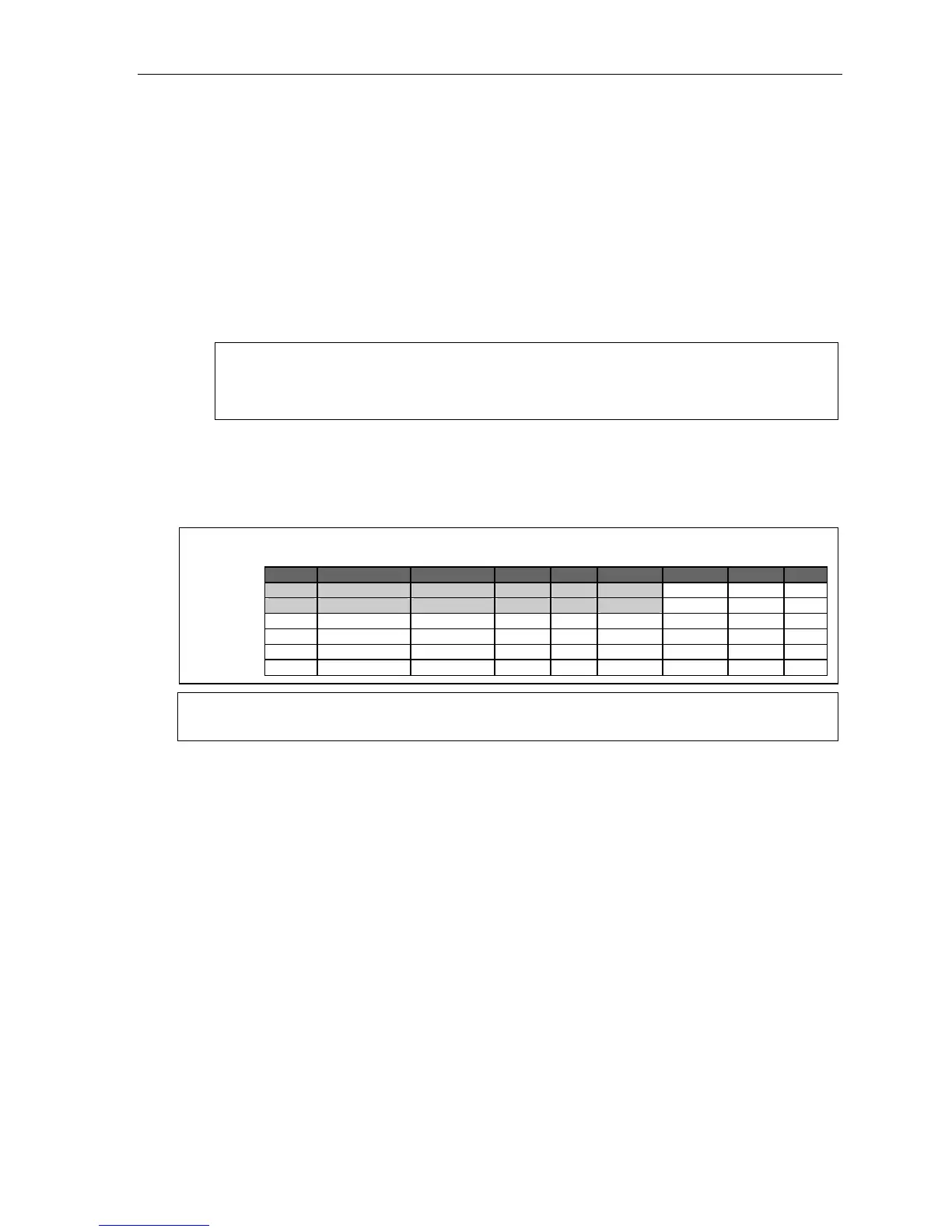
Example: One attendant (extension 0) is assigned to Department 291 (Tenant 1). Department 292 is also
assigned to extension 0, but for Tenant 2.
Ext. Type Name Tenant CO Pg. zones CF day CF night [Ext.]
0 Attendant 1 ID 1 MB100 X291
0 DIGITAL Attendant 2 ID 2 MB102 X292
100 DIGITAL Attendant A 1 9 0, 1 MB290 MB100 X291
101 DIGITAL Attendant A 1 9 0, 1 MB290 MB100 X291
102 DIGITAL Attendant B 2 8 2, 3 MB291 MB102 X292
103 DIGITAL Attendant B 2 8 2, 3 MB291 MB103 X292
Note: For more information on installing and using the optional VIP 7 PC Attendant Console application, see
the VIP 7 User’s Guide (ESI # 0450-1349).



 To Next Page