IP Server 900 Programming Manual Function 3: Station programming
F.30
8. Department list — Enter the extension numbers that are assigned to this department. To delete an
extension number from a list, press HOLD. As mentioned above, the order that the extension
numbers are entered will dictate the order called when the department selected is “in order.”
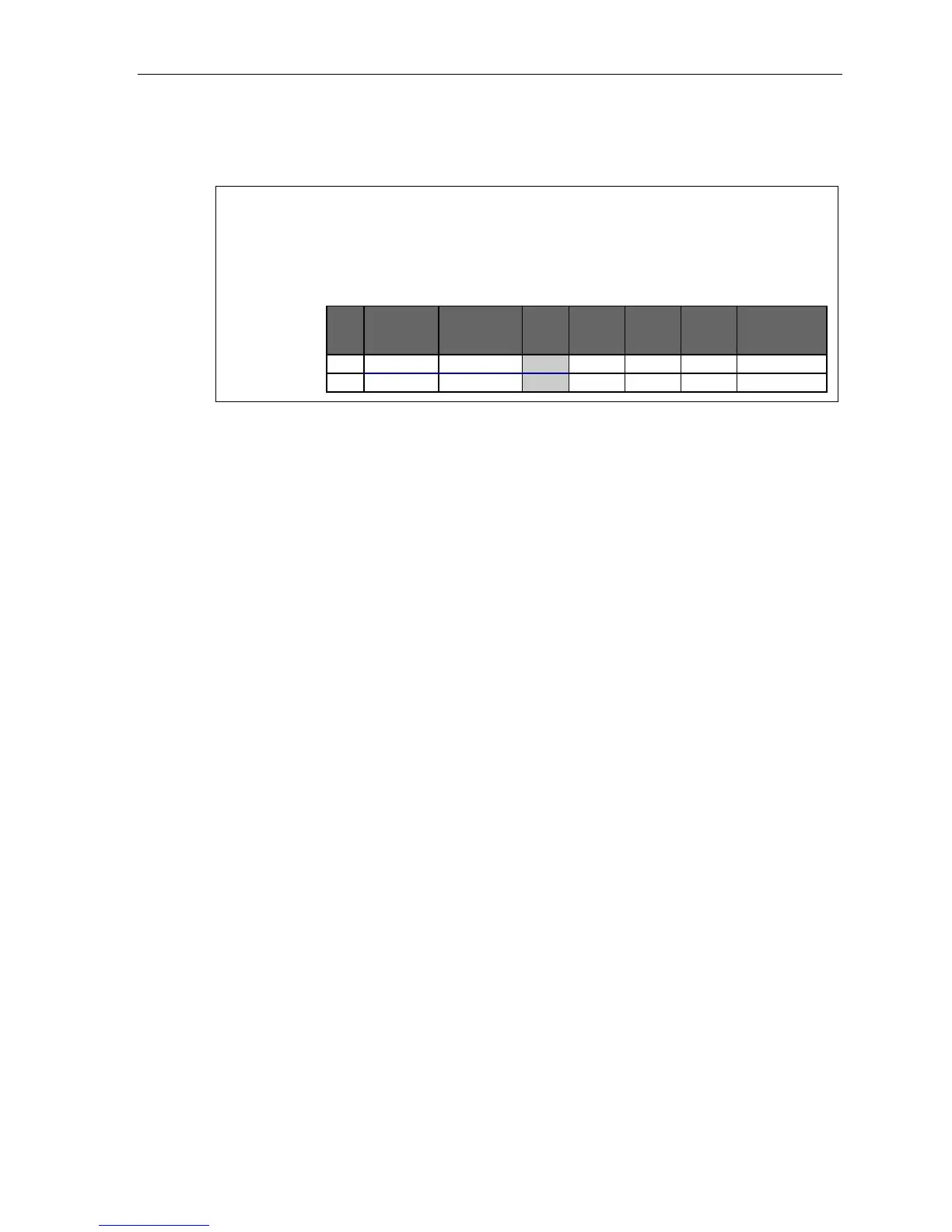
Example: Here is a portion of a completed Programming Worksheet for Department programming.
Department 290 was created to have calls directed to it to first ring 104, then, if busy/no answer,
111, and then 112.
If all are busy or do not answer, the call will forward to the operator if in day mode — or, if in night
mode, to guest mailbox 300 for retrieval in the morning. Department 291 rotates calls between
the two extensions listed; if both are busy/no answer, calls go to the service manager (X105) —
or, if in night mode, to Guest Mailbox 301, which has been set to page the tech on-call.
1.
Ext.
2.
Name
3.
Type
4.
Call
wtg.
5.
Tenant
6.
CF
day
7.
CF
night
8.
List:
290 SALES IN ORDER 1 X0 MB300 104, 111, 112
291 SERVICE UCD 1 X105 MB301 101, 102



 To Next Page