PLATINOUS SERIES CONTROLLER MANUAL
70
6.5. Startup in the Program Mode
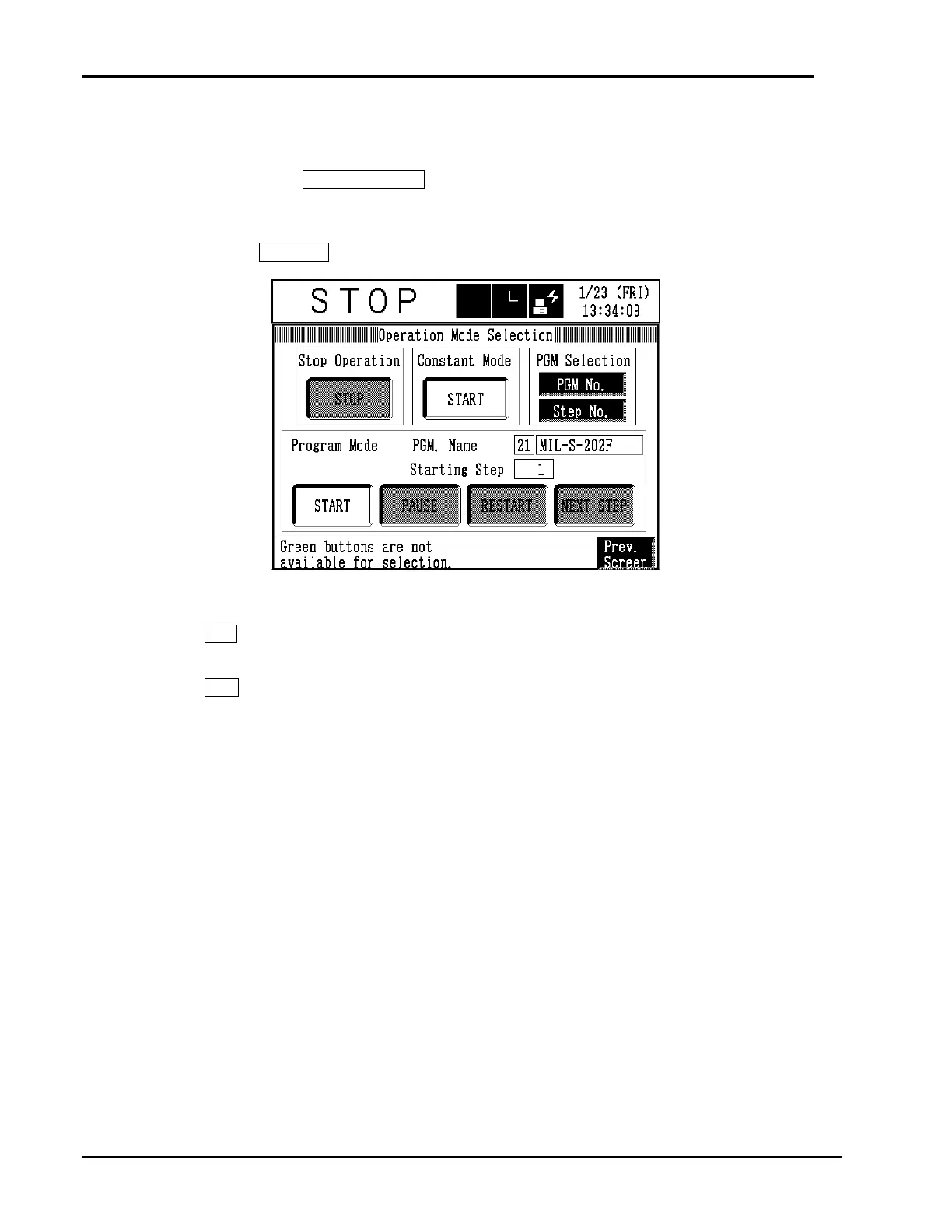
1. Get the Operation Mode Selection screen.
Press either the OPER./START key on the operating panel or the chamber operating status
box on the screen.
2. Start the selected program.
Press the START button under Program Mode.
3. A message confirming whether to execute the operation or not will be displayed.
Yes button
: Starts the selected program and returns the
display to the original screen.
No button
: Cancels the command and returns the display to
the Operation Mode Selection screen. The
chamber’s operating status does not change.



 To Next Page