PLATINOUS SERIES CONTROLLER MANUAL
4
1.2. Operation Interface
The operation interface gives the user start and stop control over the constant and program modes. Below is
a function tree of this interface.
OPER./STOP
KEY
Stop Operation
Constant Mode START
PGM Selection
Step No.
START
PAUSE
RESTART
Program Mode
NEXT STEP
Fig. 1.2 Operation Interface
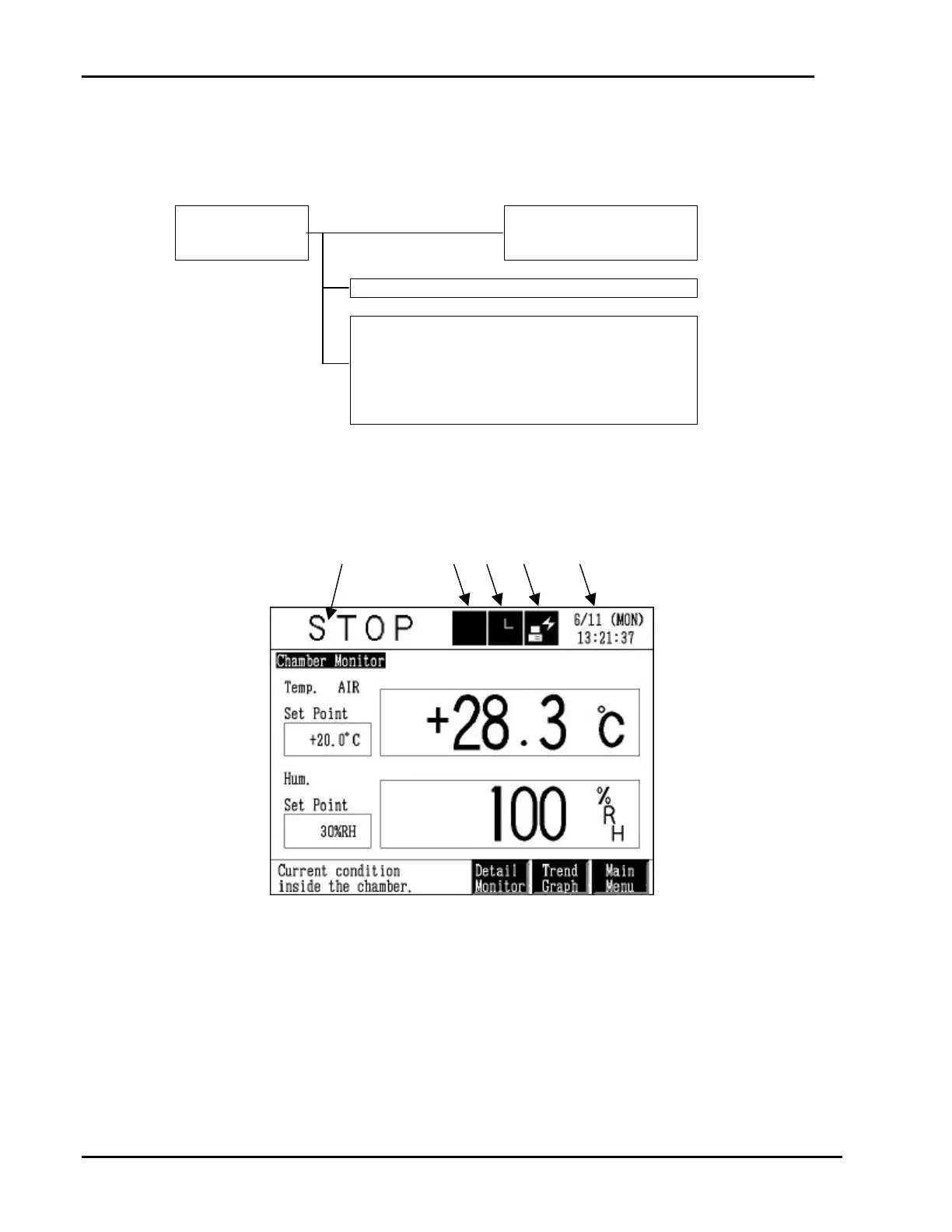
1.3. Screen Layout
The instrumentation display is composed of top, middle and bottom areas.
Top Display Area
1. Displays chamber operating status. Also, pressing this box displays the Operation Mode
Selection screen.
2. Flashes when an alarm occurs. Also, pressing this box displays the Alarm Screen, though the
screen is displayed automatically when an alarm is generated.
3. Yellow when the timer is ON. Also, pressing this box displays the Timer Setup Screen.



 To Next Page