PLATINOUS SERIES CONTROLLER MANUAL
16
4. Program Mode Setup
This chapter explains how to set up the program mode.
4.1. Program Create
Programs are created by inputting or editing target temperature, humidity and time for each program step.
The basic procedure is as follows.
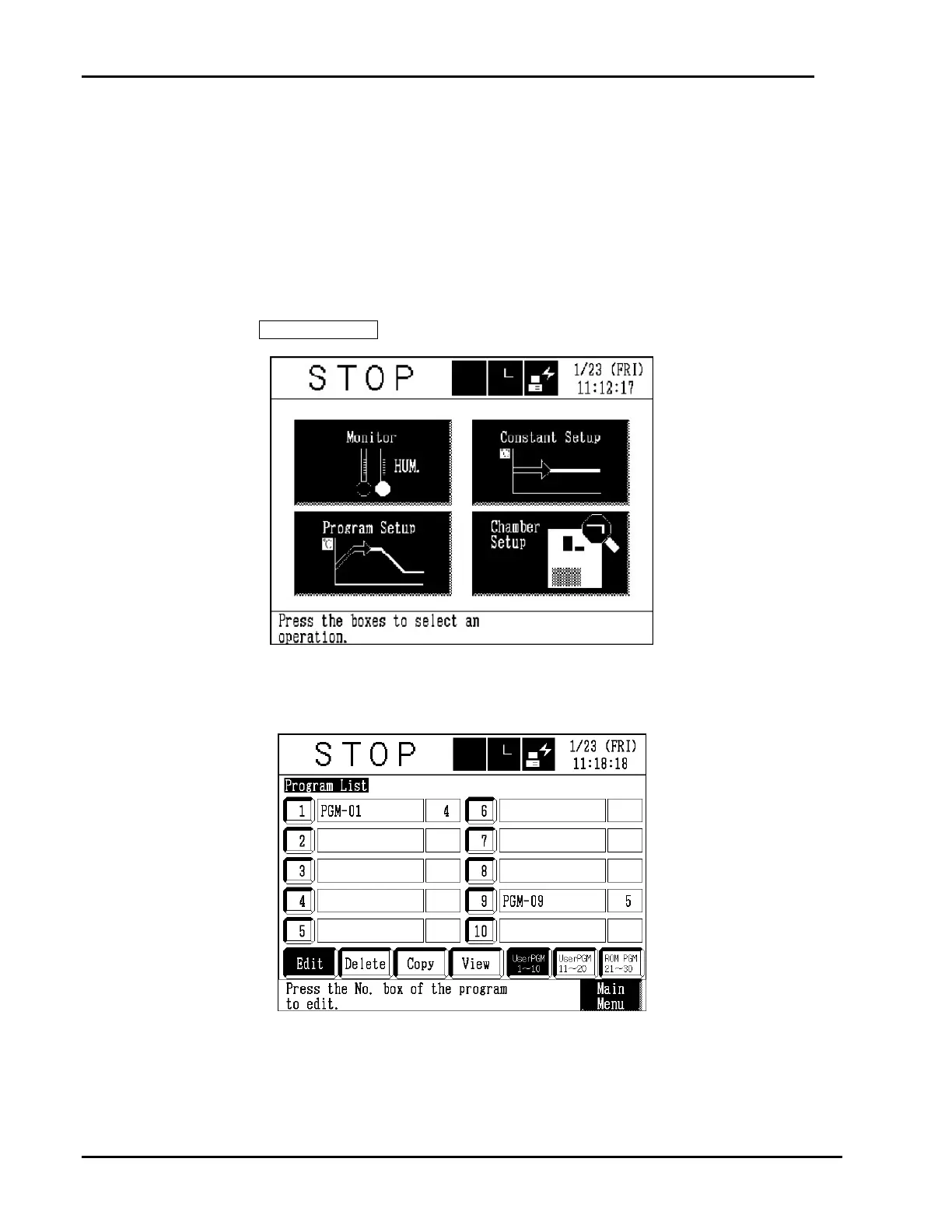
1. Get the program setup mode.
Press the Program Setup box on the main menu.
TEMP.
2. Select a program area in which to create a program.
Press a number box. Existing programs can be selected for editing in the same way. The
name and the number of steps are not displayed for unregistered programs.
* ROM programs are for viewing only.



 To Next Page