Maintenance
Agilia - User Guide 45
Video(s) of the procedure(s) available on Evolis YouTube channel.
Cleaning the cassettes
1.
Press the power button twice . The cleaning wizard is displayed on the LCD touchscreen.
2. Open the card feeder and remove all cards present in it.
3. Set the card thickness selector on 50mil – 1.25mm.
4. Close the card feeder.
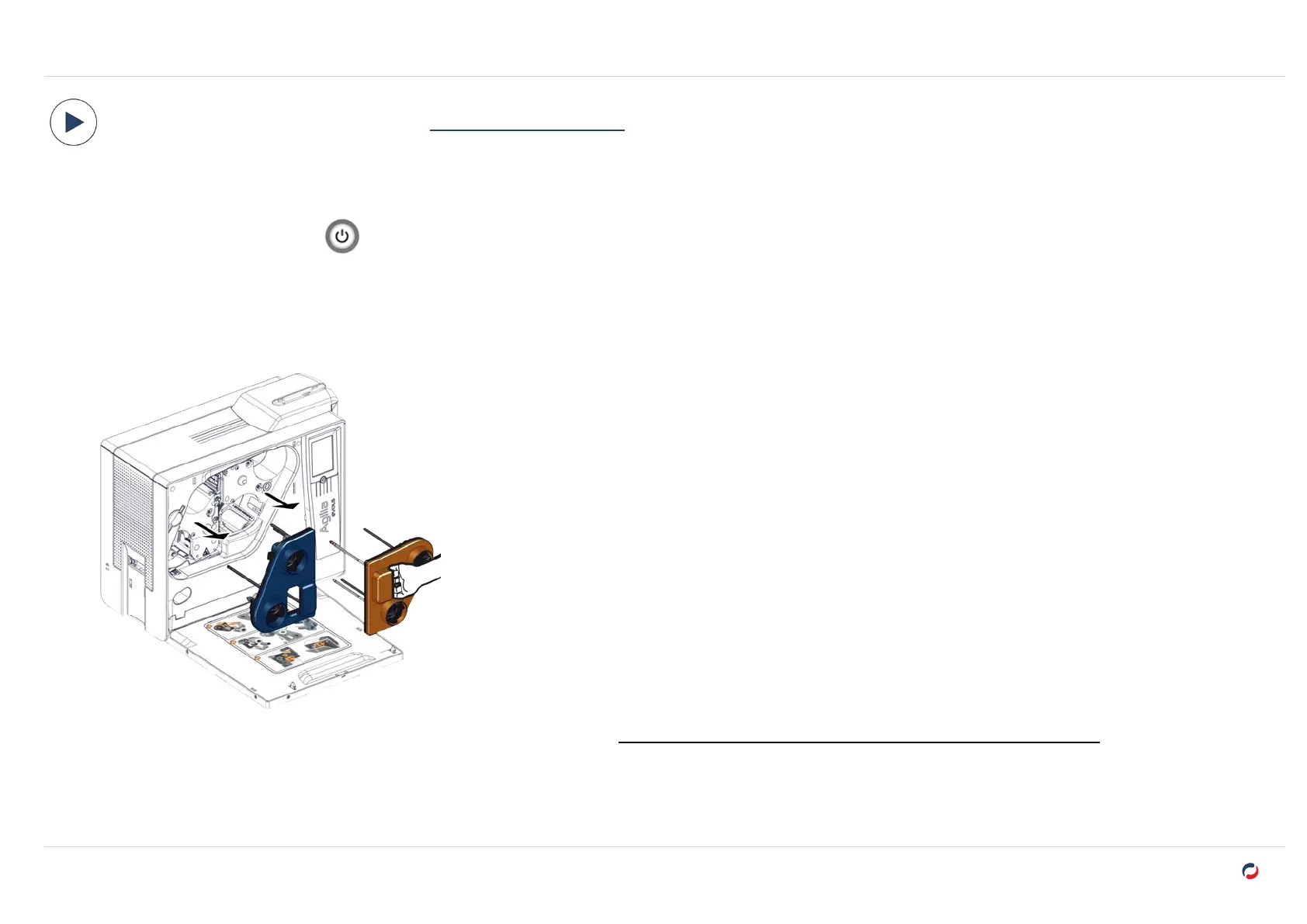
5. Open the door of the printer, remove the cassettes and put them on a flat surface with their pins facing up.
6. Remove the printing ribbon and retransfer film from the cassettes. (
"Replacing a printing ribbon or retransfer film" on page39
).
7. Take a swab, press the middle so that the cotton is impregnated with alcohol.



 To Next Page