Maintenance
Agilia - User Guide 46
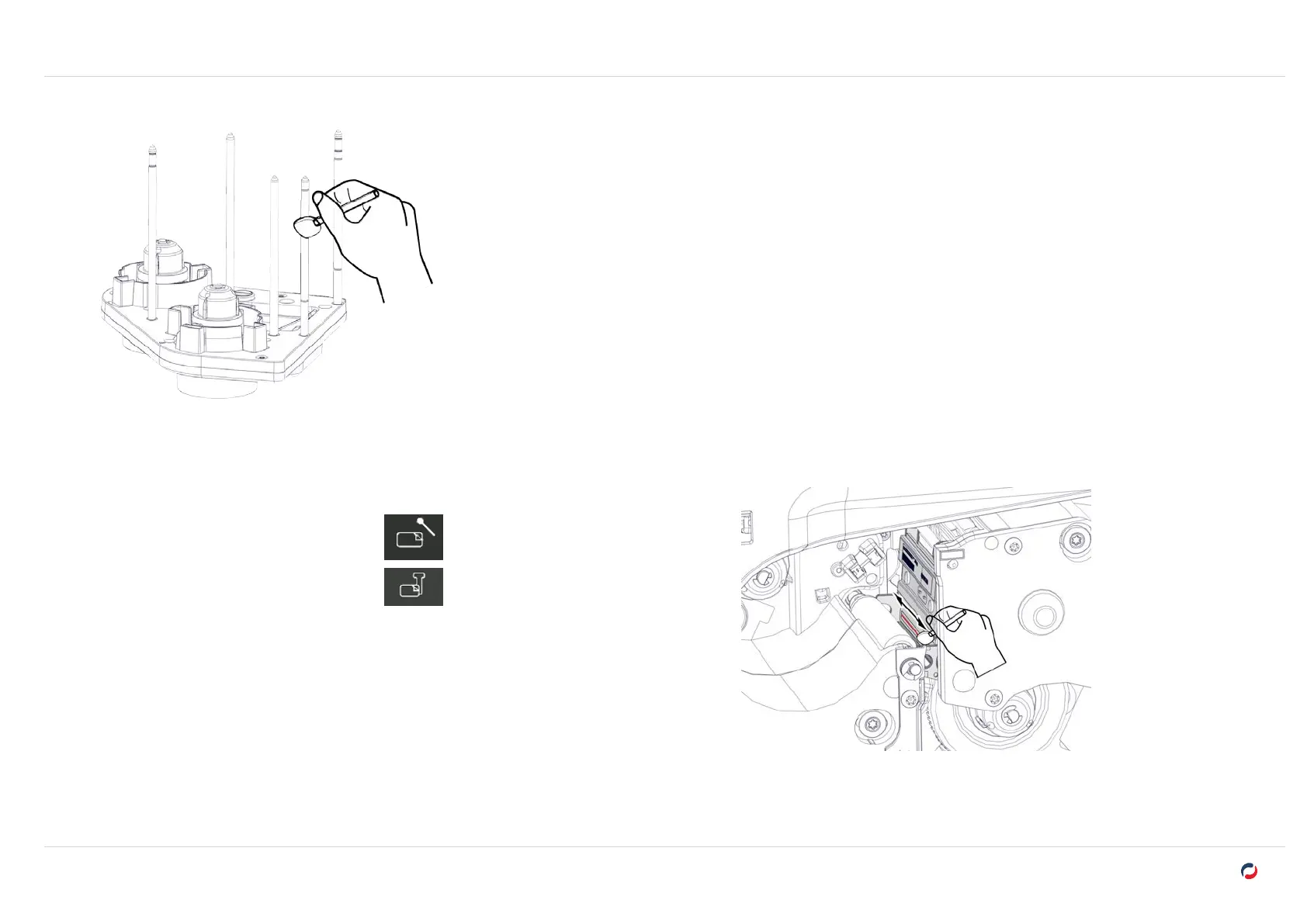
8. Rub all the pins of each cassette.
Cleaning the print head
1. On the LCD touchscreen, click on the icon of the cleaning cycle:
Regular cleaning
Advanced cleaning
2. Open the printer door and locate the print head.
3. With the same swab, rub the black dotted line of the print head (In red here).
4. Close the printer door.



 To Next Page