TECHNICAL REFERENCE MANUAL Dyvi 2.0.7.2
Supervisor 65
Video Standard
The Video Standard can be set when selecting the Video Standard
button.
Note
• The Video Standard setting must be identical for all
Processing Modules contributing to a Production Cluster
(those which have the same Cluster-ID).
• GUI and Control Panel are not affected by the video
standard changes.
If you want to revert the modifications, use the Cancel button and
subsequently use the Main Menu button.
Arguments
Extra parameters for mainframe software can be set by selecting the
Arguments button.
Warning
Do not enter any parameters unless instructed to do so by
EVS Technical Support
Reference Input
You can select here Analog Ref. if the analog reference signal is
connected to I/O Board or use one of the inputs as reference signal.
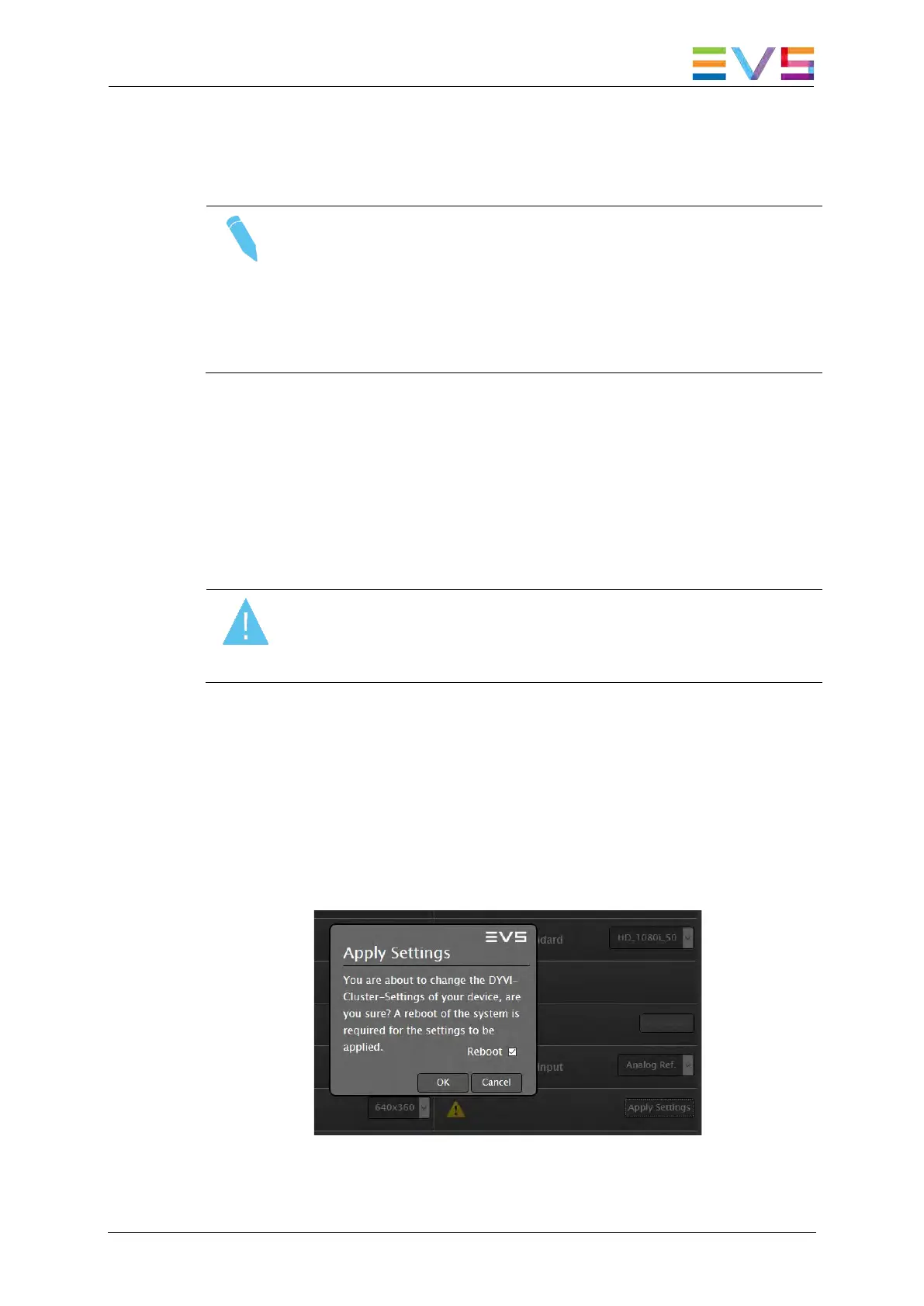
While in the Cluster Settings menu, parameters changed are marked with
an asterisk (*) sign and the Apply Settings button is marked with a yellow
alert. To apply the modified settings, use the Apply Settings button and
confirm with OK in the subsequent dialog box to reboot the system.
Apply Settings: Confirmation Dialog



 To Next Page