3-17VTG 400/400D • Serial Communication
Copy button — Click this button to copy an existing scan rate(s) to the Custom
Rates folder.
Delete button — Click this button to delete an existing scan rate(s) from the
Custom Rates folder.
Set As Current button — Click this button to set the selected scan rate as the
current scan rate.
RGB Sync radio buttons — Click one of these radio buttons to select the desired
RGB sync: RGBHV, RGBS, RGsB, or RsGsBs.
RGB Color Enable check boxes — Click these to enable the desired color(s): Red,
Green, or Blue.
This affects the RGB outputs only.
Select Rates radio buttons — Click De-select or Select to deselect or select all
rates in the current group.
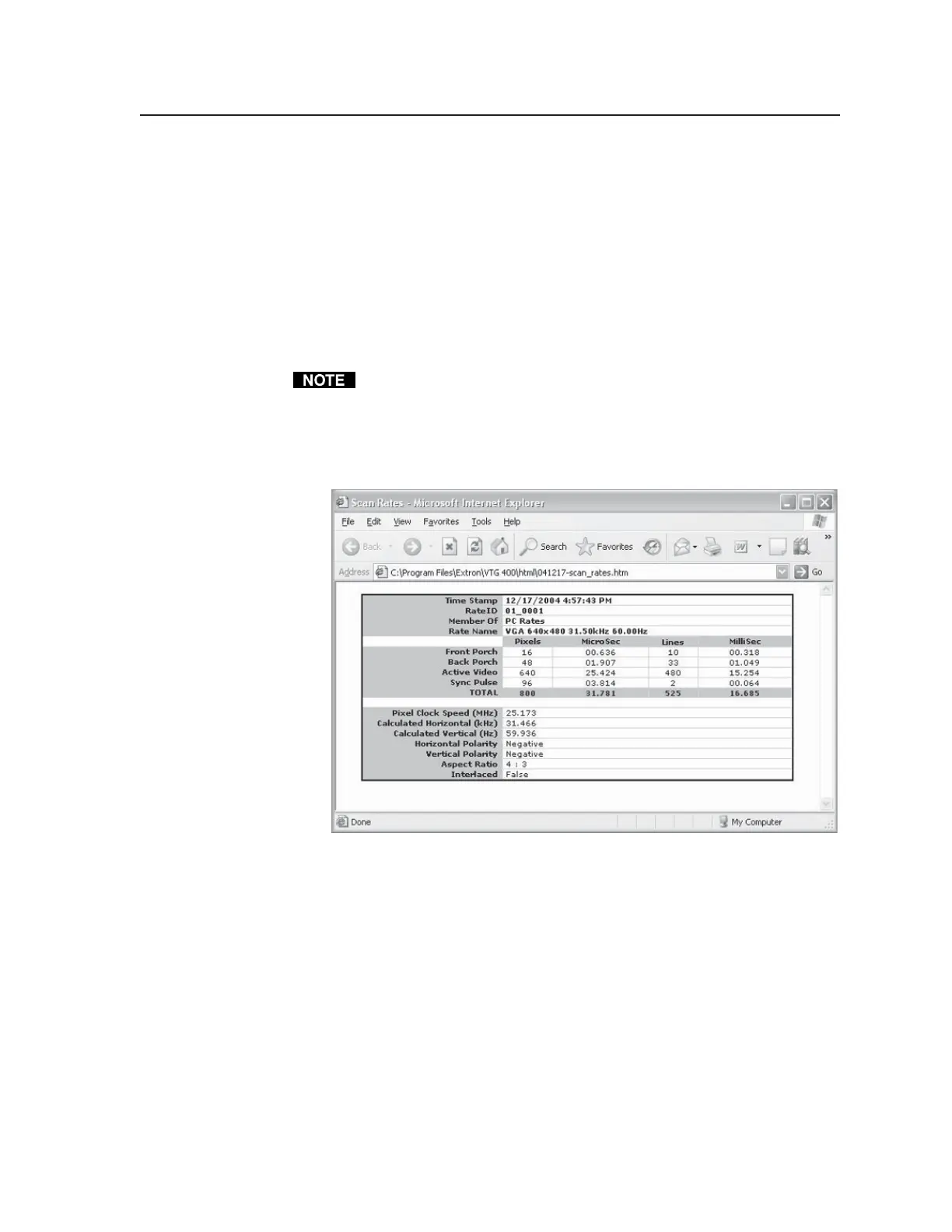
Print button — Click this button to print the selected scan rate(s) using Internet
Explorer. See the following screen sample.
Tel. 07131 911201
Fax 07131 911203



 To Next Page