Festo — EMCS-ST — 2021-03b
12.3 Repair
Repair or maintenance of the product is not permissible.
– Replace with an identical product
è
www.festo.com/spareparts.
13 Replacement
The following components can be replaced
è
www.festo.com/spareparts in the Simplified Motion
Series drive systems.
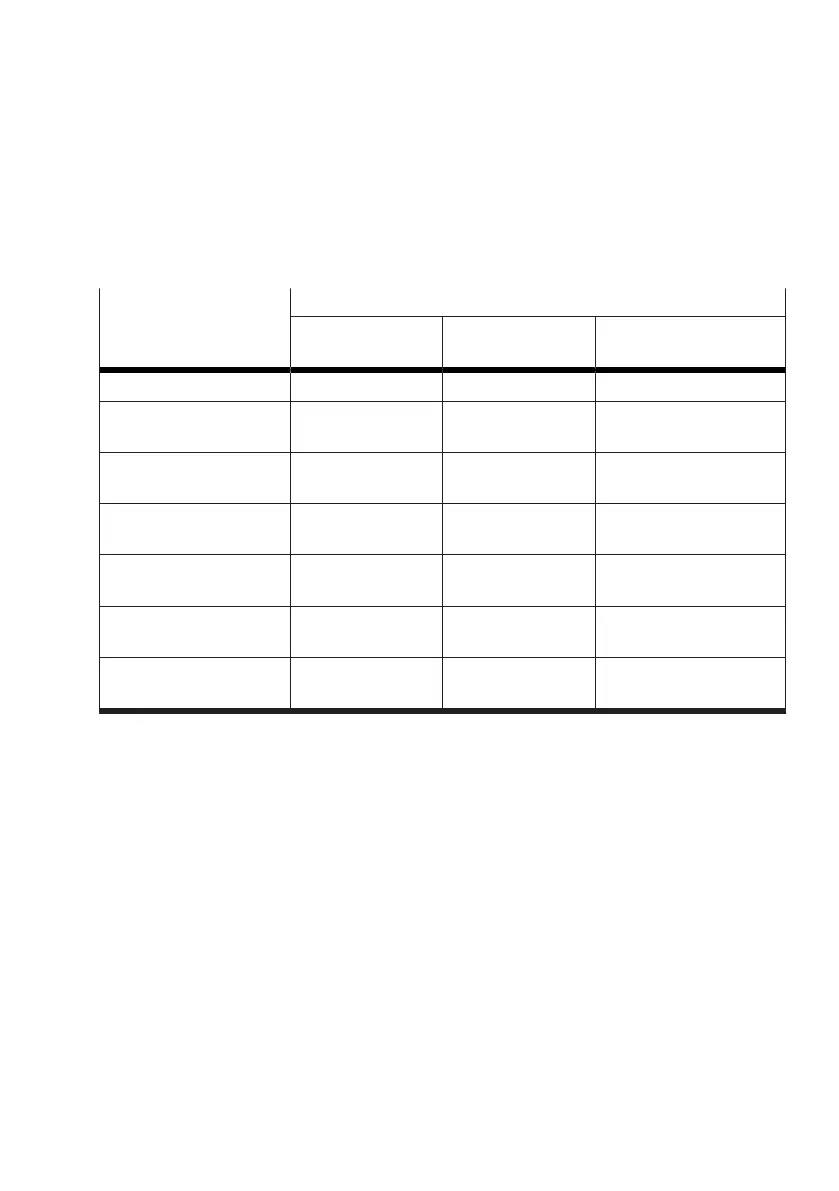
Drive systems
Simplified Motion Series
Spare part
Drive system Drive Motors with integrated
controller
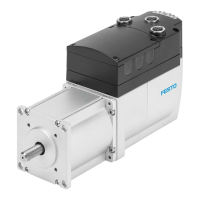
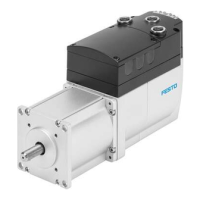
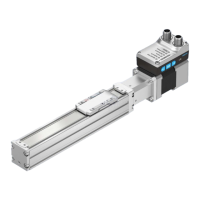
Mini slide unit EGSS-BS z Mini slide EGSC Integrated drive EMCS-ST
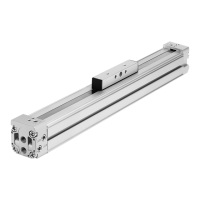
Toothed belt axis unit
ELGE-TB
z Toothed belt axis
ELGR-TB
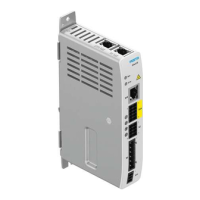
Integrated drive EMCS-ST
Spindle axis unit ELGS-BS z Spindle axis ELGC-
BS
Integrated drive EMCS-ST
Toothed belt axis unit
ELGS-TB
z Toothed belt axis
ELGC-TB
Integrated drive EMCS-ST
Electric cylinder unit
EPCE-TB
Electric cylinder unit
EPCE-TB
z z
Electric cylinder unit
EPCS-BS
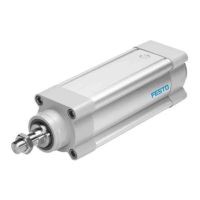
z Electric cylinder
EPCC
Integrated drive EMCS-ST
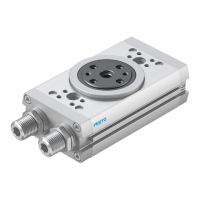
Rotary drive unit ERMS Rotary drive unit
ERMS
z z
Tab. 43: Overview of spare parts
Replace drive system EGSS-BS, ELGE-TB, ELGS-BS, ELGS-TB, EPCE-TB, EPCS-BS or ERMS
Additional information è Instruction manual of the drive system
Replacing integrated drive EMCS-YE-ST/EMCS-YY-ST
1. Save the application parameters to the IO-Link master
è
10.2.3 Data backup (Data Storage)
2.
Remove the defective integrated drive EMCS
è
14 Disassembly
3.
Mount the new integrated drive EMCS
è
1.1 Applicable documents
4. Connect the integrated drive EMCS
è
8 Installation
5. Commission the drive system
è
9 Commissioning
6. Update the parameter set (only required for EMCS-YY-ST)
è
10.2.2 Parameter set
7.
Update the firmware (optional)
è
10.2.1 Firmware
8.
Download the application parameters from the IO-Link master
è
10.2.3 Data backup (Data
Storage)
Replacing drive EGSC, ELGC-BS, ELGC-TB, ELGR-TB or EPCC-BS
1.
Save the application parameters to the IO-Link master
è
10.2.3 Data backup (Data Storage)
2.
Disassemble the drive system
è
14 Disassembly
3.
Remove the defective drive
è
14 Disassembly




 To Next Page