Festo — EMCS-ST — 2021-03b
4. Mount the new drive
è
1.1 Applicable documents
5. Mount the drive system
è
1.1 Applicable documents
6. Connect the integrated drive EMCS
è
8 Installation
7. Commission the drive system
è
9 Commissioning
8. Update the parameter set (only required for EMCS-YY-ST)
è
10.2.2 Parameter set
9. Update the firmware (optional)
è
10.2.1 Firmware
10. Download and install the application software of the IO-Link master
è
10.2.3 Data backup (Data
Storage)
14 Disassembly
WARNING
Unexpected movement of components.
Injury due to impacts or crushing.
• Before working on the product, switch off the control and secure it to prevent it from being switched
back on accidentally.
WARNING
Risk of Injury due to Unexpected Movement of Components
For vertical or slanted mounting position: when power is off, moving parts can travel or fall uncon-
trolled into the lower end position.
• Bring moving parts of the product into a safe end position or secure them against falling.
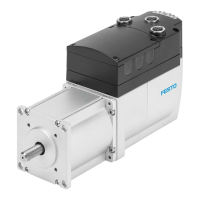
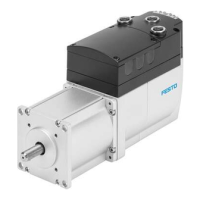
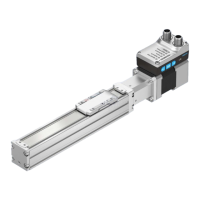
Disassembling the integrated drive EMCS
1.
Allow the product to cool down to room temperature.
2.
Disconnect electrical installations on the EMCS.
3. Remove EMCS from the mounting kit.
4. Observe transport information
è
6 Transport and storage.
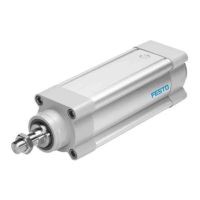
Disassembling the drive
1.
Allow the product to cool down to room temperature.
2.
Disconnect electrical installations.
3. Remove the mounted attachment component.
4. Remove the attached accessories.
5.
Remove the integrated drive and mounting kit.
6.
Remove the mounting attachments.
7. Observe transport information
è
6 Transport and storage.
Disassemble drive system
Disassemble drive system è Instruction manual for drive system
è
www.festo.com/sp.
15 IO-Link
15.1 Device description file IODD
The boot time of the integrated drive EMCS-ST is 7 s (deviation from the IO-Link specification)




 To Next Page