TROUBLESHOOTING 125
• Motherboard, including components and traces, appears
undamaged, and no foreign objects are evident.
• CPU is present, well-seated, and appears undamaged.
• CPU cooling assembly is well-aligned and firmly attached.
• Each fan required (including fan cable) is well-positioned
(not upside down), installed in the correct connector, and
appears undamaged.
• Boards required on the motherboard are present, well-seated,
and in the correct slots.
• Each DIMM is well-seated.
• Battery is installed.
• BIOS is well seated.
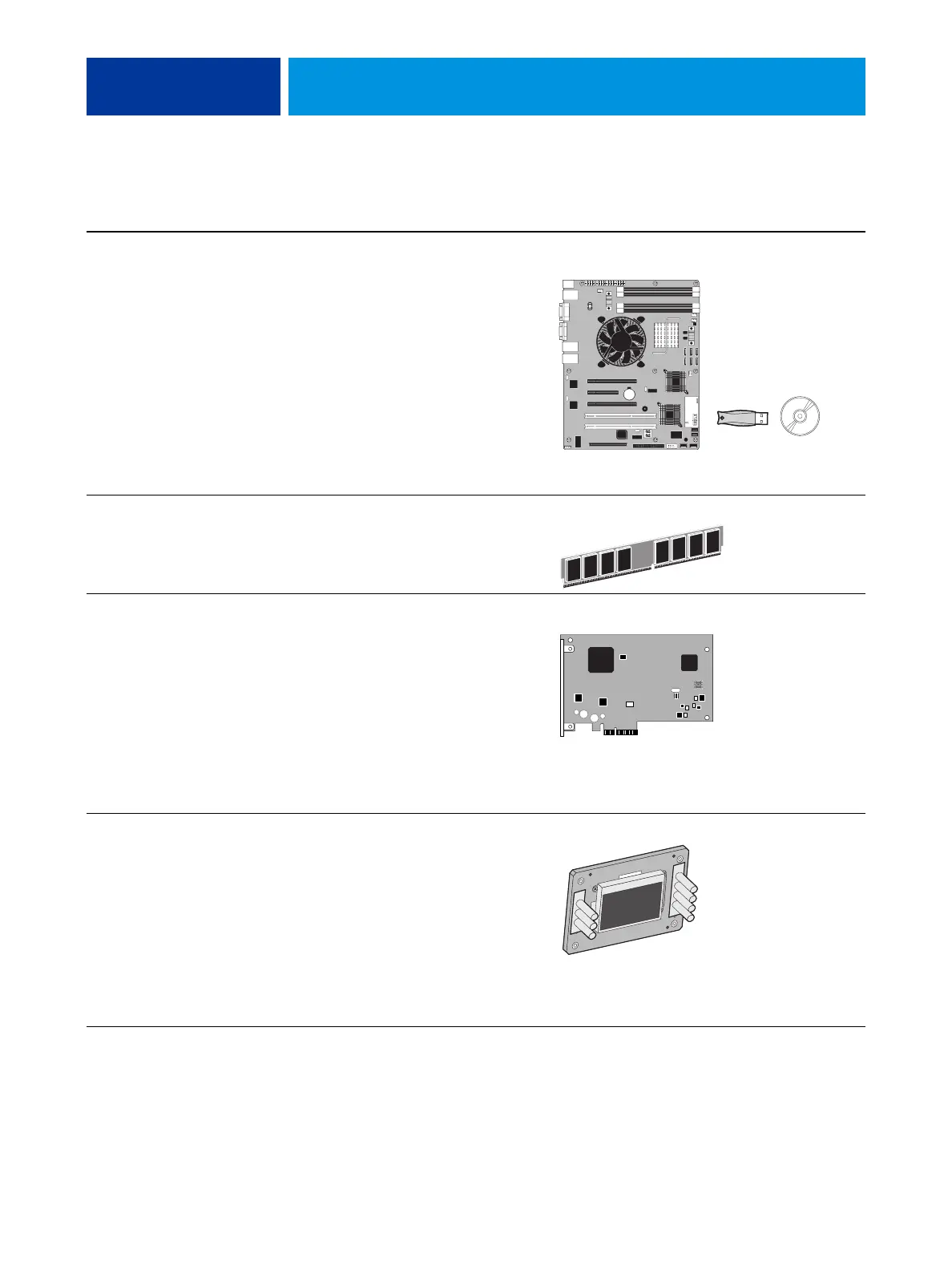
Motherboard (with the Fiery Options Utility and
one-time use dongle), page 61.
• Each DIMM is well-seated.
• DIMM edge connectors are not oxidized.
DIMMs for E-41, page 77
Each board required is:
•Present
• Installed in the correct slot
• Well-seated
• Appears undamaged
Required cables (if applicable) are:
•Present
• Firmly connected in the correct connectors
• Not visibly damaged
Video board, page 56
User Interface Board (UIB) is:
•Present
• Correctly attached to its bracket
• Appears undamaged
UIB cable is:
•Present
• Firmly connected in the correct connector on the
motherboard and the back of the UIB
• Not visibly damaged
User Interface Board page 58
TABLE 2: Verifying the system
Conditions to verify Part and additional page references
J40
JP4
JP1
CMOS
Power
Speaker
Reset
1
1
17
32
2
18
IMPORTANT: When
replacing the motherboard,
carefully review the
cautions on page 65.



 To Next Page