INSTALLATION 27
6. Give the media pack to the customer or network administrator.
Let the customer or network administrator know that in order to take full advantage of the
E-41, the user software must be installed on computers that will print to the E-41.
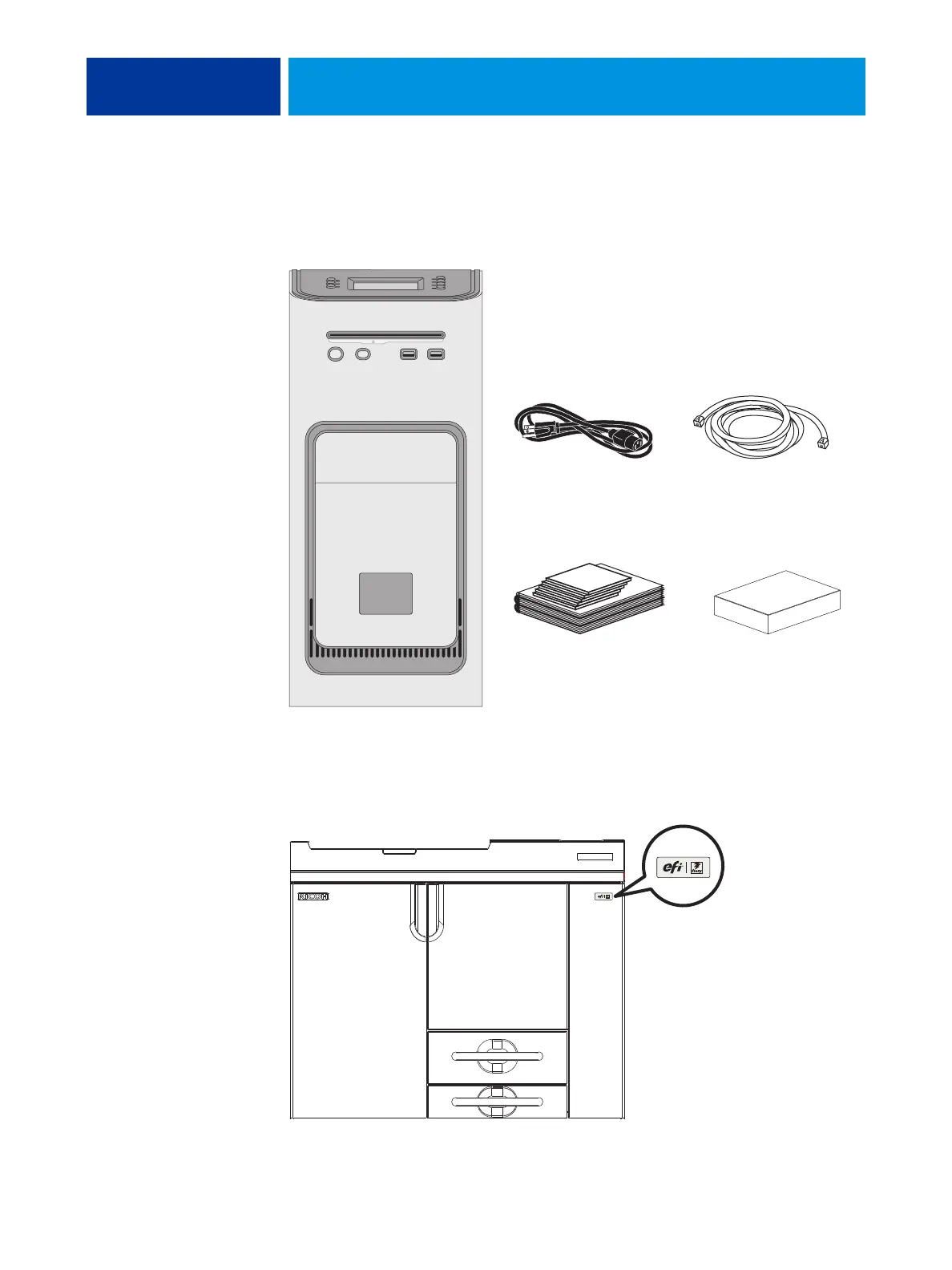
FIGURE 4: E-41 shipping contents
7. Locate the EFI/Fiery decal in the shipping container and affix it to the copier/printer as
shown.
FIGURE 5: Affixing the decal to the copier/printer
Copier/printer interface cable
(Ethernet crossover, 39.3 ft.)
Power cables (x5)
Customer media pack Customer Kit
EFI/Fiery decal



 To Next Page