INSTALLATION 24
Checking the customer site
Before you install the E-41, check site conditions and inform the customer of any installation
requirements.
Copier/printer readiness
Is the copier/printer configured for use with the E-41?
Is space available near the copier/printer for the E-41?
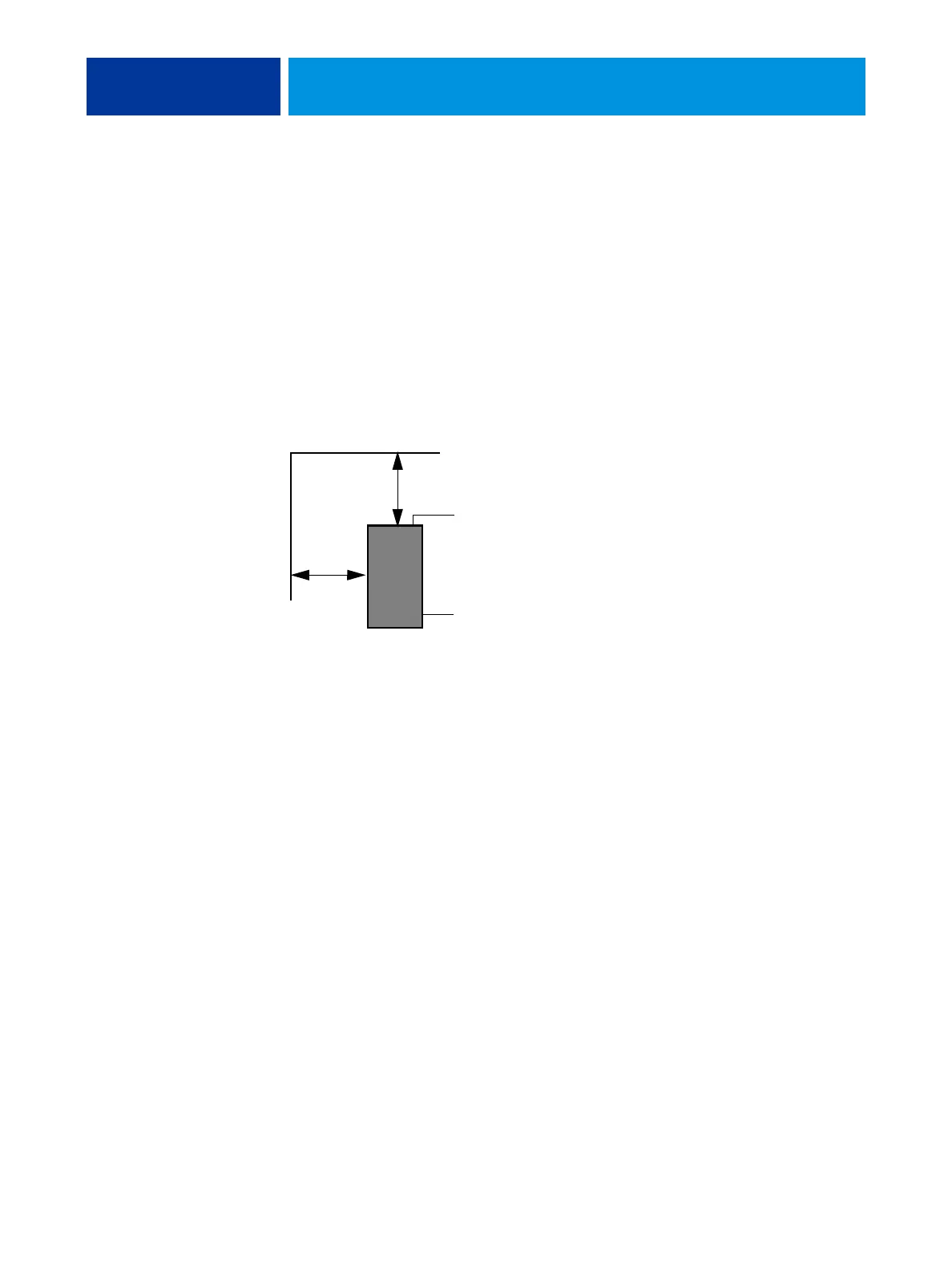
Make sure that adequate space is available for the E-41. Allow enough space at the back panel
for the cables to route easily and at the side panel so that the E-41 does not interfere with use
of or service to the copier/printer (such as clearing a paper jam). You may need to move the
copier/printer away from the wall so that the interface connectors are accessible.
Does the copier/printer require service or adjustments?
Print the copier/printer Test Page before you install the E-41.
If the image indicates that the copier/printer needs adjustment, inform the customer.
After getting approval, complete the necessary copier/printer service.
Power
Is a dedicated, grounded electrical outlet for the E-41 available near the copier/printer?
Locate the grounded electrical outlet that will supply power to the E-41. Do not run the E-41
and the copier/printer on the same circuit. Use a surge suppressor for the E-41 if the customer
has provided one.
• Do not use a 3-prong adapter in a 2-hole ungrounded outlet.
• Do not use an extension cord.
• Do not plug the E-41 into a circuit with heating or refrigeration equipment (including
water coolers).
• Do not plug the E-41 into a switchable wall outlet. This can result in the E-41 being
turned off accidentally.
• Do not pull on the cable when unplugging the E-41. Pull the plug instead.
Back panel
Side panel
20cm+ (8 in.)
E-41
20cm+ (8 in.)



 To Next Page