SERVICE PROCEDURES 85
Clearing the CMOS
Clear the CMOS after installing a new motherboard, CPU, DIMM, or DVD drive to ensure
compatibility between the new component and previous settings stored in the BIOS.
TO CLEAR THE CMOS
1. Shut down, and then open the E-41 (see pages page 49 and page 51).
Make sure to remove the AC power cable from the power outlet before opening the E-41 and
clearing the CMOS.
2. Remove the battery (see page 84).
3. Wait 2 minutes to allow the motherboard electrical components to fully discharge.
4. Reinstall the battery (see page 84).
5. Reassemble the E-41 and verify its functionality (see page 104).
6. Reset the time and date in Setup (see Configuration and Setup).
Failure to configure the time and date will cause the E-41 to hang when user software is being
installed on the E-41. (See page 136.)
Jumpers
This section lists the factory default configuration for jumpers on the motherboard.
Jumper configurations should not be changed.
Jumper Description
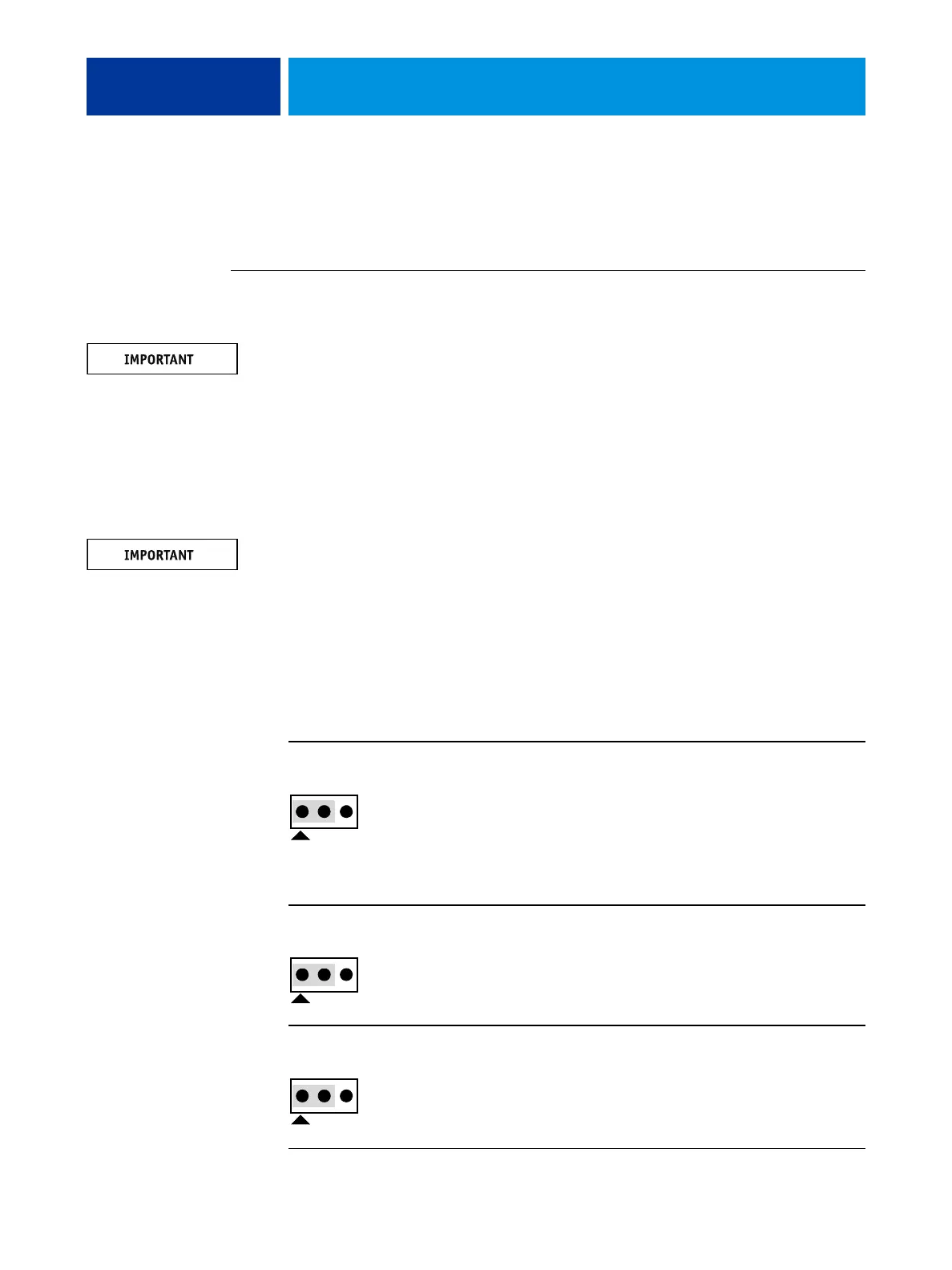
JP1
JP1 is the Clear CMOS and Password jumper.
Default configuration: jumper cap installed on pins 1 and 2.
NOTE: Because JP1 is not easily accessed on the motherboard and the
jumper cap is very small, it is not necessary—and could introduce an
error—to remove the jumper cap in order to clear the CMOS settings.
Instead, clear the CMOS by denying power to the motherboard, as
described earlier.
JP2
The jumper cap on JP2 should not be removed.
Default configuration: Jumper cap installed on pins 1 and 2.
J2
The jumper cap on J2 should not be removed.
Default configuration: Jumper cap installed on pins 1 and 2.
Pin 1
Pin 1
Pin 1



 To Next Page