SERVICING THE E-41 WITH FURNITURE 154
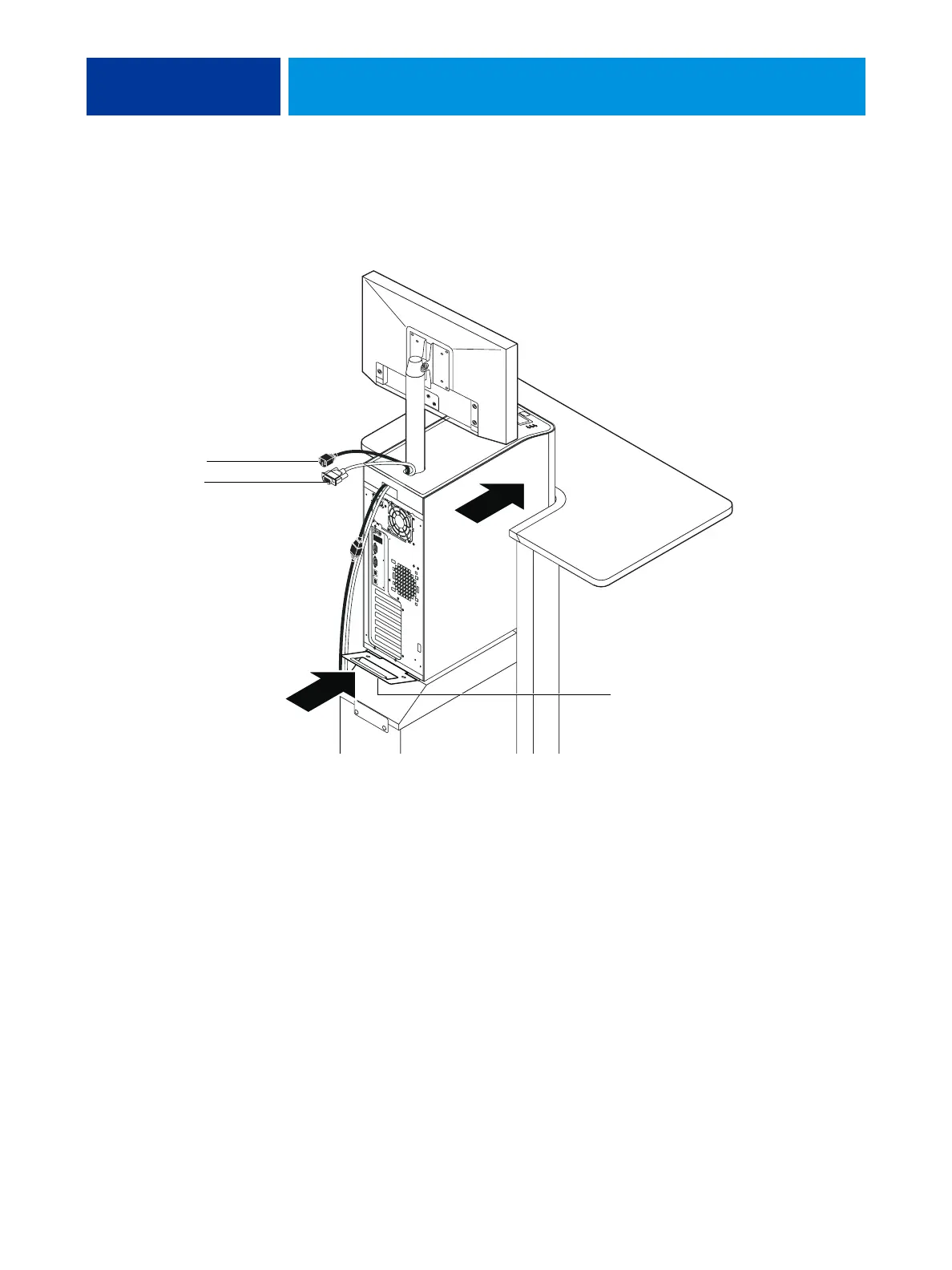
6. Use the handle on the stability bracket to lift the rear of the E-41. Slide the E-41 all the way
forward into the stand. Lock the E-41 into place with the two thumbscrews that you removed
earlier.
7. Connect the two monitor cables (power and video):
• Power—to the back of the monitor and to the wall outlet
• Video—to the back of the monitor and to the back of the E-41
Stability bracket (lock into
place with two thumbscrews)
Video cable
Power cable



 To Next Page