65
REV. 00 02/01/2015
id.:
4
CBV STANDARD MODE FUNCTIONS FOR THE FOREMAN ONLY
4.5 MACHINE DIAGNOSTICS
The operator may access these functions only if requested, and under the supervision of the technical
assistance service.
4.6 SYSTEM DIAGNOSTICS
The operator may access these functions only if requested, and under the supervision of the technical
assistance services.
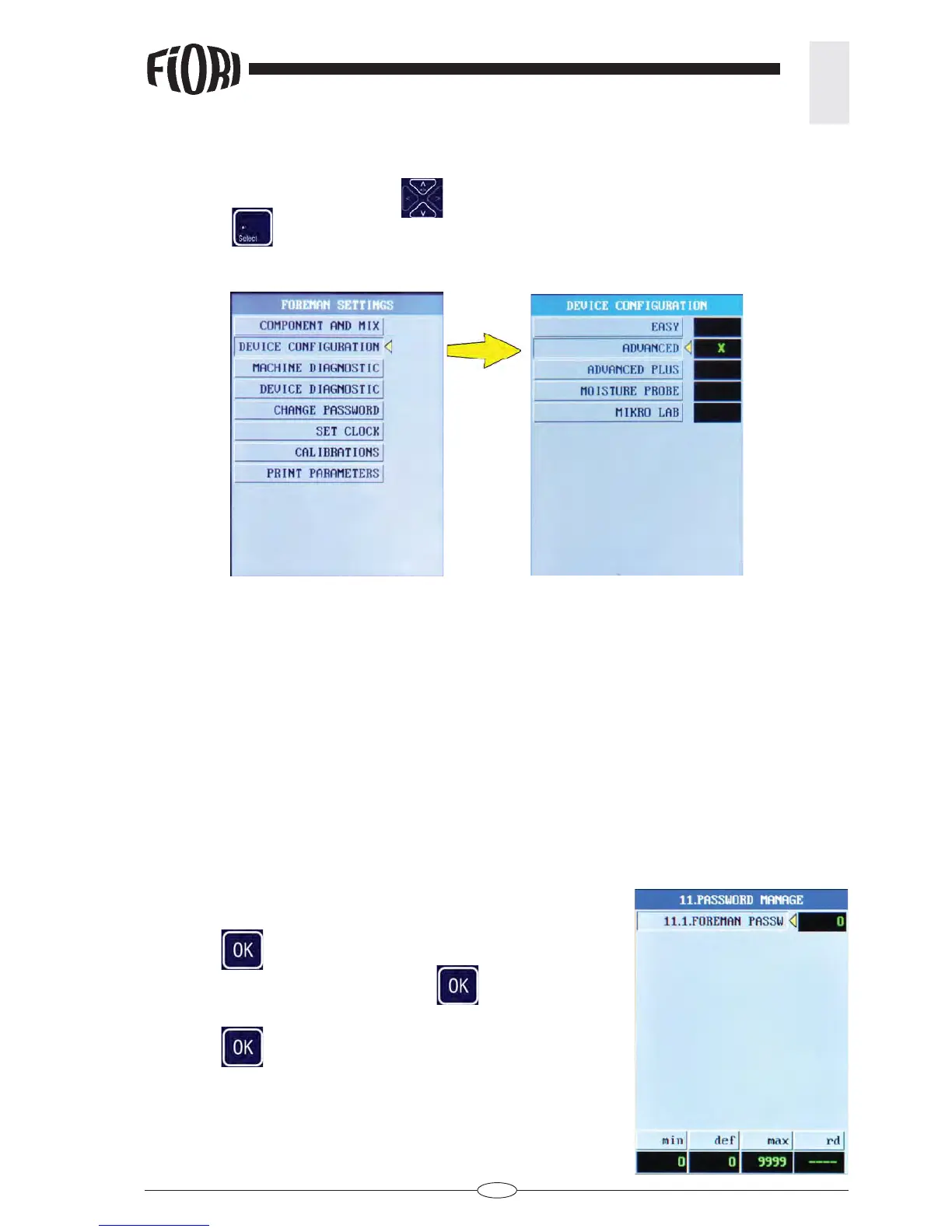
4.7 PASSWORD CHANGE
Change the foreman password (the default password is set to 0)
- Press OK
to access the page.
- Select “FOREMAN PASSW” and press OK
.
- Type the new password.
- Press OK
to confi rm.
4.4 SYSTEM CONFIGURATION
Scroll UP/DOWN with the arrow keys until the desired operating mode is reached, then press the
SELECT key
.



 To Next Page