25
FERITSCOPE® DMP30 Guide
4 Guide
All relevant settings for measuring and the mea-
sured readings themselves are saved in the gauge in
a file. Such a file is called a batch. In order to mea-
sure, you must assign to the batch a calibration (ref-
erence) that is saved in the connected probe.
In the batch, you define the measurement procedure,
e.g. whether specification limits are to be monitored
during the measurement or whether the measured
readings are to be acquired in measured reading
block groups.
3 steps to the measurement
1. Start-up the gauge
- Insert/charge the battery, 26
- Connect the probe, 30
- Switch on the gauge: press the [ ] key for
approx. 2 s.
2. Open a batch or create a new one
- Open a batch: > Batches > OK > select the
desired batch from the batch list > OK
- Create a new batch, 34
3. Take measurements on the specimen, 42
If the specified precision is not achieved during
the measurement, you must check the calibration, 65.
Batch 004
No. 6 n 3
66.81 s 4.77
Min 61.8 Max 71.3
x
73.3
FN
55.0
BLOCK
75.0
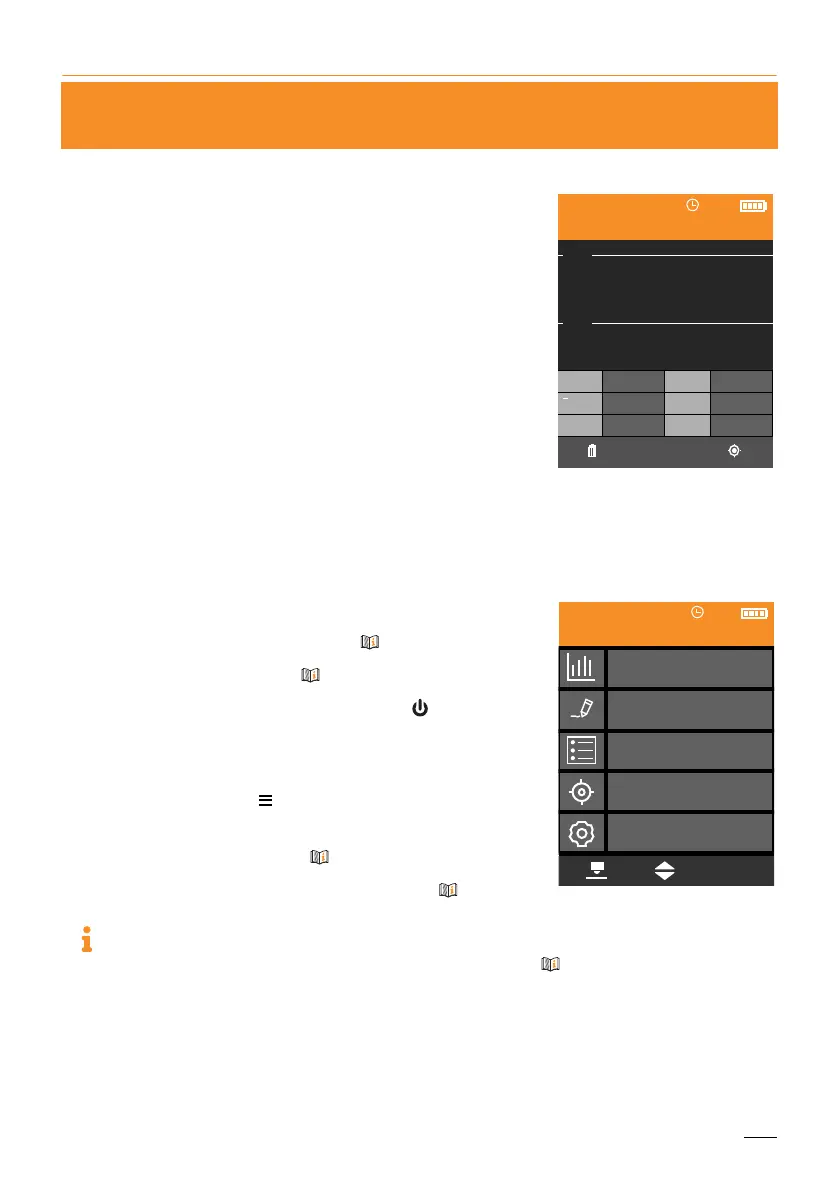
Example of the Measurement
view showing statistics with
set specification limits
OK
Statistics
Batch Modify
Batches
Calibrations
Gauge Settings
Batch 001
Main menu (example: Batch
001 is open)
[ ]














 To Next Page