Flexball Italiana S.r.l. 40
10. Electrical installation
Extreme care must be paid during electrical installation of supply and motor cables.
Supply cable
For a correct wiring of the supply cable see section 10.1.1. To check that the cabling is done properly,
connect the supply cable on the actuator and switch-on. If the display is lighted, the cabling is correct,
otherwise it is presumable that you must invert the cable polarities.
In case of installations with 2 actuators repeat the same procedure separated on each actuator (check that
both displays light on) before connecting all the other cables onto the actuators.
Motor cables
Almost all the cables are provided with connector and it is very easy to identify the cable type, its function and
define where to mount it: connectors have different polarization, therefore it is almost impossible to mount a
cable in the wrong position.
When mounting the electronic motor cable on the actuator take care to insert the M12 connector on the
actuator panel mounting counterpart. Rotate then the ring until the cable enters into the counterpart M12. If
the cable has been inserted correctly, it must be possible to screw completely by hand the cable without too
much efforts. For further explanation look at section 6.
10.1. Wiring of actuator output cables
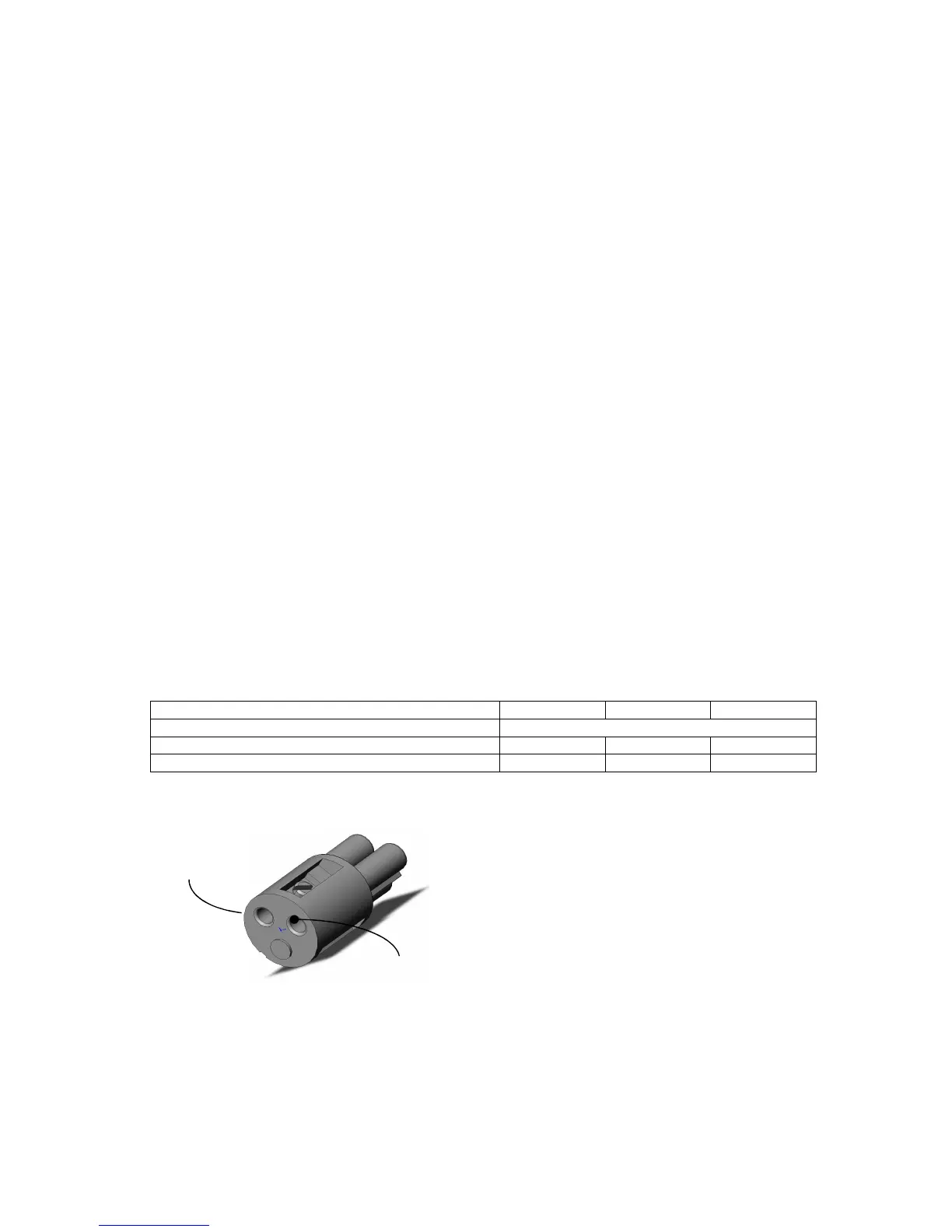
10.1.1. Cabling of the supply connector
Supply voltage 12 V 24 V 12/24 V
Internal fuse (on the PCB) 3,15 A
Wall fuse 6,15 A - 6,15 A
Current absorbed in no loaded condition 0,5 A 0,25 A 0,5 A (max)
GND – it is
Vdc (the plug is marked
with red)
Each actuator is delivered with an external supply
plug that must be cabled during the installation of
the system on the boat.
Important: take care to connect properly the
polarity of the cables (supply is marked with a
red sign).



 To Next Page