Victor Xu Page 20 12 Jan. 2011
Copyright 2011 © Shenzhen Runtianzhi Image Technology, Co., Ltd.
http://www.floradigital.com
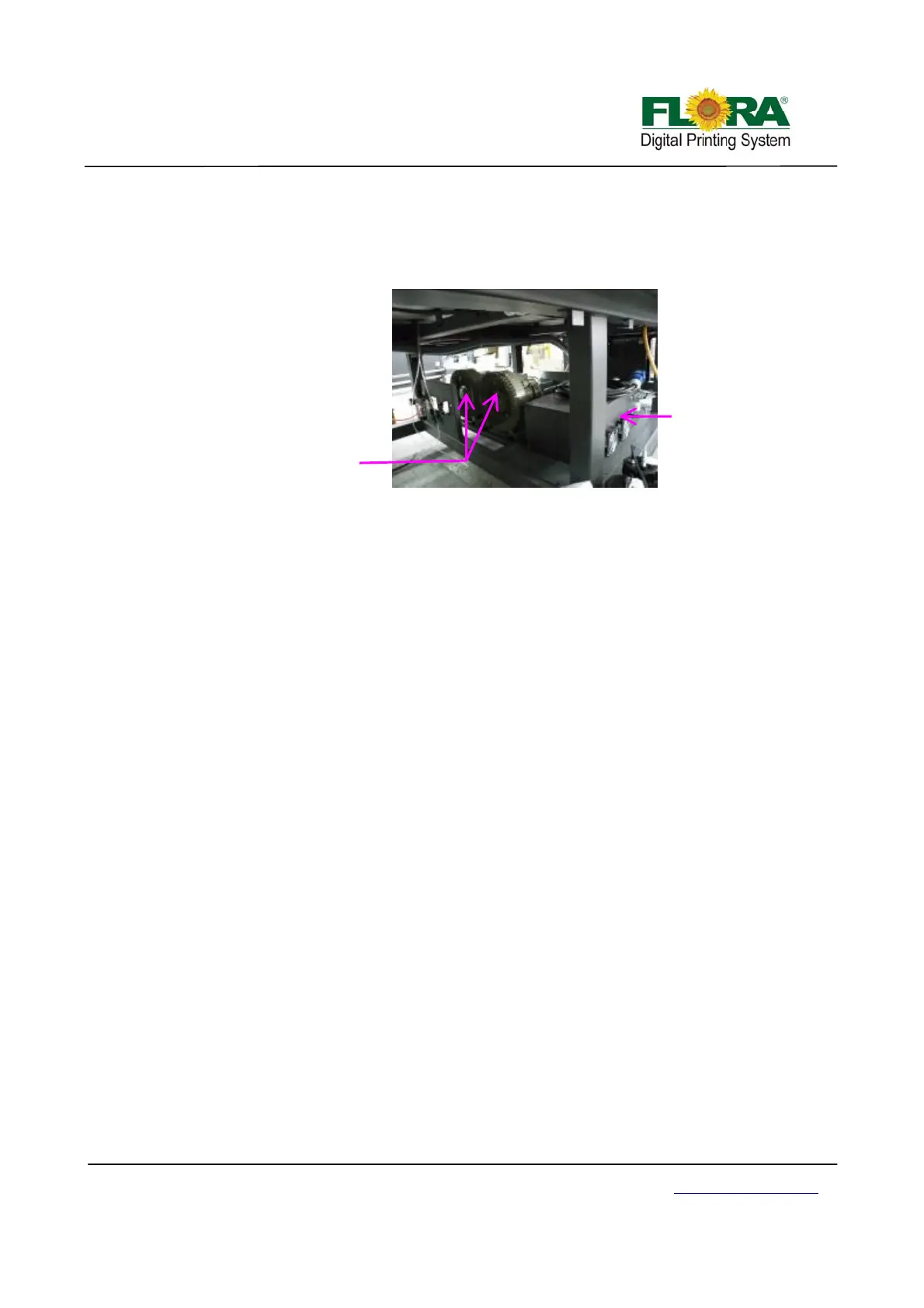
3.8 UV Power Supply & Vacuum Pump
The UV power supply provides power to UV lamps and the intensity of light can be adjusted to
Low or High. While the Media suction pumps provide suction on the flat bed to hold the media in place
while printing is on progress. Vacuum manifold enhance the suction strength.
2.5 Starting the printer
1. Make sure there is no media or materials on top of conveyor belt specifically along the path
of carriage during printing.
2. Plug the machine power cord to the electrical power source outlet.
3. Check and reset all emergency stop buttons.
4. Turn on the circuit breaker, leaving the breaker for the vacuum pump turned off.
5. Turn on the computer and plug the Dongle if necessary.
6. Press the machine start button.
7. Open the maintenance compartment door to show the print head carriage status.
8. Open the negative pressure shut-off valves both at the front and back.
9. Activate the ink prime toggle switch.
10. Press the on line/off line button on the control panel to disconnect the machine from PC.
11. Press maintenance button, this will automatically start the suction cleaning of the print heads.
12. Test the movement of the printer by moving the carriage using the operation panel. Left, right,
forward and backward, to check mechanical functionality.
13. When everything is verified to be functional, set the printer to on line by pressing the on
line/off line button.
14. Open the Photoprint software and machine is ready for operation.
UV power supply
Vacuum pump



 To Next Page