Victor Xu Page 55 12 Jan. 2011
Copyright 2011 © Shenzhen Runtianzhi Image Technology, Co., Ltd.
http://www.floradigital.com
Chapter 6 -Operation manual of Flora PP 2512UV
6.1 Brief Introduction
This chapter introduces the details of operating the operating instructions of the machine from
starting up to shutdown procedure.
6.2 Starting-up Activities
It is highly recommended to do housekeeping before starting to operate the machine. Maintaining
good housekeeping helps improve the quality of the output as well as the safety of operator. Below is
the check list of activities that operator should do prior to operation of the machine.
9 Turn on the ventilating and lighting system inside the printing room.
9 Check and clear for any traces of ink spillage on the machine and the floor.
9 Check if the Waste Ink Bottle is already full and replace if necessary
9 Check if there is enough inks for printing and flush solution for cleaning the print head.
9 Check and ensure that the printing platform along the print head carriage path is free from
loose parts or obstructing object
9 Turn on the Main Power Switch and power-on the PC.
9 Turn on the Printer Power
9 Check the Negative Pressure setting
9 Perform Ink Priming procedure on the Print head
6.3 Print head Jetting Check
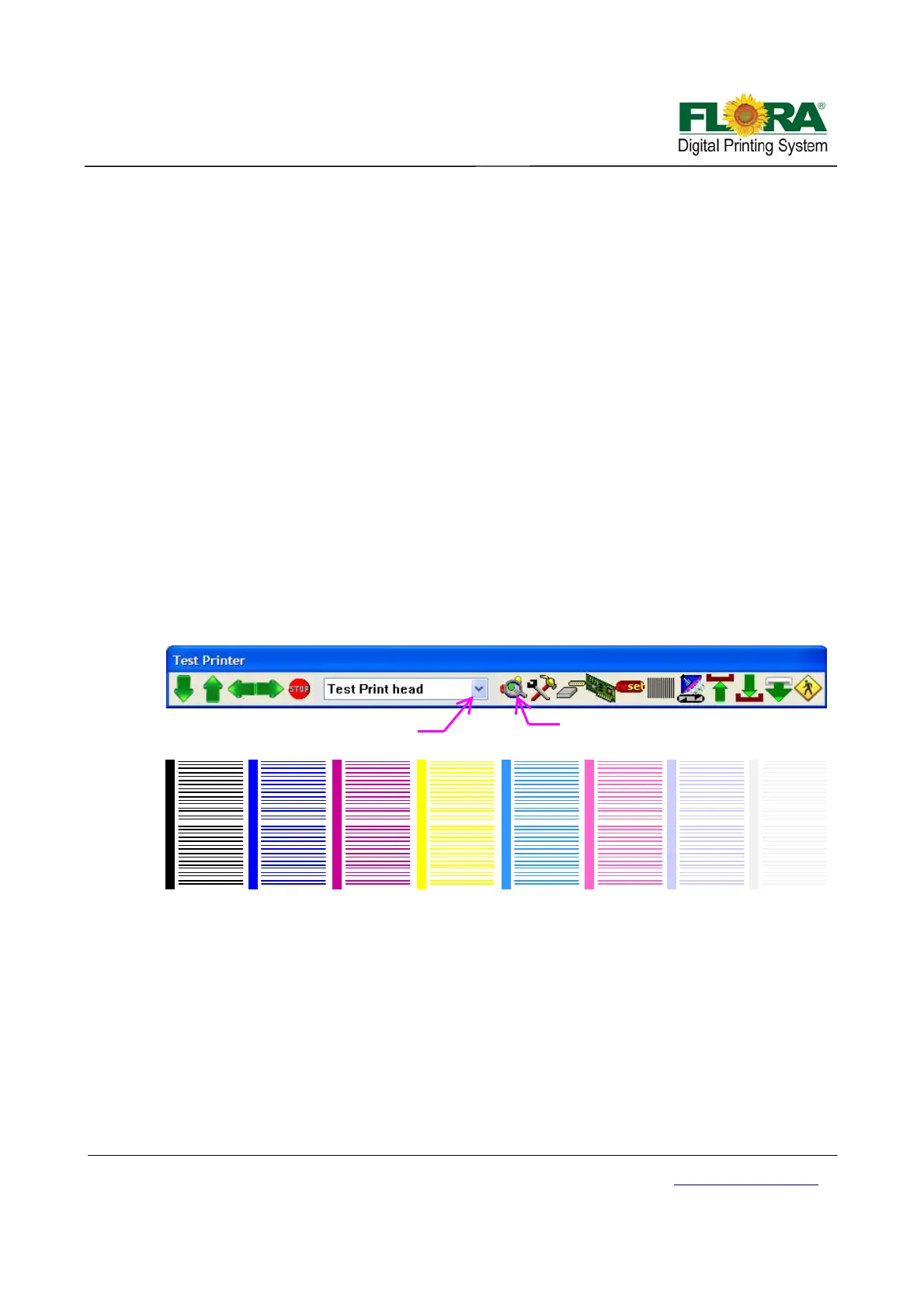
Check the jetting status of each Print head periodically before, during and after using the machine.
Note:
Please take note that all print heads must print the same. If not, do purge or flush the print
heads.
6.4 Operational approach of PhotoPrint
6.4.1 PhotoPrint Job Folder
Figure below shows the current job list and statuses, the printer model, add job icon and
other printing instructions. It is divided into three queues:
Printing job queue shows the jobs that are currently printed and those queued for printing.
Ripping job queue shows the jobs that are under ripping process, have completed the ripping
process and those ready to be sent for printing.
Click this to send test
rint head
Select Test Print Head
K1 M1 C1 Y1 V1LM1
K2 W2 C2 Y2 V2LM2M2
LC1
LC2
W1



 To Next Page