830
Users Manual
102
Note
The “Measurement options” screen is accessible only when all necessary
machine dimensions, in the currently opened measurement le, have been
entered.
Using the navigation keys, highlight the required measurement mode, and then
press
ENTER
to conrm selection.
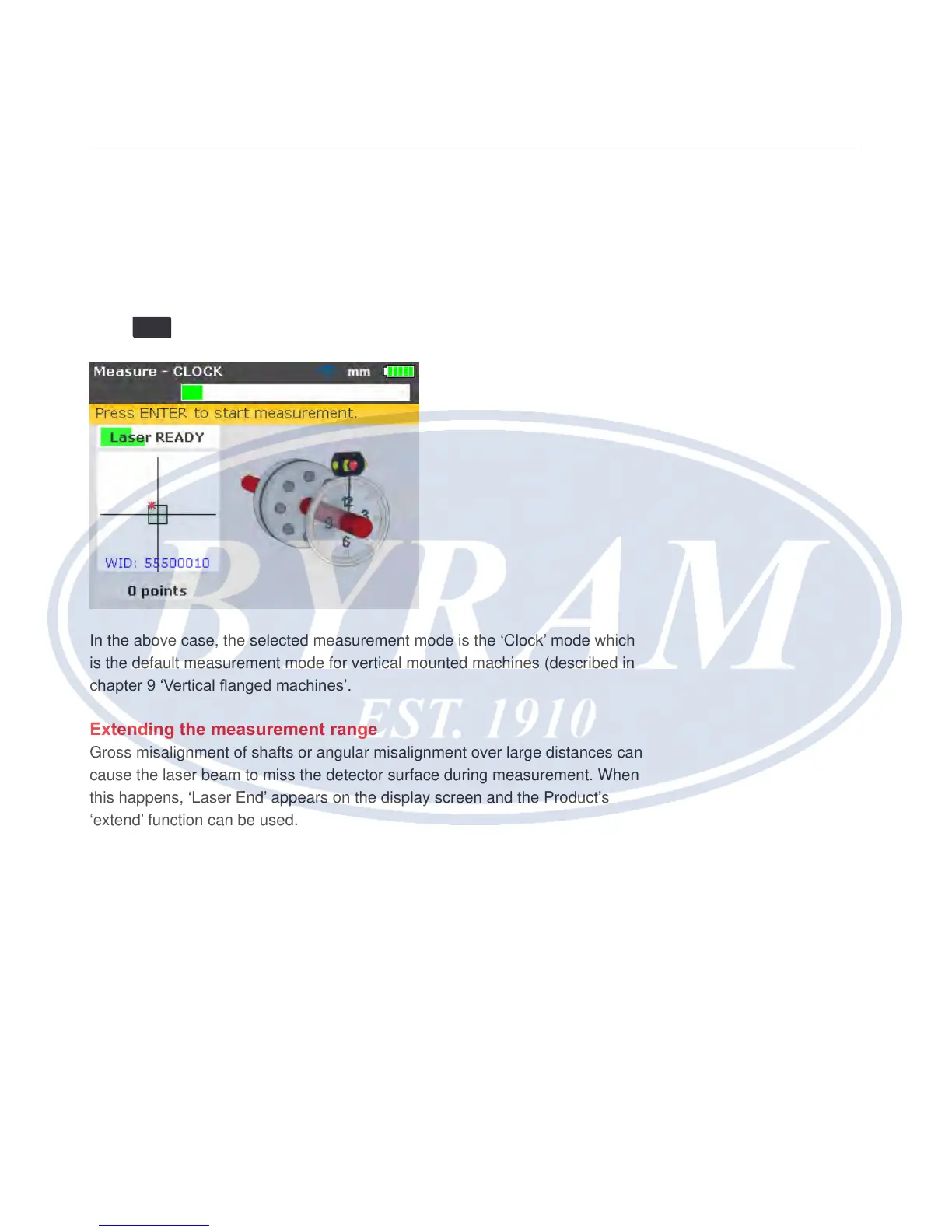
In the above case, the selected measurement mode is the ‘Clock’ mode which
is the default measurement mode for vertical mounted machines (described in
chapter 9 ‘Vertical anged machines’.
Extending the measurement range
Gross misalignment of shafts or angular misalignment over large distances can
cause the laser beam to miss the detector surface during measurement. When
this happens, ‘Laser End’ appears on the display screen and the Product’s
‘extend’ function can be used.
1. When measuring and ‘Laser End’ message appears, rotate the shafts
backwards until the laser beam re-enters the measurement range. The
message ‘Laser READY’ reappears on the display.



 To Next Page